
Update · Scenery & Weather
The Flight Board Clatters
Every flap that turns on the flight information board now makes the old clack-clack-clack, with an on/off button.
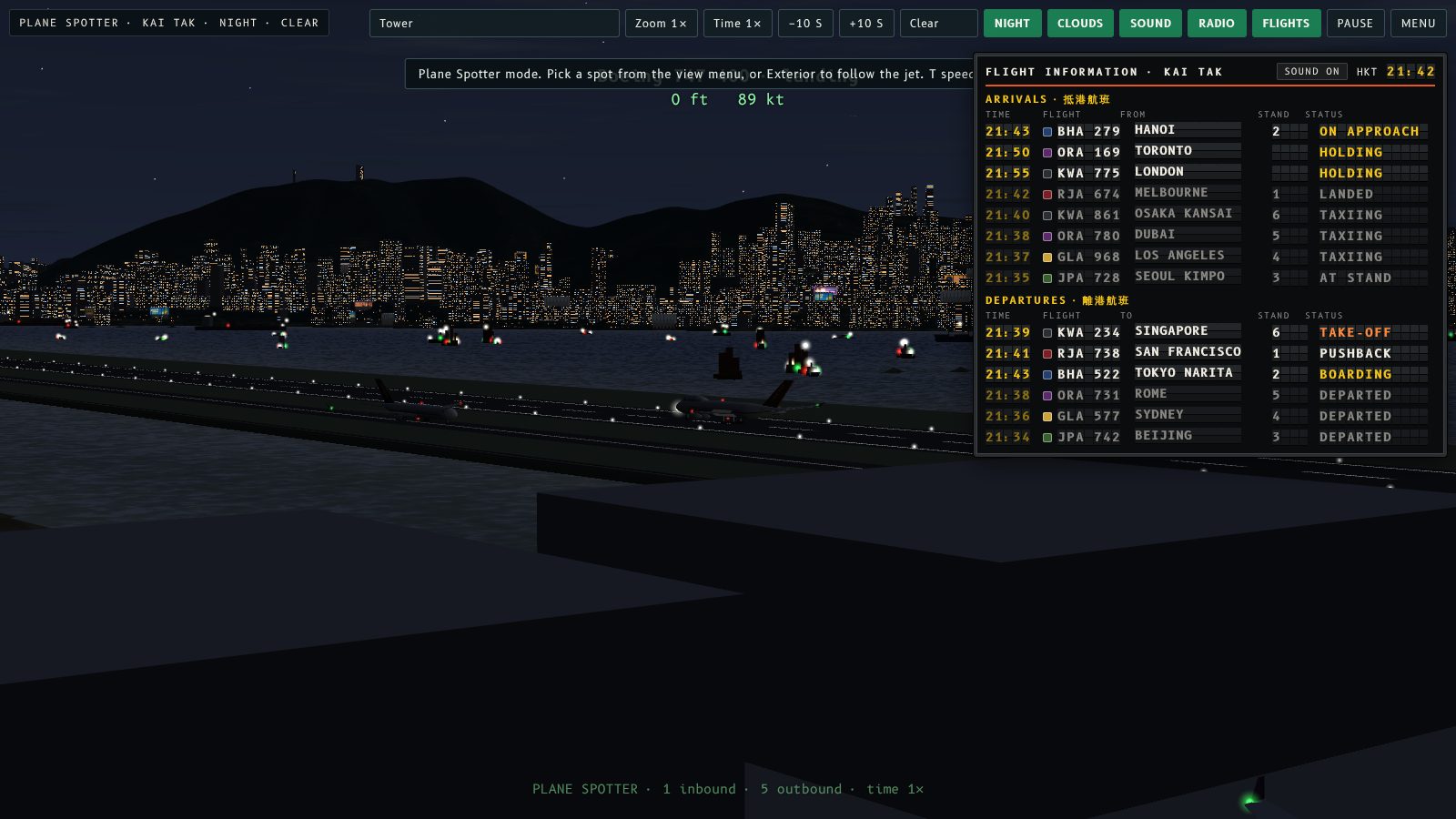
The flight information board now clatters. Every time a letter flips on the split-flap board, you hear the old mechanical clack-clack-clack of the flaps turning over.
When it plays
The sound plays whenever flaps change: a flight moves from Boarding to Pushback, an arrival lands, a new flight takes over a row, or the clock moves on a minute. A few flaps give a few clicks, and a big change gives a long clatter. It plays on the home screen and in Plane Spotter.
Switch it on or off
Click the Sound on / Sound off button at the top of the board. The choice is saved in your browser and works on the home screen and in Plane Spotter. The board sound also follows the main Sound button: with Sound off in the sim, the board is silent too.
Browsers keep audio locked until you click or press a key, so on the home screen the board starts clacking after your first click.
Try this
Switch the language with the EN / 粵 button on the home screen. Every letter on the board changes at once, so you get the full clatter.
航班資訊板而家有聲音喇。每次翻牌板上嘅字母轉,你都會聽到舊式機械翻牌「咔、咔、咔」嘅聲。
幾時會響
只要翻牌轉動就會響:航班由「登機中」變做「推出機位」、抵港航班降落、新航班接手一行,或者時鐘過咗一分鐘。轉幾塊牌就響幾下,大批牌一齊轉就會響成一串。主畫面同觀機模式都有。
開關聲音
㩒資訊板最上面嘅 Sound on / Sound off(廣東話版係「翻牌聲:開/關」)掣就可以。你嘅選擇會儲喺瀏覽器入面,主畫面同觀機模式都通用。資訊板聲音亦會跟住模擬器主要嘅 Sound 掣:模擬器關咗聲,資訊板都會靜晒。
瀏覽器喺你㩒第一下或者撳第一個鍵之前,會鎖住音效,所以主畫面嘅資訊板要等你㩒咗第一下先會響。
試吓
喺主畫面㩒 EN / 粵 掣轉語言,板上每個字母會一齊轉,你就聽到成串翻牌聲。
More from the blog
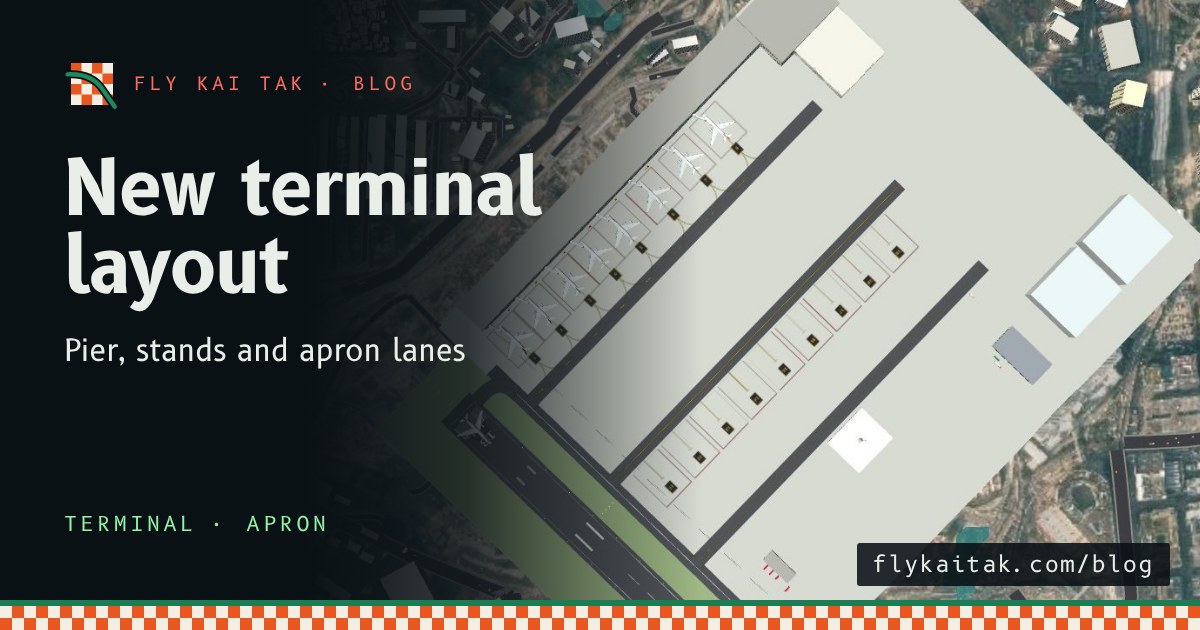
The Kai Tak terminal, rebuilt to match the chart
Fly Kai Tak's terminal and apron now follow the Kai Tak chart: a pier at right angles to the runway, eight nose-in stands, lanes D3, D2 and D1, and new taxi routes.
Read the post →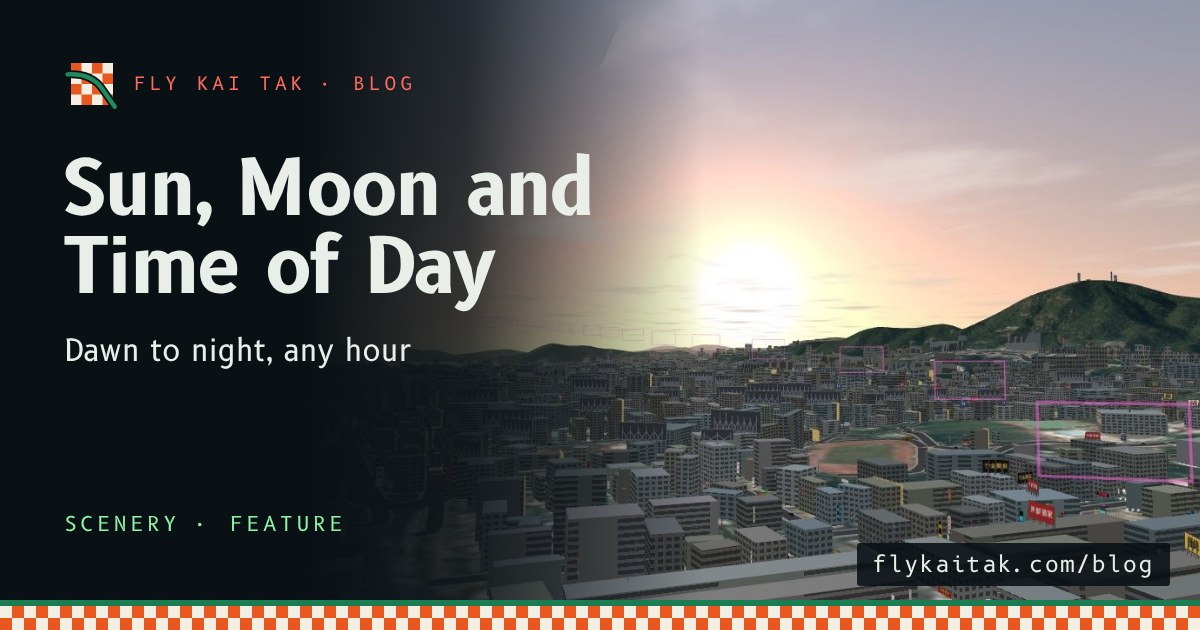
New: Sun, Moon and Time of Day
Fly Kai Tak now has a sun and moon placed for Hong Kong in 1998, a 24-hour clock with Dawn, Day, Dusk and Night presets, and lighting that follows the sun.
Read the post →