
Feature
New: share your score and report card
Post your grade to X, Facebook, Reddit, WhatsApp or Threads, or save the report card as an image.
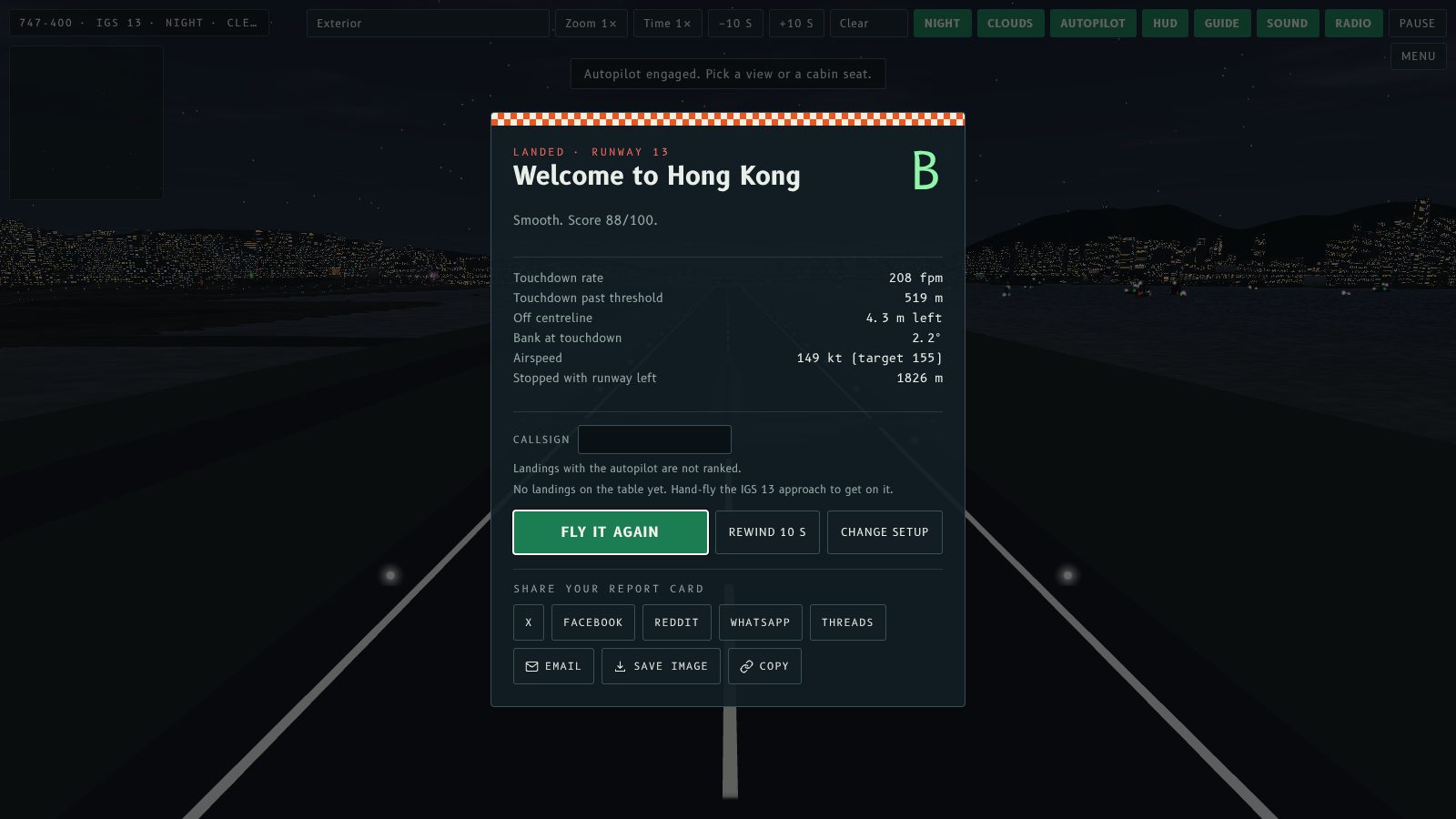
When a flight ends, the result screen now has a row of share buttons. Post your grade and score to X, Facebook, Reddit, WhatsApp or Threads, send it by email, copy the text, or save the report card as an image to post anywhere.
What you can share
- X, Facebook, Reddit, WhatsApp, Threads. Each opens that site's post window with your result already written, for example the aircraft, grade, score, touchdown rate and rank, and a link to flykaitak.com.
- Email. Opens a new message with the same text.
- Copy. Puts the text and link on your clipboard.
- Save image. Downloads the report card as a 1200 x 630 PNG, the size social sites show best.
- Share… On phones and other devices with built-in sharing, this sends the report card image and text straight to any app you choose.
The report card
The image carries your grade, score out of 100, your high score rank and callsign (for hand-flown IGS 13 landings), the touchdown stats, the aircraft, time of day and weather, all on the Kai Tak checkerboard. A crash or an abandoned approach gets a card too, so you can share those as well.
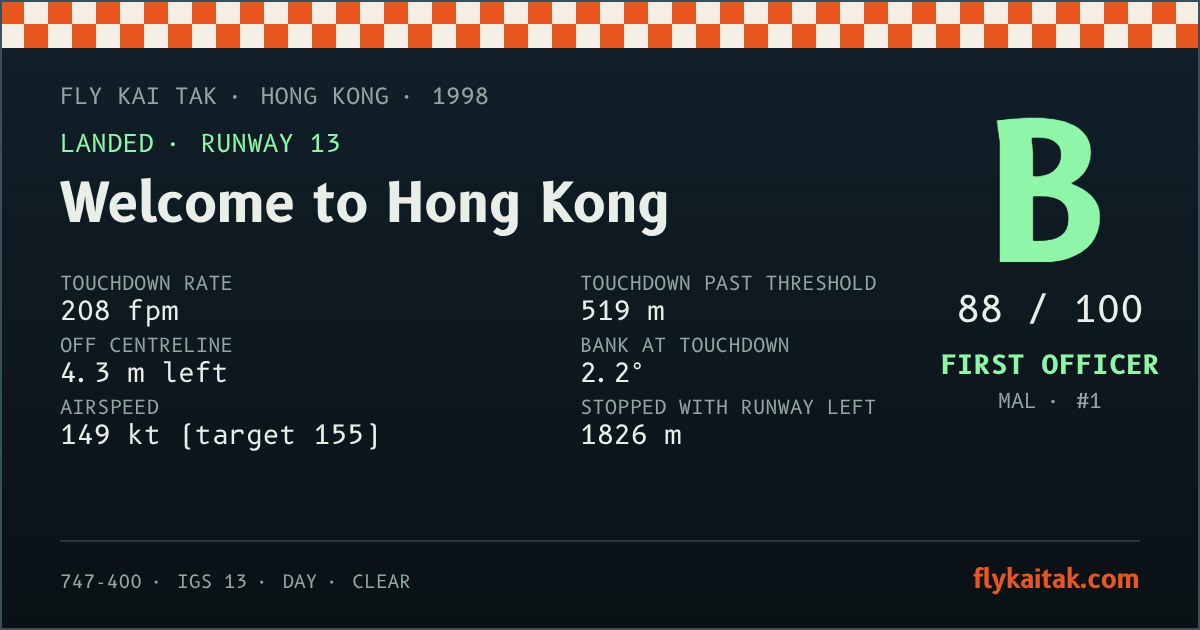
Tip. Text and button labels follow the EN / 粵 toggle on the home screen, so the share text can go out in Cantonese too.
飛行完結之後,結果畫面而家有一排分享掣。你可以將評級同分數貼去 X、Facebook、Reddit、WhatsApp 或者 Threads,用電郵寄出,複製文字,或者將成績表儲存做圖片,貼去任何地方。
可以分享啲咩
- X、Facebook、Reddit、WhatsApp、Threads。每個掣都會打開該網站嘅發文視窗,內容已經寫好,例如機型、評級、分數、接地速率同官階,仲有 flykaitak.com 連結。
- Email。打開一封新電郵,內容一樣。
- 複製。將文字同連結複製到剪貼簿。
- 儲存圖片。下載 1200 x 630 嘅 PNG 成績表,呢個尺寸喺社交網站顯示得最好。
- 分享…喺手機同其他有內置分享功能嘅裝置上面,可以將成績表圖片同文字直接傳去你揀嘅 App。
成績表
圖片上面有你嘅評級、100 分滿分嘅分數、高分榜官階同呼號(手動飛 IGS 13 降落先有)、接地數據、機型、時間同天氣,背景係啟德嘅棋盤。撞機或者放棄進場都有成績表,所以都可以分享。
小提示。文字同掣嘅標籤會跟返主畫面嘅 EN / 粵 切換,所以分享文字都可以用廣東話發出。
More from the blog
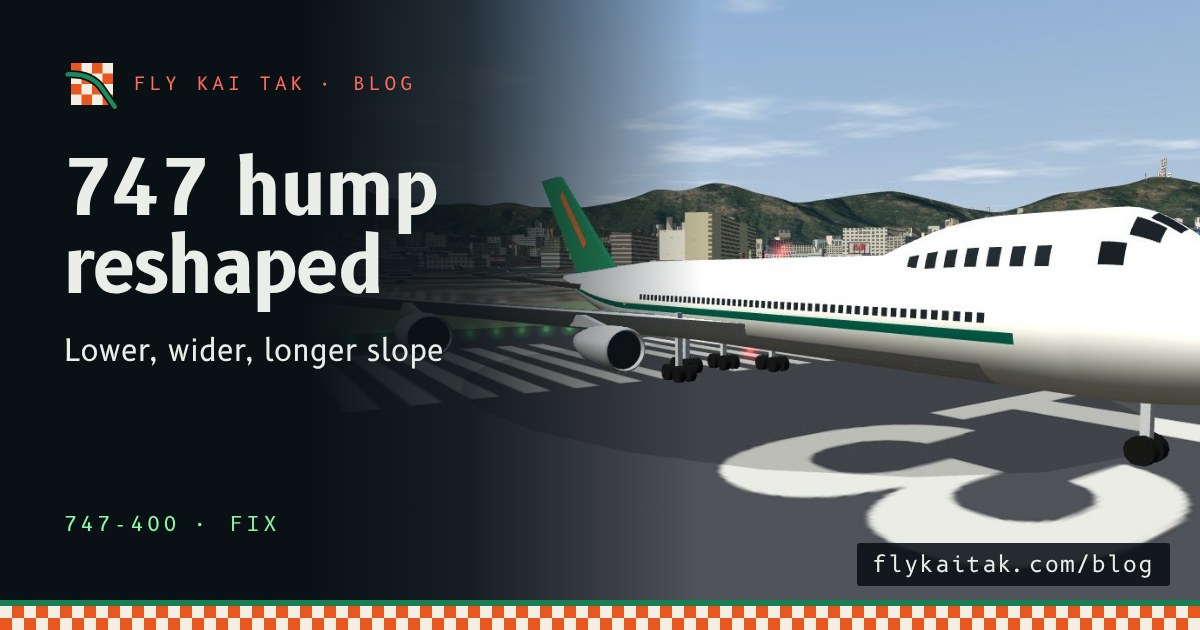
Fix: the 747 upper-deck hump now has the right shape
The 747-400 upper-deck hump in Fly Kai Tak was too tall and narrow. It is now lower and wider with a long shallow slope into the roof, like the real 747.
Read the post →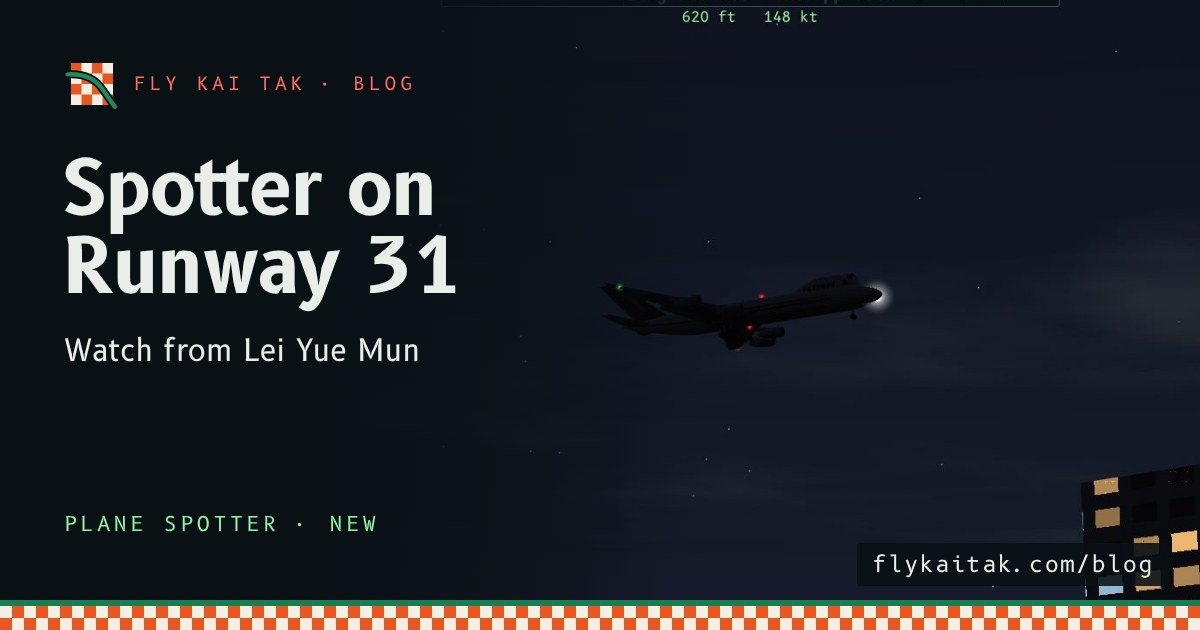
New: Plane Spotter on Runway 31
Fly Kai Tak Plane Spotter now has a Runway 31 mode: arrivals over Lei Yue Mun, departures toward Kowloon City, and a Lei Yue Mun spectator view.
Read the post →