
Feature · Scenery & Weather
The Kai Tak Flight Information Board
An old split-flap board lists every arrival and departure, on the home screen and in Plane Spotter.
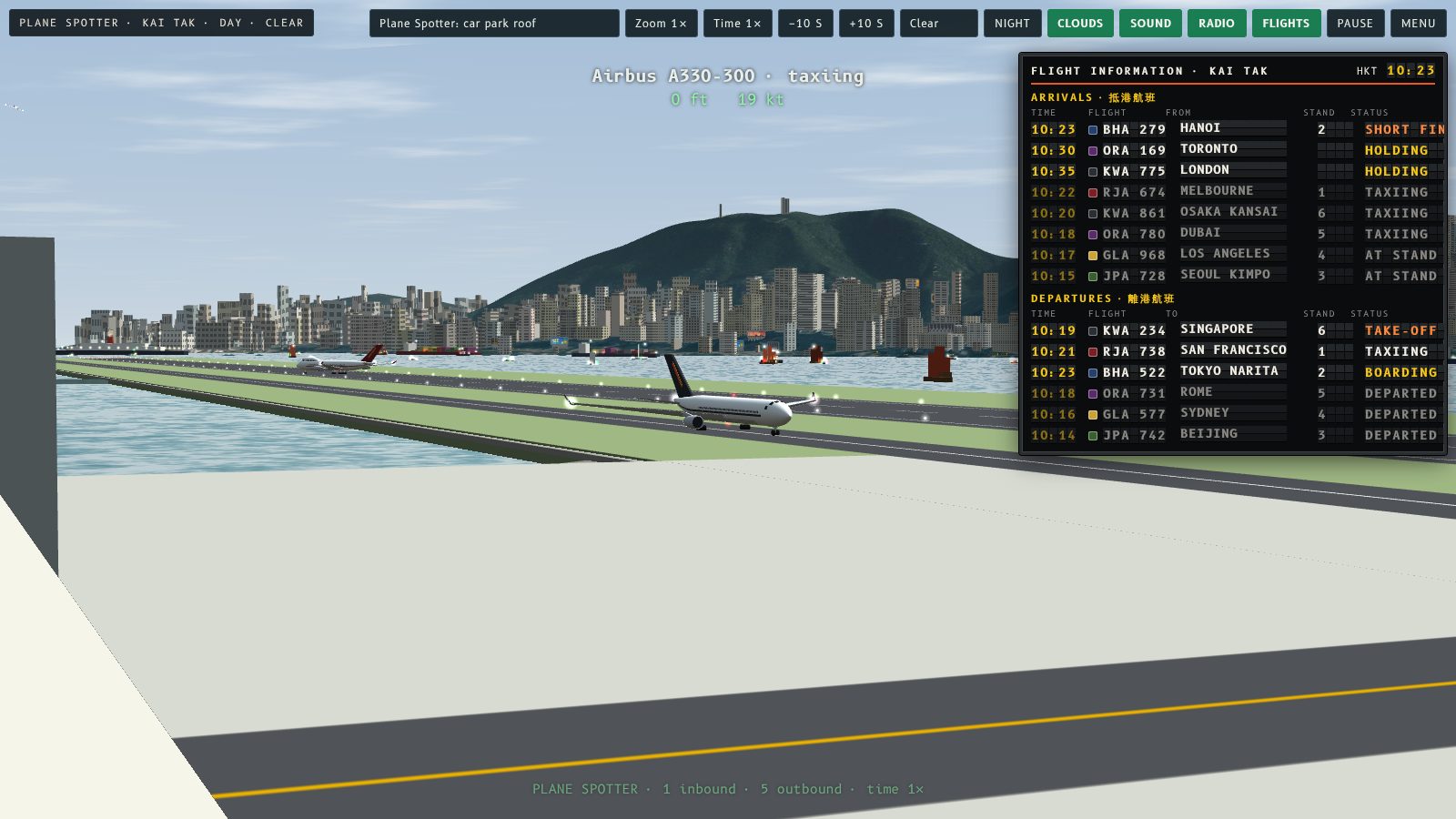
Kai Tak now has its flight information board: an old split-flap board that lists every arrival and departure. It sits on the home screen and in Plane Spotter, so you can see what is due in, what is on the stand and what has gone.
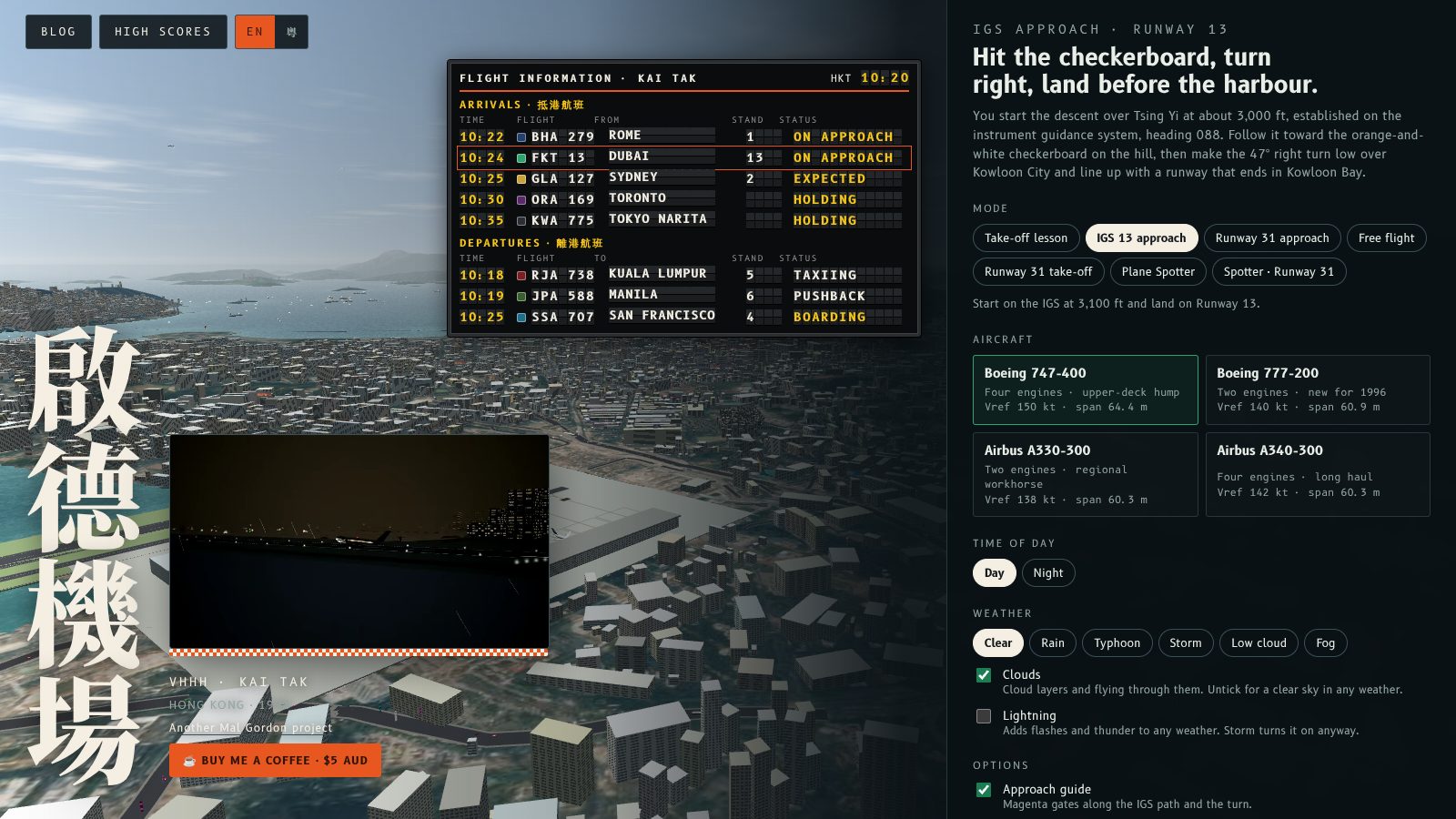
On the home screen
The board hangs over the live view behind the menu. It lists the arrivals, including the two jets in the hold and the demo aircraft on the approach (marked in orange), and the departures from the stands.
In Plane Spotter
Pick Plane Spotter or Spotter · Runway 31 and the board appears at the top right. It follows the six turnarounds and the aircraft in the hold. Press B, or the Flights button, to hide or show it. On a phone it starts hidden: open More and tap Flights.
What the board shows
- Time: the arrival time for arrivals and the push back time for departures, on a Hong Kong clock (day starts at 10:20, night at 21:40).
- Flight: a flight number with a colour square that matches the aircraft's tail. The airlines and numbers are made up, so no real airline appears.
- From / To: where the flight is coming from or going to.
- Stand: the stand number from the sim's apron.
- Status: read from the aircraft itself. Arrivals go from Expected to On approach, Short final, Landed, Taxiing and At stand. Departures go from Boarding to Pushback, Taxiing, Holding, Take-off and Departed.
Every letter is its own flap, and a flap flips when its letter changes. Finished flights dim and drop to the bottom of their list.
In Cantonese
The board follows the EN / 粵 button on the home screen and shows its headings, cities and status in Cantonese.

Try this
Start Plane Spotter, watch a flight go from Boarding to Pushback on the board, then switch to the Exterior view and follow it out to the runway.
啟德而家有咗航班資訊板:一塊舊式翻牌(Solari)板,列出每班抵港同離港航班。佢喺主畫面同觀機模式都有,一眼睇到邊班就到、邊班喺機位、邊班已經走咗。
主畫面
資訊板掛喺選單後面嘅實時畫面上面。上面有抵港航班(包括兩架空中等候嘅飛機,同正喺進場嘅示範飛機,用橙色標示),仲有由機位離港嘅航班。
觀機模式
揀 Plane Spotter 或者 Spotter · Runway 31,資訊板就會喺右上角出現。佢跟住六個機位嘅航班同空中等候嘅飛機。㩒 B 或者「Flights」掣就可以收埋或者打開。喺手機上面預設係收埋嘅:打開「More」再㩒「Flights」。
資訊板顯示啲乜
- 時間:抵港航班顯示抵港時間,離港航班顯示推出機位時間,用香港時間(日間由 10:20 開始,夜間由 21:40 開始)。
- 航班:航班編號,加一個同機尾顏色一樣嘅色塊。航空公司同編號都係虛構嘅,所以唔會出現真實航空公司。
- 來自/前往:航班嘅出發地或者目的地。
- 機位:模擬器停機坪嘅機位號碼。
- 狀態:直接由飛機嘅狀態讀出。抵港航班會由「預計抵港」變做「進場中」、「最後進場」、「已降落」、「滑行中」同「已泊位」。離港航班會由「登機中」變做「推出機位」、「滑行中」、「地面等候」、「起飛中」同「已起飛」。
每個字母都係一塊翻牌,字母轉嘅時候牌會翻動。完成咗嘅航班會變暗,並且排到名單最底。
廣東話版
資訊板跟住主畫面嘅 EN / 粵 掣,標題、城市同狀態都會用廣東話顯示。
試吓
開始觀機,睇住一班航班喺板上由「登機中」變做「推出機位」,然後轉去 Exterior 視角,跟住佢滑去跑道。
More from the blog
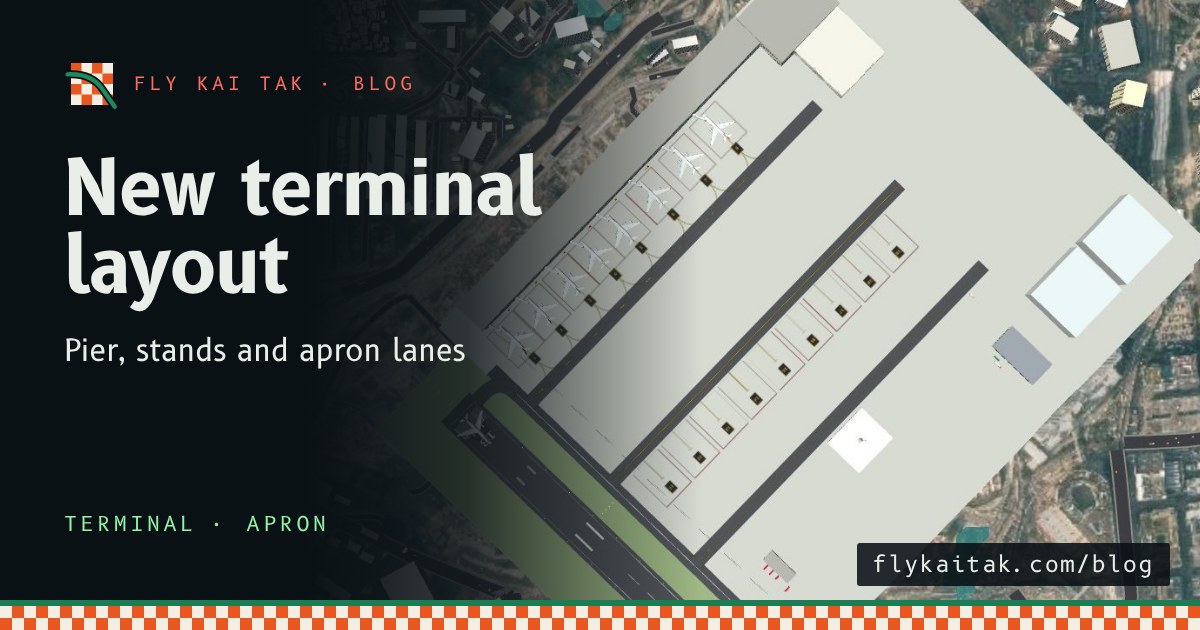
The Kai Tak terminal, rebuilt to match the chart
Fly Kai Tak's terminal and apron now follow the Kai Tak chart: a pier at right angles to the runway, eight nose-in stands, lanes D3, D2 and D1, and new taxi routes.
Read the post →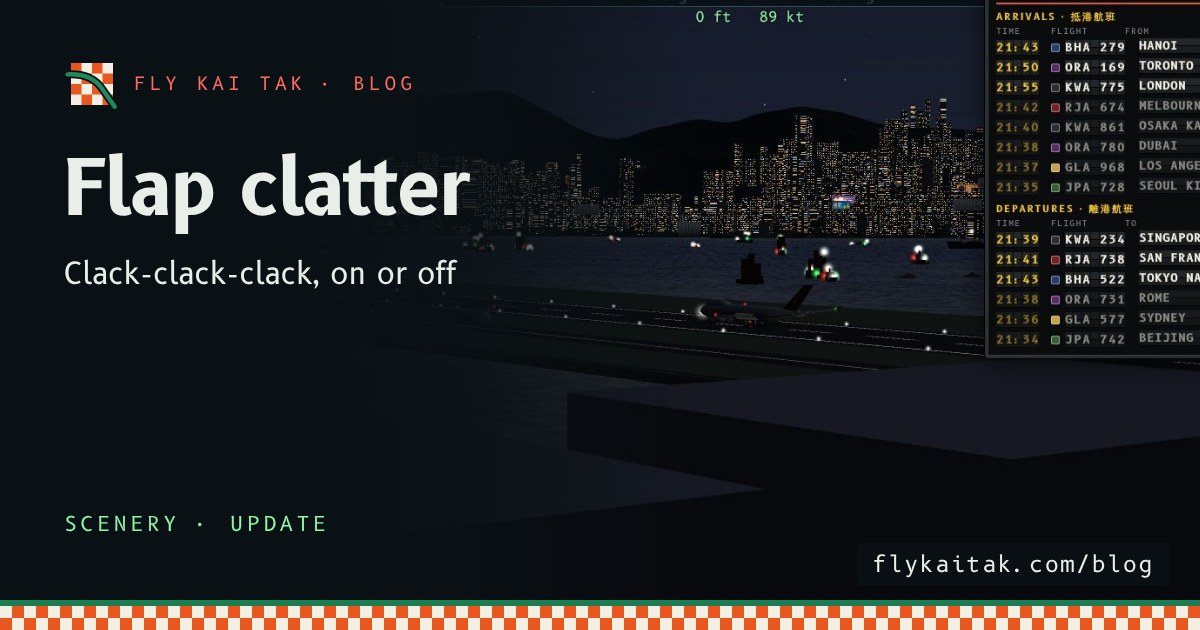
The Flight Board Clatters
The Fly Kai Tak flight information board now clatters like a real split-flap board whenever a letter changes, on the home screen and in Plane Spotter, with its own on/off button.
Read the post →