
Update · Controls & Devices
A bigger map on the home screen and in Plane Spotter
The corner map is twice the size on the home screen and in Plane Spotter, and it steps aside when High scores is open.
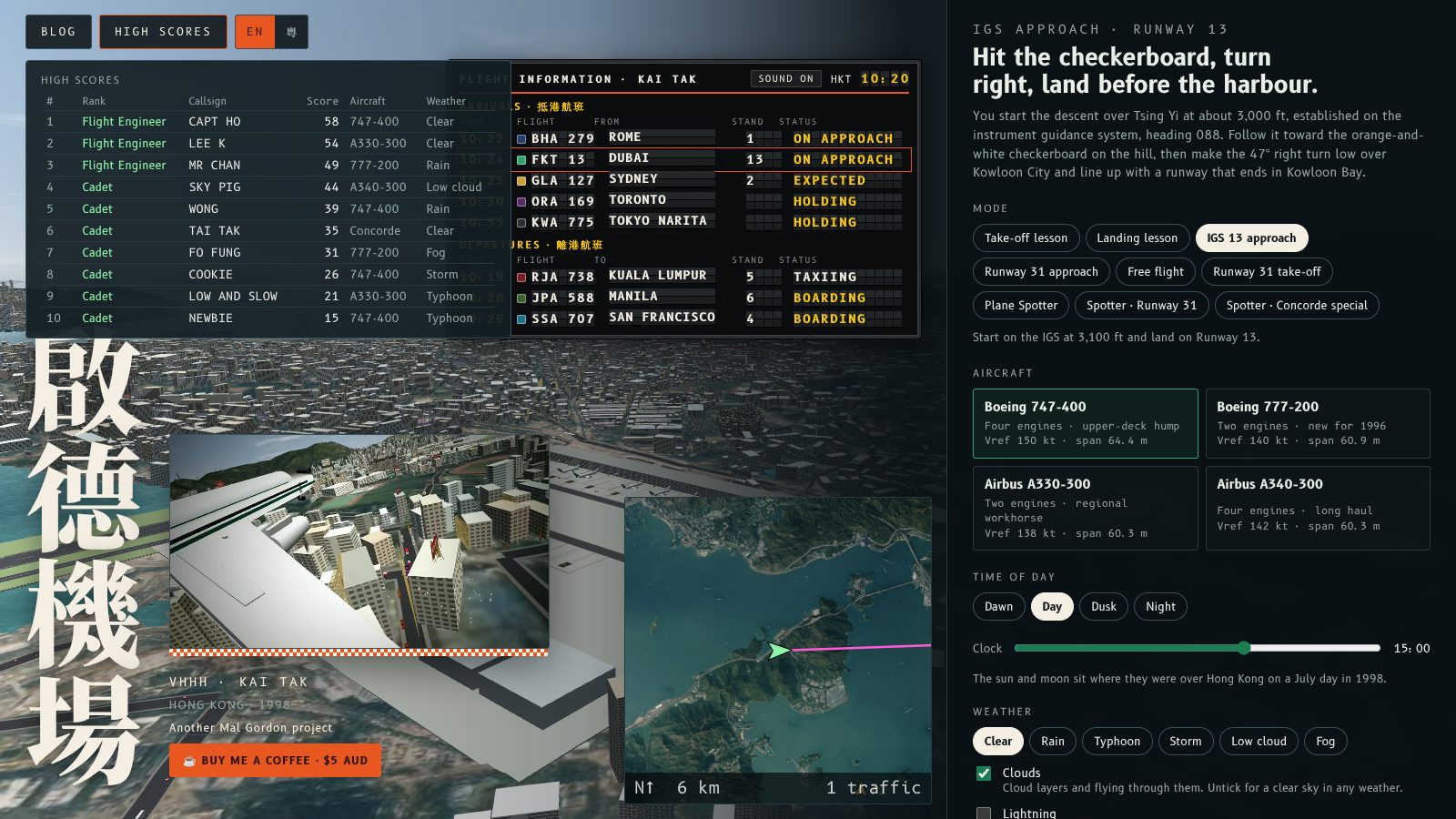
The corner map is now twice the size on the home screen and in Plane Spotter, and on the home screen it moves out of the way when you open High scores.
What changed
On the home screen the map is drawn at twice its flight size, so the demo flight and the traffic around Kai Tak are easy to read. It sits top left. When you open High scores the map moves to the nearest clear spot, such as the bottom right beside the options, and returns when you close the panel.
Plane Spotter now shows the map too, at the same larger size. It is centred on the runway, shows every aircraft (amber in the air with its altitude, grey on the ground) and marks where you are watching from with a green dot. M and the Map button toggle it there as well. In a flight the map keeps its normal size.
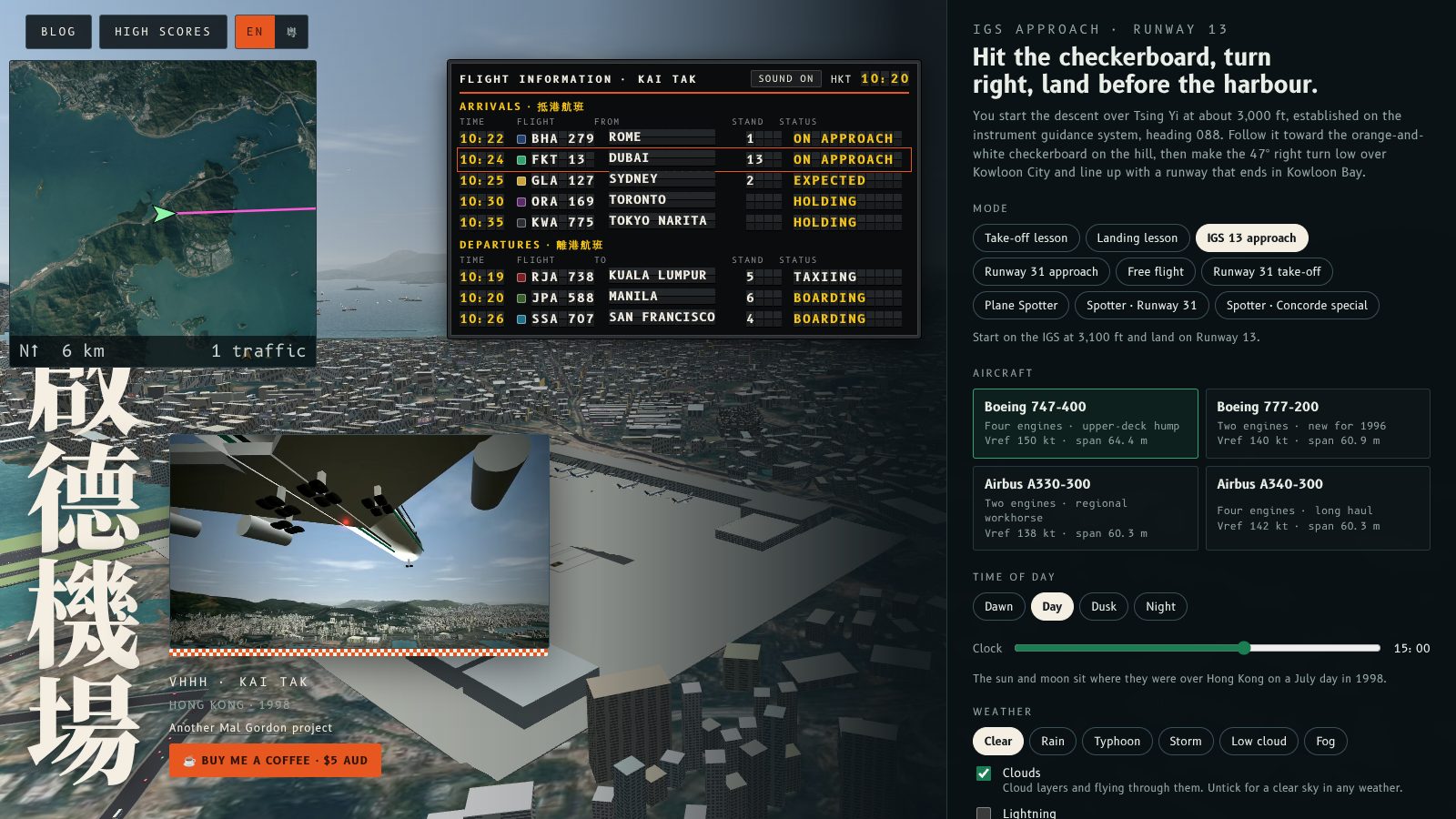
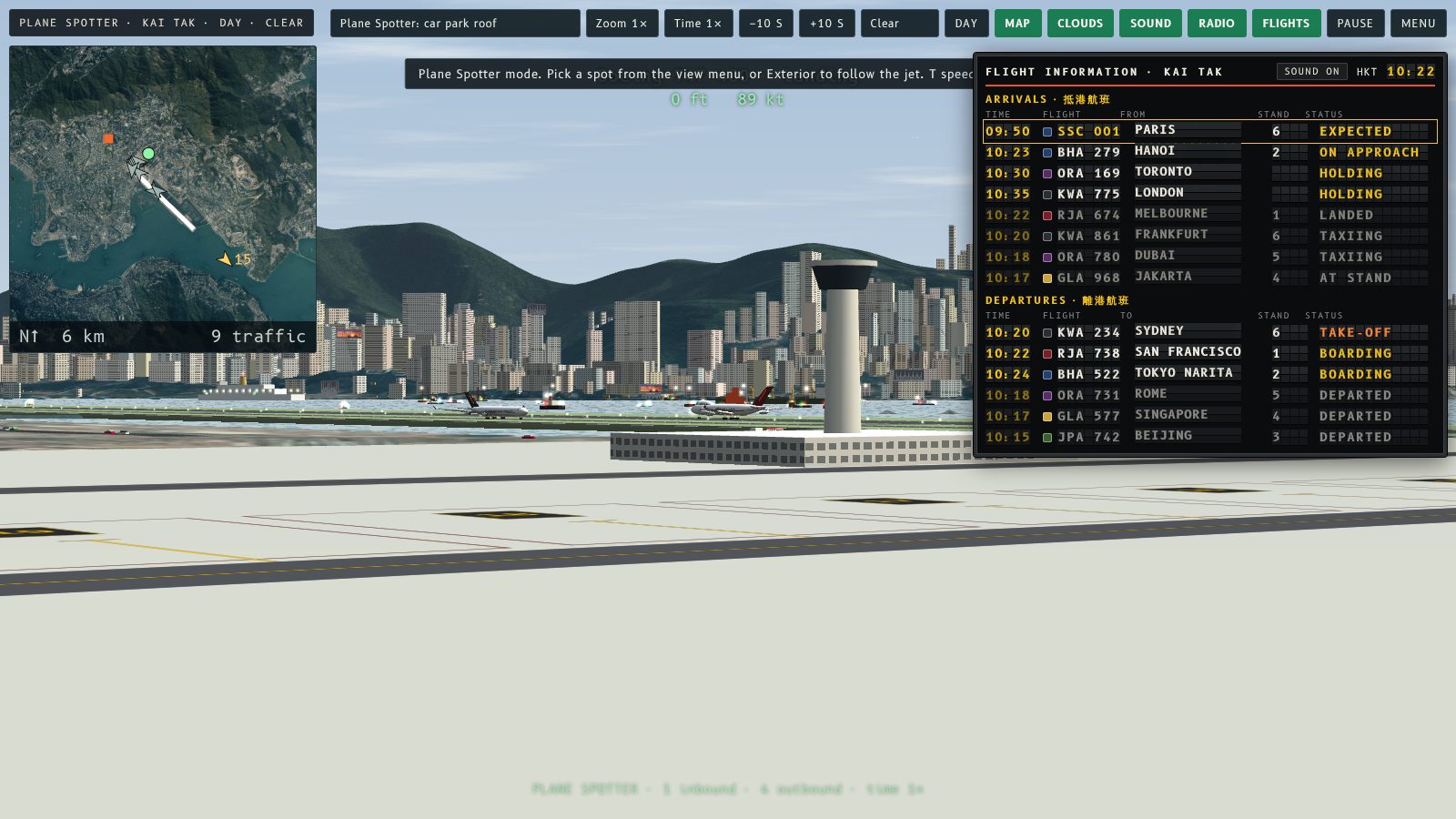
On a small screen the map is 224 px, still double the old size. If there is no clear space beside High scores, it hides until you close the panel.
角落地圖喺主畫面同 Plane Spotter 而家大咗一倍;主畫面開咗「High scores」嘅時候,地圖會自動讓開。
改咗啲乜
主畫面嘅地圖畫成飛行時嘅兩倍大,示範飛行同啟德附近嘅飛機一眼就睇清楚。佢預設喺左上角;開咗 High scores 就會移去最近嘅空位,例如右下角、選項旁邊,面板收埋後就返原位。
Plane Spotter 而家都有地圖,同樣大兩倍。地圖以跑道為中心,顯示所有飛機(空中係琥珀色同有高度,地面係灰色),同用綠點標示你睇緊嘅位置。喺度都可以用 M 鍵同 Map 掣開關。飛行時地圖維持正常大小。
細螢幕上地圖係 224 px,仍然係舊尺寸嘅兩倍。如果 High scores 旁邊冇位,地圖會收埋,直至你關閉面板。
More from the blog
Flight Board Key and Button
Switch the Fly Kai Tak flight information board on and off with the B key on the home screen as well as in Plane Spotter, or with the new Flights button.
Read the post →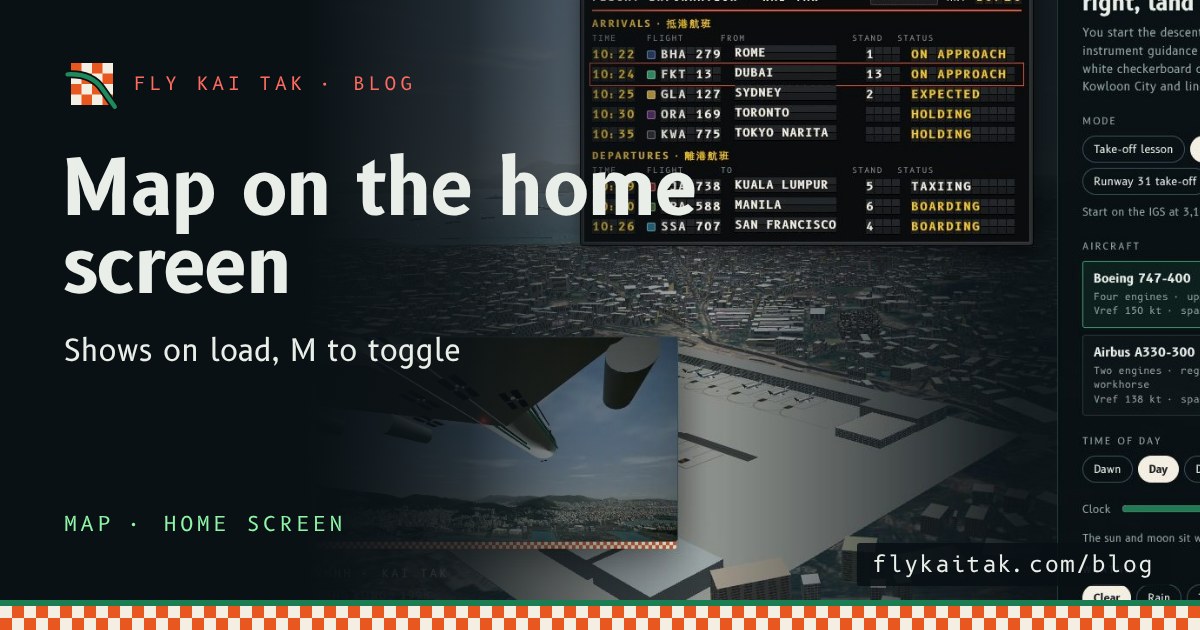
The map on the home screen, with M to toggle
Fly Kai Tak's corner map now shows automatically on the home screen over the live demo flight, and the M key toggles it on and off, on the home screen and in flight.
Read the post →