

Category
Controls & Devices
Touch, mouse and phone controls.
5 posts

Zoom With the Mouse Wheel
Fly Kai Tak now zooms with the mouse wheel: scroll up to zoom in, scroll down to zoom out, 1× to 16×, one step per notch.
Read the post →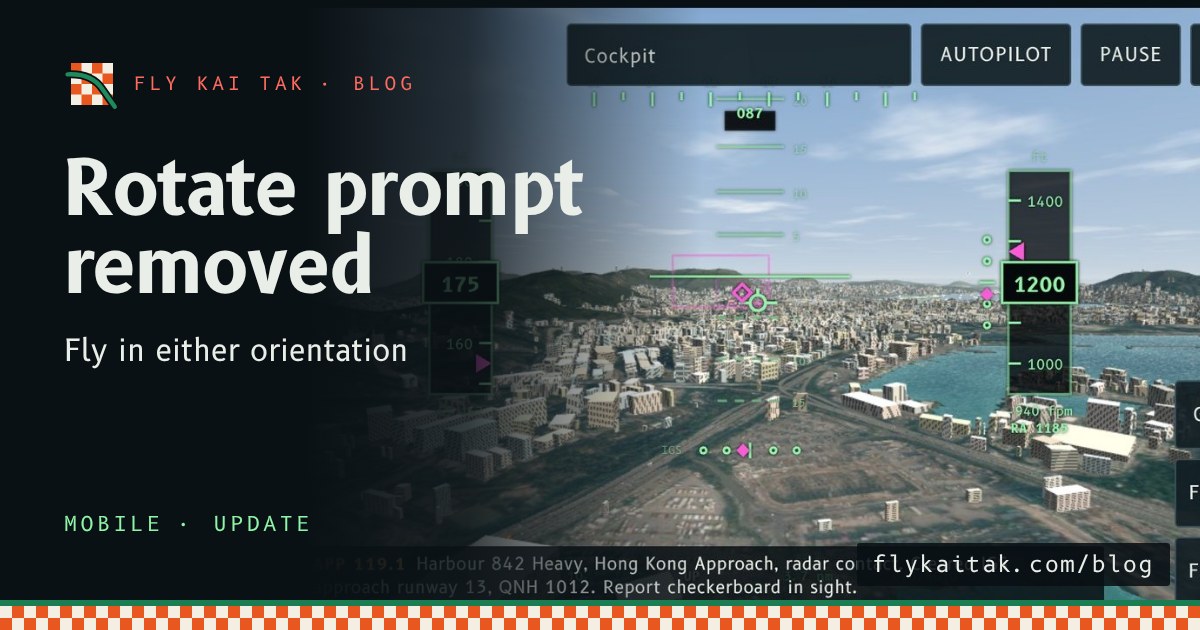
Update: the rotate prompt is gone
Fly Kai Tak mobile update: the Turn your phone sideways prompt is removed, so the sim plays in either orientation. Begin descent still asks for landscape full screen.
Read the post →
Fix: the rotate prompt now clears when you turn your phone
Fly Kai Tak mobile fix: the rotate prompt now clears when the window turns landscape, with a hint for iPhone players whose Portrait Orientation Lock is on.
Read the post →
An inverted yoke for touch and mouse: drag down to pull up
Fly Kai Tak's on-screen yoke is now inverted for touch and mouse: drag down to pull the nose up, drag up to push it down, matching the keyboard.
Read the post →
Flying Kai Tak on your phone: landscape, a cleaner toolbar and bigger controls
Fly Kai Tak on mobile: a compact toolbar with a More drawer, landscape touch controls, a rotate prompt for portrait, full screen on Begin descent and safe-area support.
Read the post →