
Feature
Read the Fly Kai Tak blog in Cantonese
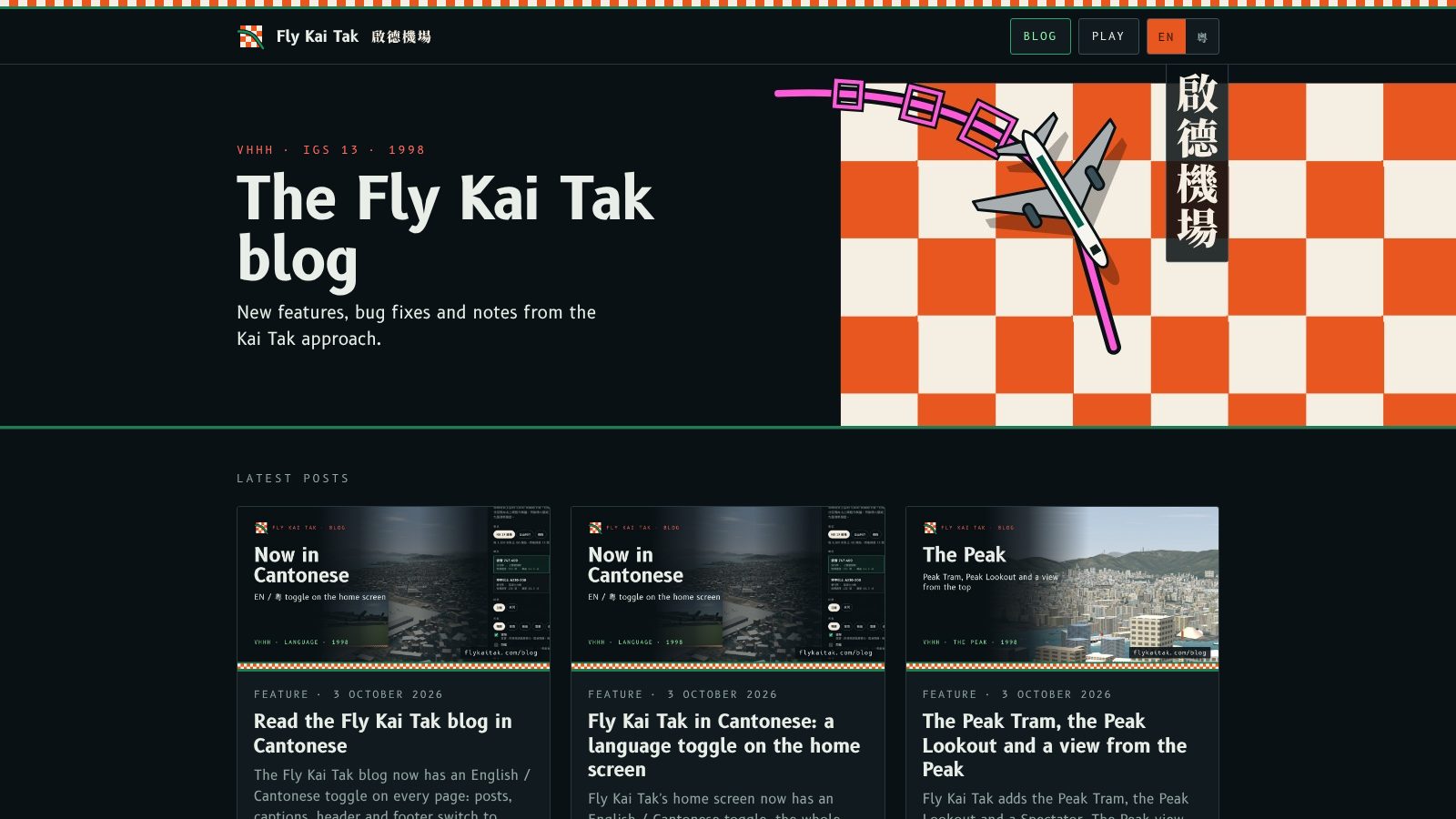
Every blog page now has an EN / 粵 button that switches the whole post between English and Cantonese, and shares your choice with the home screen.
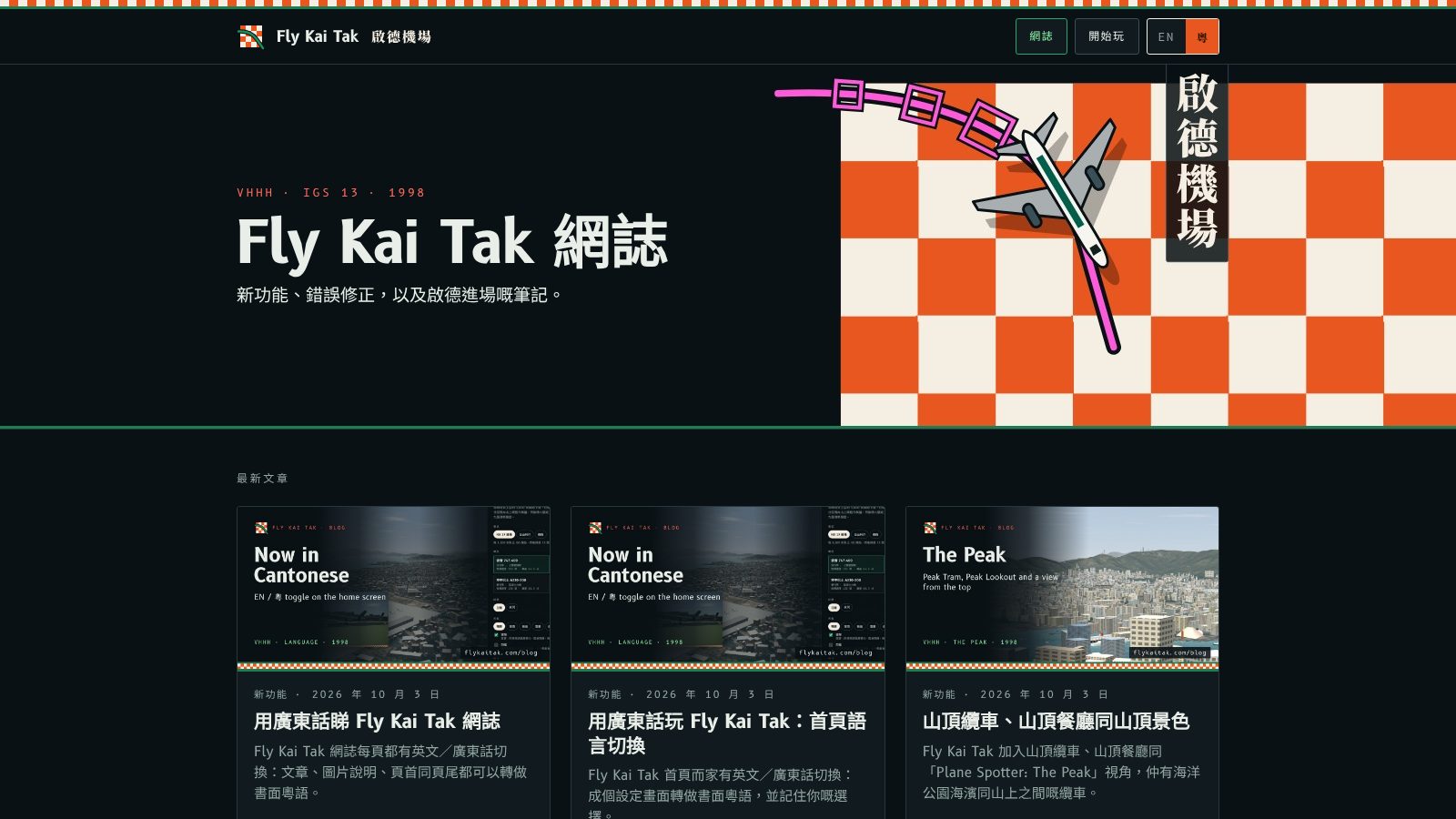
Every blog page now has the same EN / 粵 button in the header, next to Play. Press 粵 to read the post in Cantonese, and EN to switch back.
What changes
The post title, summary, text, captions and image descriptions switch to written Cantonese, and so do the header, share buttons, footer and the Blog index. Dates and reading times are written the Cantonese way. Names such as 747-400 and IGS, the key letters and the code samples stay as they are.
Notes
- Your choice is saved in your browser and shared with the home screen, so both open in the language you last used.
- The RSS feed, social cards and search snippets stay in English.
- From now on every new post needs a Cantonese version before the blog will build. See docs/blog.md.
- Flying is unchanged: the autopilot still lands in every weather preset, and flying with no input still crashes.
每一頁網誌嘅頁首、Play 旁邊,而家都有同一個 EN / 粵 掣。按粵就用廣東話睇文章,按 EN 就轉返英文。
有咩轉變
文章標題、摘要、內文、圖片說明同圖片描述,全部轉做書面粵語,頁首、分享掣、頁尾同網誌首頁都一樣。日期同閱讀時間用廣東話嘅寫法。747-400 同 IGS 呢類名稱、按鍵字母同程式碼就保持原樣。
備註
- 你嘅選擇會儲存喺瀏覽器,並同首頁共用,所以兩邊都會用你上次揀嘅語言開啟。
- RSS 訂閱、社交分享卡同搜尋結果摘要仍然係英文。
- 由而家開始,每篇新文章都要有廣東話版,網誌先建置得到。詳見 docs/blog.md。
- 飛行表現冇變:自動駕駛喺所有天氣預設都會降落,唔操作仍然會撞機。
More from the blog
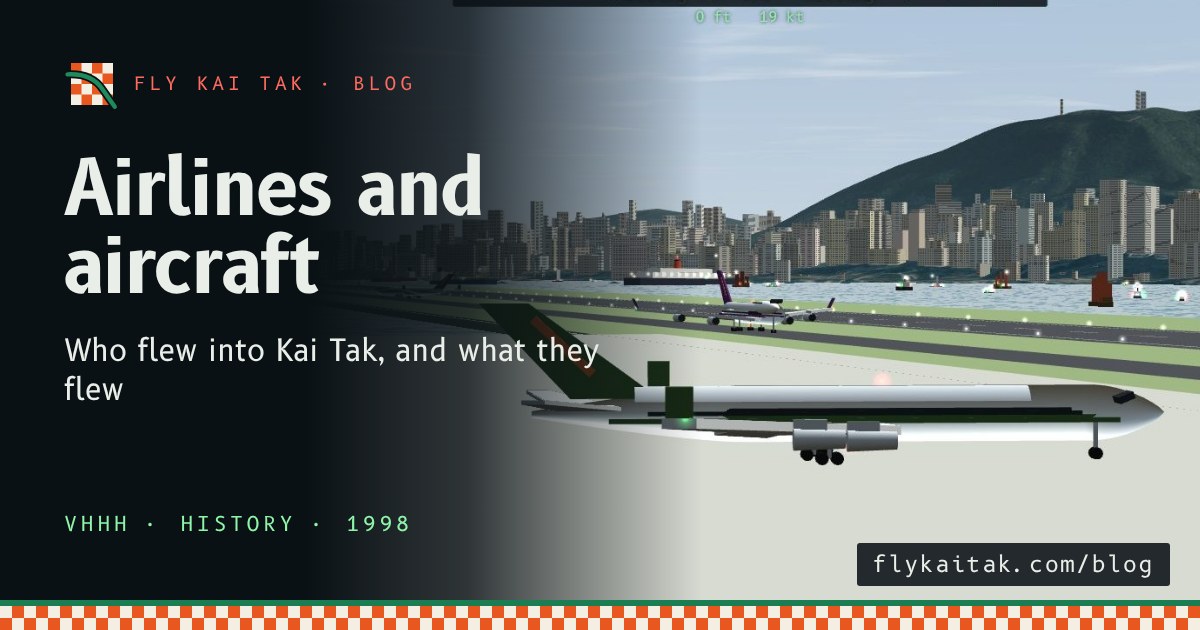
The airlines and aircraft of Kai Tak
A guide to the airlines and aircraft types at Kai Tak in the 1990s: Cathay Pacific, Dragonair, Qantas, BA, Singapore, Thai and JAL, with brief histories.
Read the post →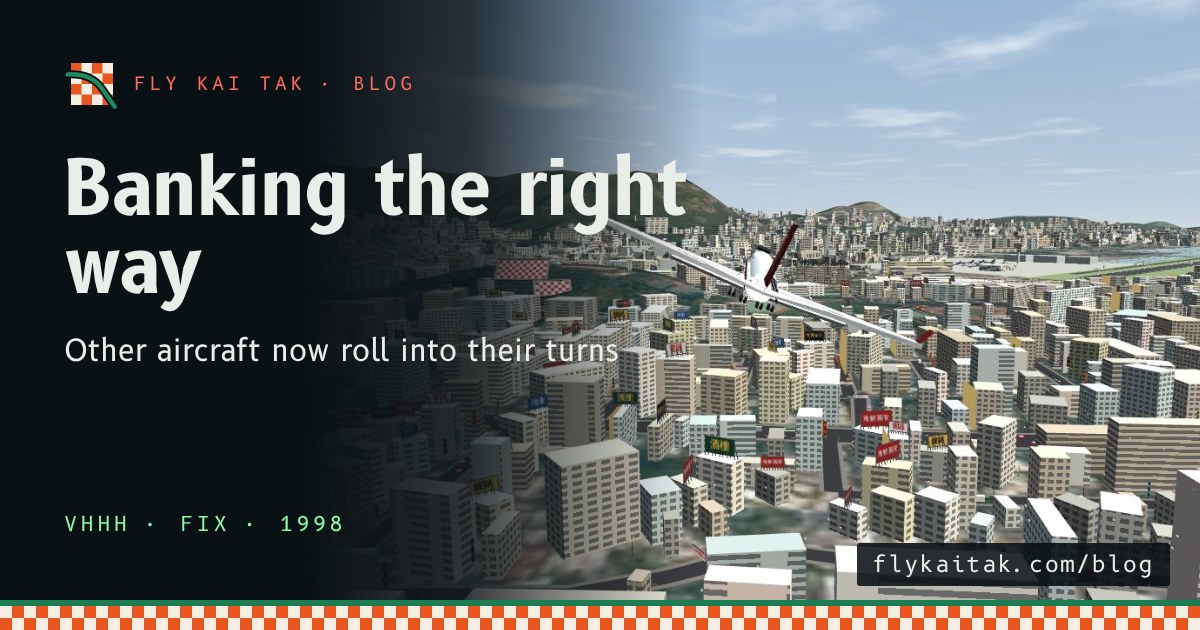
Other aircraft now bank the right way
Fly Kai Tak fix: other aircraft were drawn banking the wrong way in turns. Arrivals and departures now dip the inside wing, as real jets do.
Read the post →