

Category
Site & Language
The blog, the website and the Cantonese version.
14 posts

A progress bar while the sim loads
Fly Kai Tak now shows a loading progress bar and percentage while the map downloads and the city is built.
Read the post →
A Kai Tak simulator that runs in your browser
Fly Kai Tak runs in a web browser with nothing to install. How the simulator is put together: one page, Three.js and Hong Kong open data.
Read the post →
Live Stats on the Home Screen
The Fly Kai Tak home screen now shows live totals of flights, landings and crashes, animated as the page loads and linked to the stats page.
Read the post →
The Share button now lines up
A small home screen fix in Fly Kai Tak: the Share button now lines up with the Facebook and Instagram buttons instead of sitting lower.
Read the post →
A tidier home screen
Fly Kai Tak's home screen is decluttered: flight board off by default, one latest update, no demo reel, and follow and share links moved to the menu footer.
Read the post →
Update: the latest blog posts on the home screen
Fly Kai Tak update: the home screen now lists the titles of the five newest blog posts, with dates and categories, linking to each post.
Read the post →
Live stats: how many pilots make it into Kai Tak
Fly Kai Tak's public stats page counts every flight: landing attempts, landings, crashes, modes, aircraft, weather and crash causes. Anonymous.
Read the post →
The start button is always in view
The home screen start button is now pinned in view, larger and brighter, so players no longer have to scroll to the bottom of the menu to find it.
Read the post →
The Kai Tak shop is open
Fly Kai Tak has a merch shop: checkerboard and IGS 13 tees, a Runway 13 cap, a 1998 patch, a pin, a poster, a mug and stickers.
Read the post →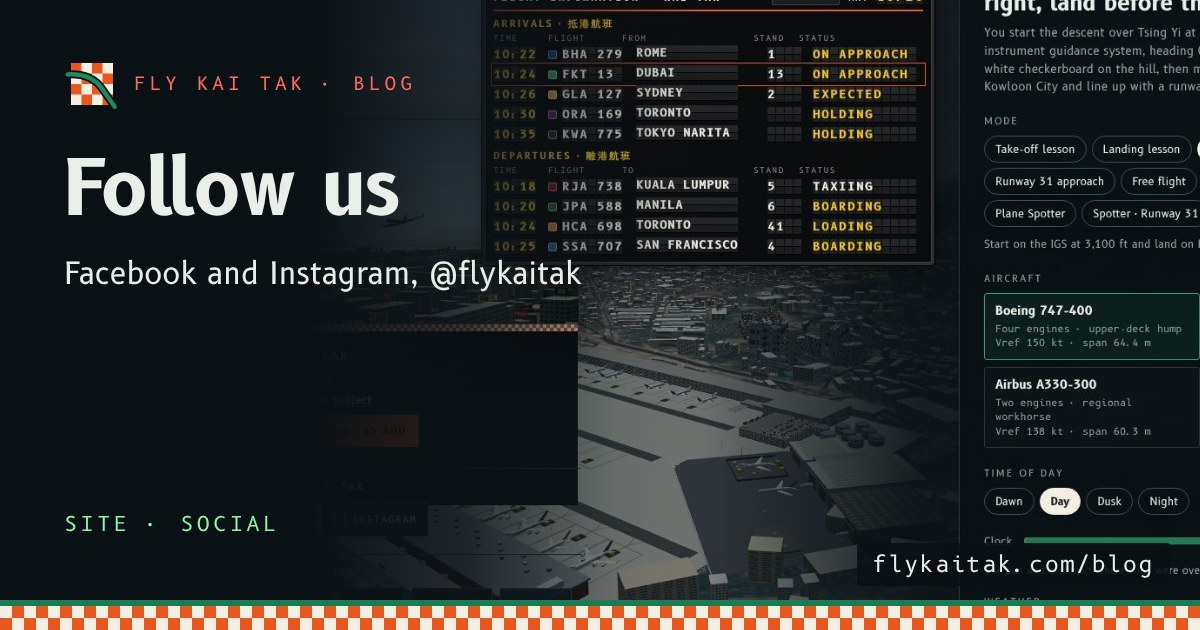
Follow Fly Kai Tak on Facebook and Instagram
Follow Fly Kai Tak on Facebook and Instagram at @flykaitak. Both are now linked from the home screen and every blog page.
Read the post →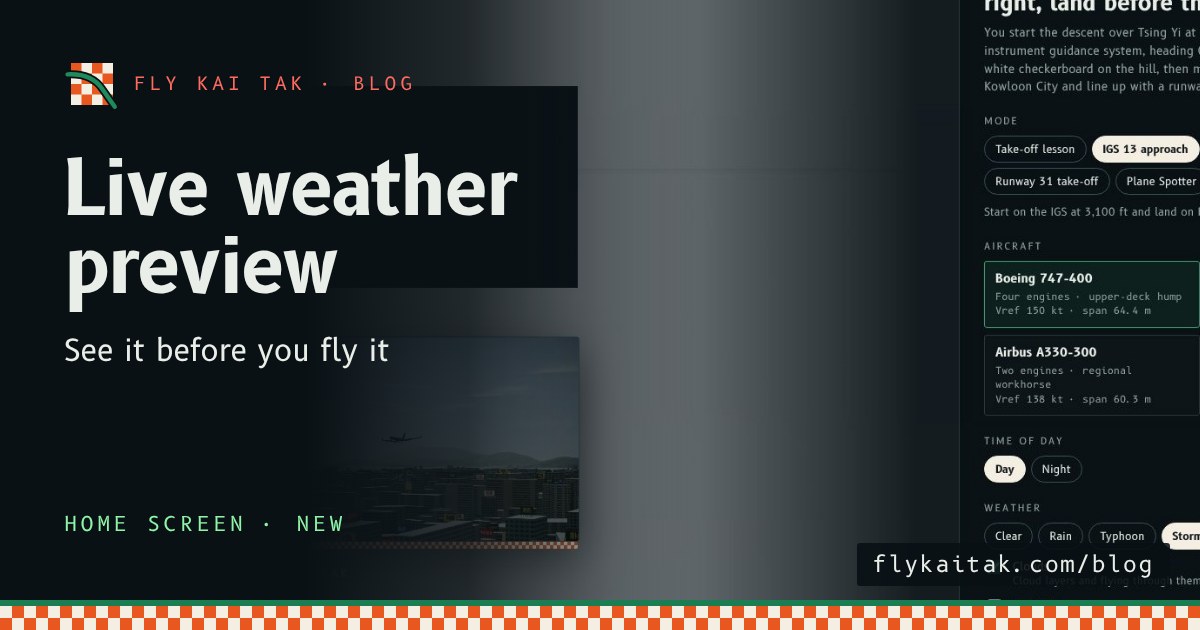
Home Screen Shows Your Day, Night and Weather Choices
On the Fly Kai Tak home screen, the live view of Kowloon behind the menu now updates straight away when you toggle day or night, weather, clouds and lightning.
Read the post →
Blog categories, search and pages
The Fly Kai Tak blog now has categories, a sort by category view, 20 posts per page and a search box that works in English and Cantonese.
Read the post →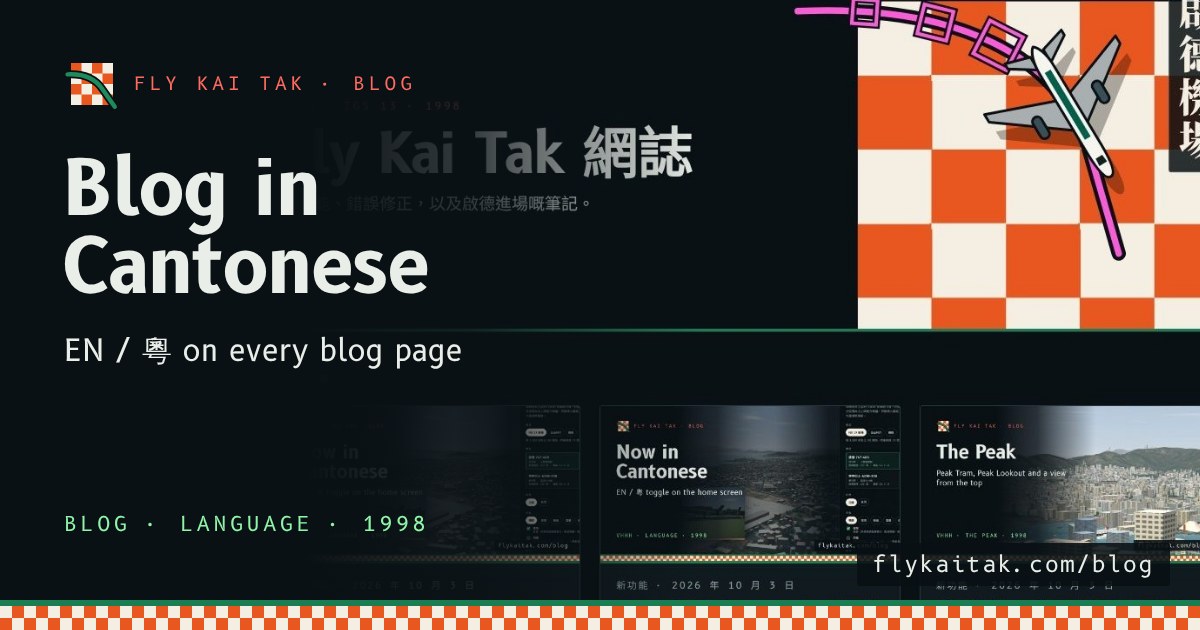
Read the Fly Kai Tak blog in Cantonese
The Fly Kai Tak blog now has an English / Cantonese toggle on every page: posts, captions, header and footer switch to written Cantonese.
Read the post →
Fly Kai Tak in Cantonese: a language toggle on the home screen
Fly Kai Tak's home screen now has an English / Cantonese toggle: the whole setup screen switches to written Cantonese and remembers your choice.
Read the post →