
Update · Controls & Devices
Flight Board Key and Button
Press B on the home screen to hide or show the flight board, or use the new Flights button.
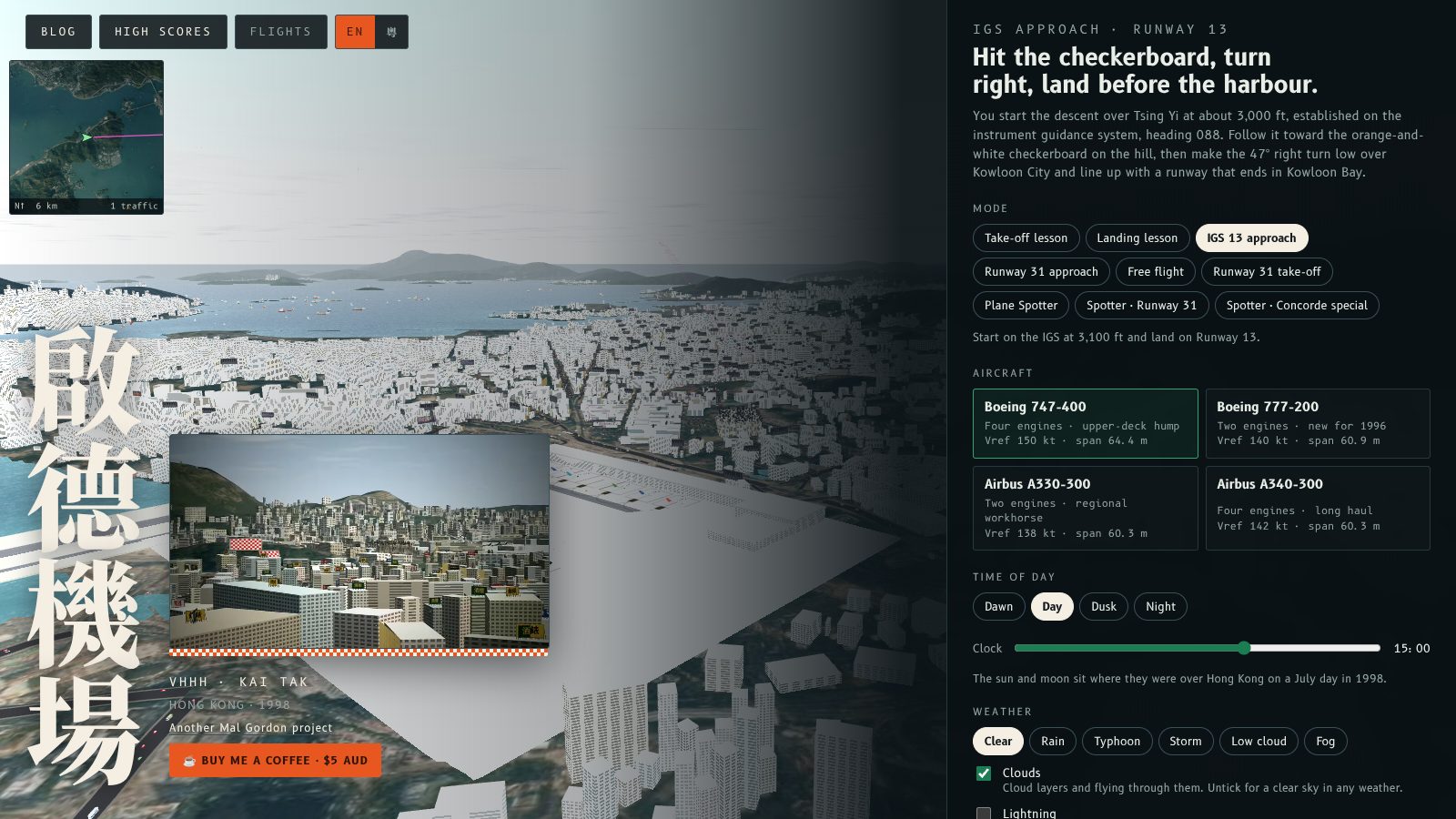
You can now switch the flight information board on and off with the B key on the home screen, as well as in Plane Spotter. The home screen also has a new Flights button next to High scores.
Home screen
Press B, or click Flights in the top bar, to hide the board and see the full view behind the menu. Press it again to bring the board back. The button dims while the board is hidden.
Plane Spotter
In Plane Spotter, B and the Flights button in the toolbar work as before. On a phone, open More and tap Flights.
What is remembered
The home screen remembers whether you hid the board, so it stays hidden the next time you visit. Plane Spotter starts with the board showing on a large screen and hidden on a phone, and B changes it for that session.
Try this
Hide the board on the home screen with B, pick Plane Spotter and begin, then press B again to bring it back.
你而家喺主畫面都可以用 B 鍵開關航班資訊板,同觀機模式一樣。主畫面頂部「High scores」旁邊亦多咗一個 航班 掣。
主畫面
㩒 B,或者㩒頂部嘅 航班 掣,就可以收埋資訊板,睇晒選單後面嘅全景。再㩒一下就會出返嚟。資訊板收埋嗰陣,個掣會變暗。
觀機模式
喺觀機模式,B 同工具列嘅「Flights」掣用法不變。喺手機上,打開「More」再㩒「Flights」。
會記住啲乜
主畫面會記住你有冇收埋資訊板,下次嚟都係收埋嘅。觀機模式喺大螢幕預設顯示資訊板,喺手機預設收埋,㩒 B 只會改變嗰一次嘅設定。
試吓
喺主畫面用 B 收埋資訊板,揀觀機模式開始,再㩒 B 叫返佢出嚟。
More from the blog
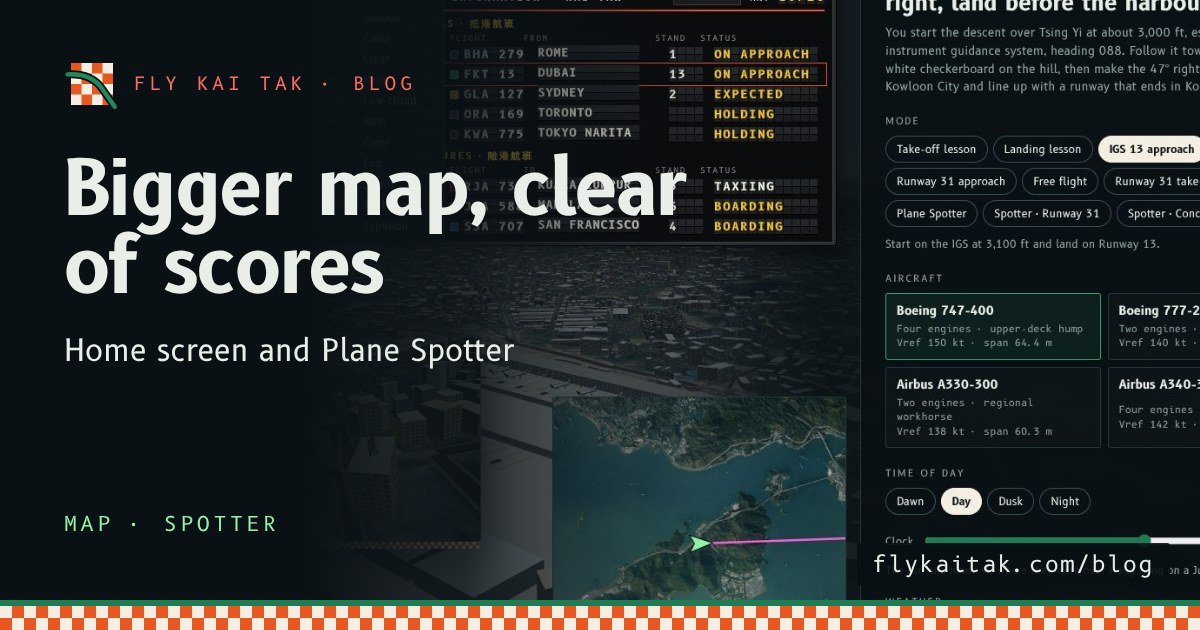
A bigger map on the home screen and in Plane Spotter
Fly Kai Tak's corner map is now double size on the home screen and in Plane Spotter, and the home screen map moves clear of the High scores panel.
Read the post →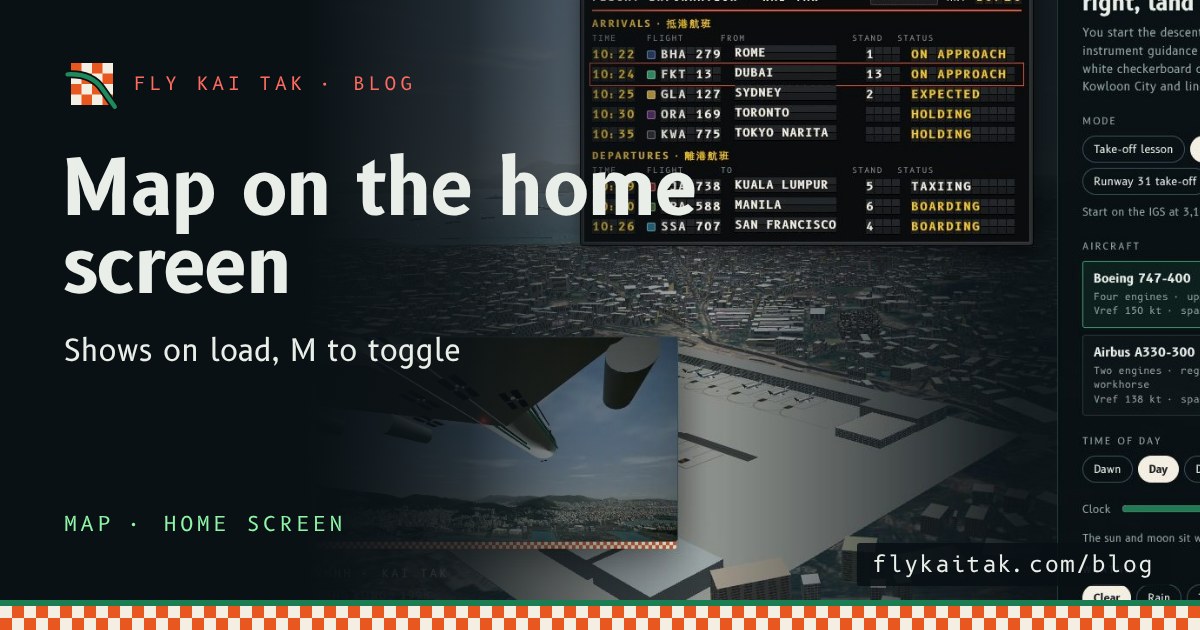
The map on the home screen, with M to toggle
Fly Kai Tak's corner map now shows automatically on the home screen over the live demo flight, and the M key toggles it on and off, on the home screen and in flight.
Read the post →