
Feature
Flying Kai Tak on your phone: landscape, a cleaner toolbar and bigger controls
A one-row toolbar with a More drawer, touch controls sized for short landscape screens, and a prompt that asks portrait players to turn the phone sideways.
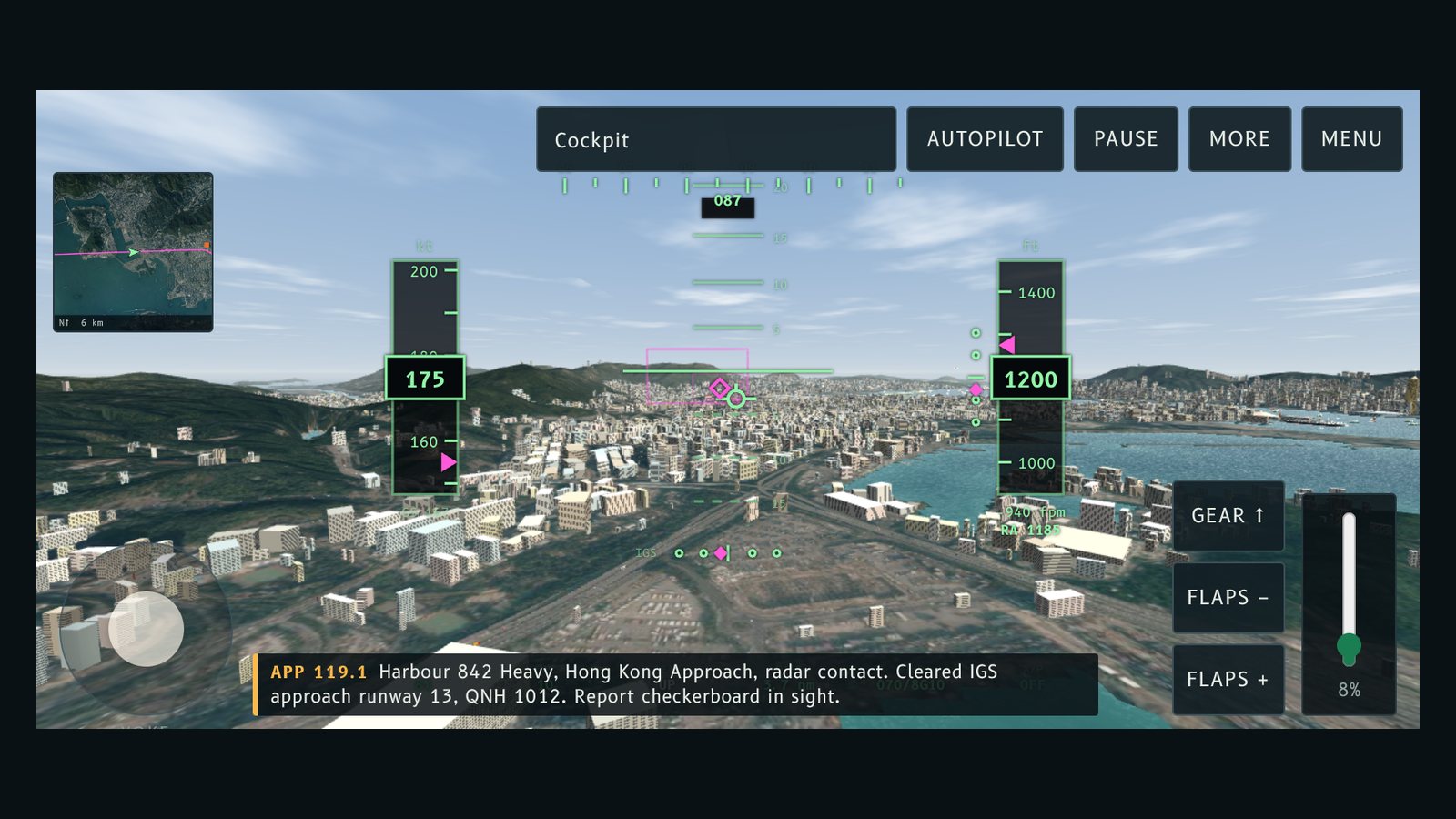
Fly Kai Tak now plays properly on a phone. The toolbar no longer covers the sky, the controls fit a short landscape screen, and portrait gets a prompt to turn the phone sideways.
Should it force landscape?
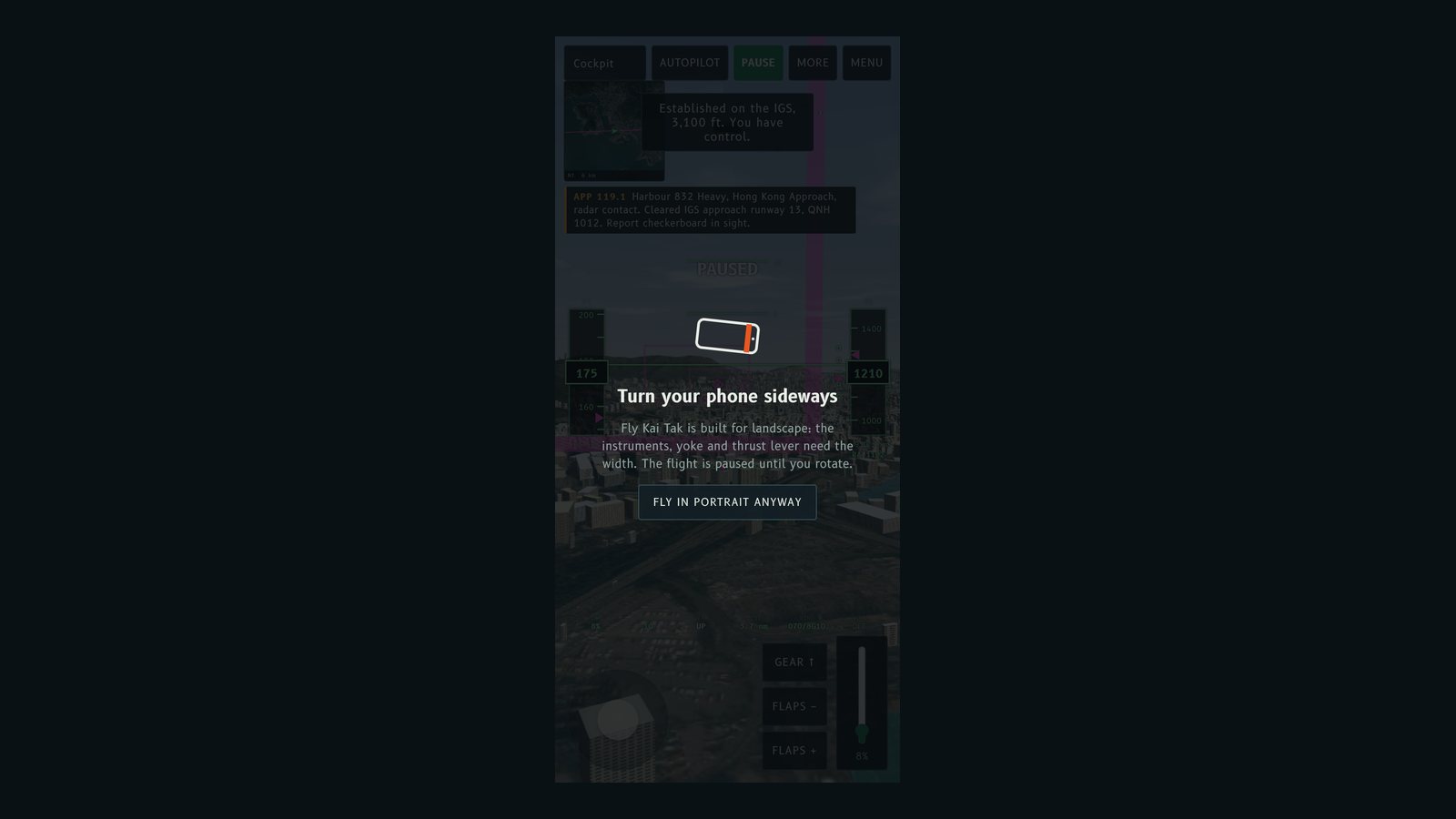
No, but it leans that way. The instruments, yoke and thrust lever need the width, so in portrait the flight pauses behind a Turn your phone sideways prompt until you rotate. Fly in portrait anyway dismisses it. Spectator mode never shows the prompt, because watching works fine in portrait.
Where the browser allows it, Begin descent also goes full screen and asks for landscape. When you go back to the menu, the orientation lock is released so the setup screen works either way up. Browsers without fullscreen or orientation lock simply show the prompt. If you add the site to your home screen, it opens full screen in landscape.
A toolbar that fits
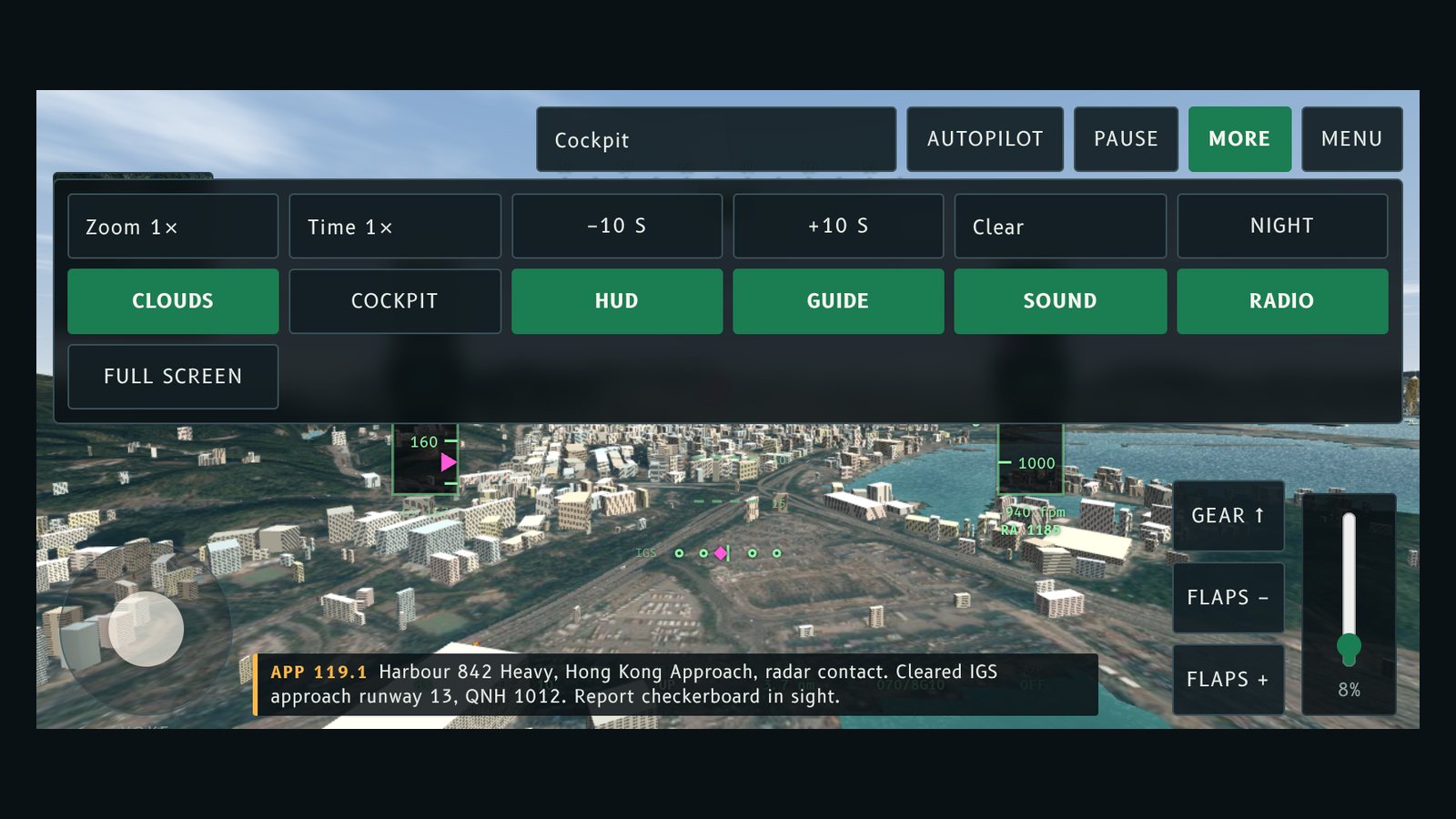
On phones and small windows the toolbar is one row: the view menu, Autopilot, Pause, More and Menu. Everything else sits in the More drawer: zoom, time speed, back and forward 10 seconds, weather, night, clouds, cockpit, HUD, guide, sound, radio and full screen. Tapping the 3D view closes the drawer.
Landscape layout
- The map, yoke and thrust lever shrink on short screens, and the radio captions move to the bottom centre so they no longer cover the speed tape.
- Buttons, the view menu and the thrust slider get bigger touch targets on touch screens.
- Controls keep clear of notches and rounded corners.
- The result card becomes two columns, so Fly it again stays on screen.
- The start screen hides the demo reel on short screens, and Begin descent stays pinned while you scroll the options.
- On-screen hints say what to tap instead of which key to press.
Try this
Turn the phone sideways, tap Begin descent and use the yoke with your left thumb and the thrust lever with your right. Open More for the weather and zoom.
Fly Kai Tak 而家喺手機上都玩得好。工具列唔再遮住天空,控制掣啱晒短身嘅橫向螢幕,直向嗰陣仲會提示你轉橫部手機。
要唔要強制橫向?
唔使,但我哋傾向橫向。儀表、操縱桿同推力桿都需要闊度,所以直向時,飛行會暫停,並顯示 Turn your phone sideways(請轉橫手機)提示,直至你轉機。按 Fly in portrait anyway 就可以略過。觀機模式永遠唔會顯示呢個提示,因為直向睇機都冇問題。
喺瀏覽器容許嘅情況下,按開始下降亦會進入全螢幕並要求橫向。返去選單時,會解除方向鎖定,令設定畫面直放橫放都用得。唔支援全螢幕或方向鎖定嘅瀏覽器就只會顯示提示。如果你將網站加到主畫面,就會以橫向全螢幕開啟。
啱用嘅工具列
喺手機同細視窗上,工具列得一行:視角選單、Autopilot(自動駕駛)、Pause(暫停)、More 同 Menu。其餘全部放入 More 抽屜:放大縮小、時間速度、後退同前進 10 秒、天氣、夜間、雲層、駕駛艙、HUD、指引、聲音、無線電同全螢幕。點一下 3D 畫面就會收埋抽屜。
橫向版面
- 喺短螢幕上,地圖、操縱桿同推力桿會縮細,無線電字幕移到底部中間,唔再遮住速度帶。
- 觸控螢幕上,按鈕、視角選單同推力滑桿嘅觸控範圍更大。
- 控制項會避開瀏海同圓角。
- 結果卡變成兩欄,令 Fly it again 一直喺畫面入面。
- 喺短螢幕上,開始畫面會隱藏示範片,而你捲動選項嗰陣,開始下降會固定喺原位。
- 畫面提示會講明點邊度,而唔係叫你按邊個掣。
試吓呢個
將手機轉橫,㩒「開始下降」,用左手拇指控制操縱桿,右手拇指控制推力桿。打開 More 就可以轉天氣同放大縮小。
More from the blog
The airlines and aircraft of Kai Tak
A guide to the airlines and aircraft types at Kai Tak in the 1990s: Cathay Pacific, Dragonair, Qantas, BA, Singapore, Thai and JAL, with brief histories.
Read the post →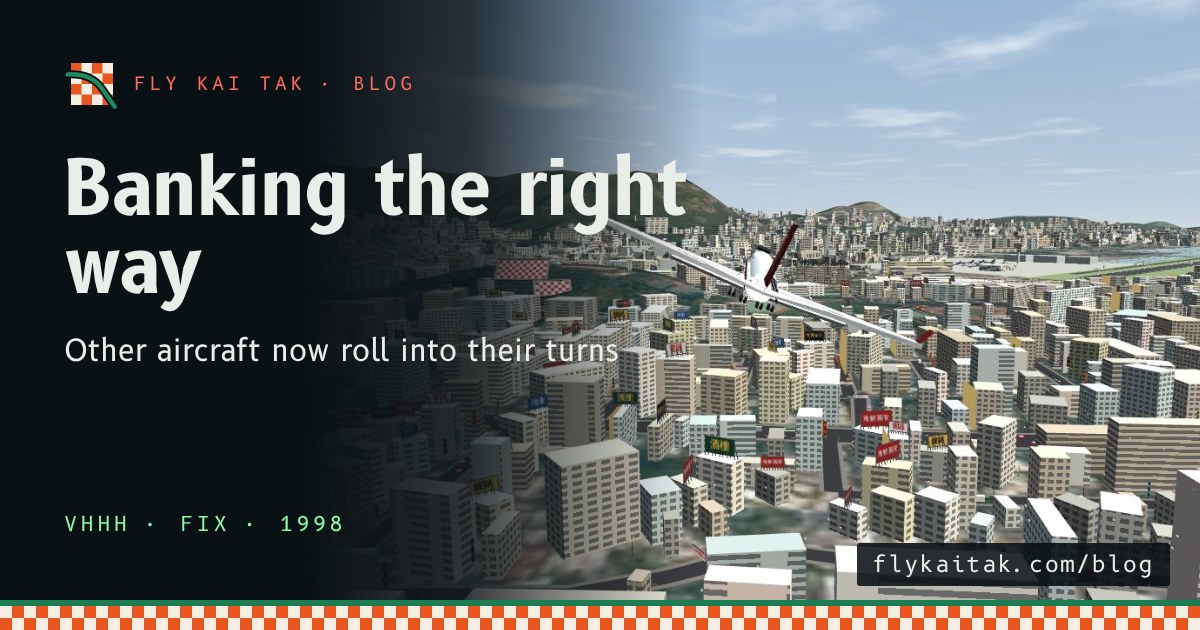
Other aircraft now bank the right way
Fly Kai Tak fix: other aircraft were drawn banking the wrong way in turns. Arrivals and departures now dip the inside wing, as real jets do.
Read the post →