
Feature · Flying & Procedures
New: a landing lesson for first-time pilots
A guided IGS 13 approach: wheels down, flaps, speed, the checkerboard turn, the flare and the stop. No experience needed.
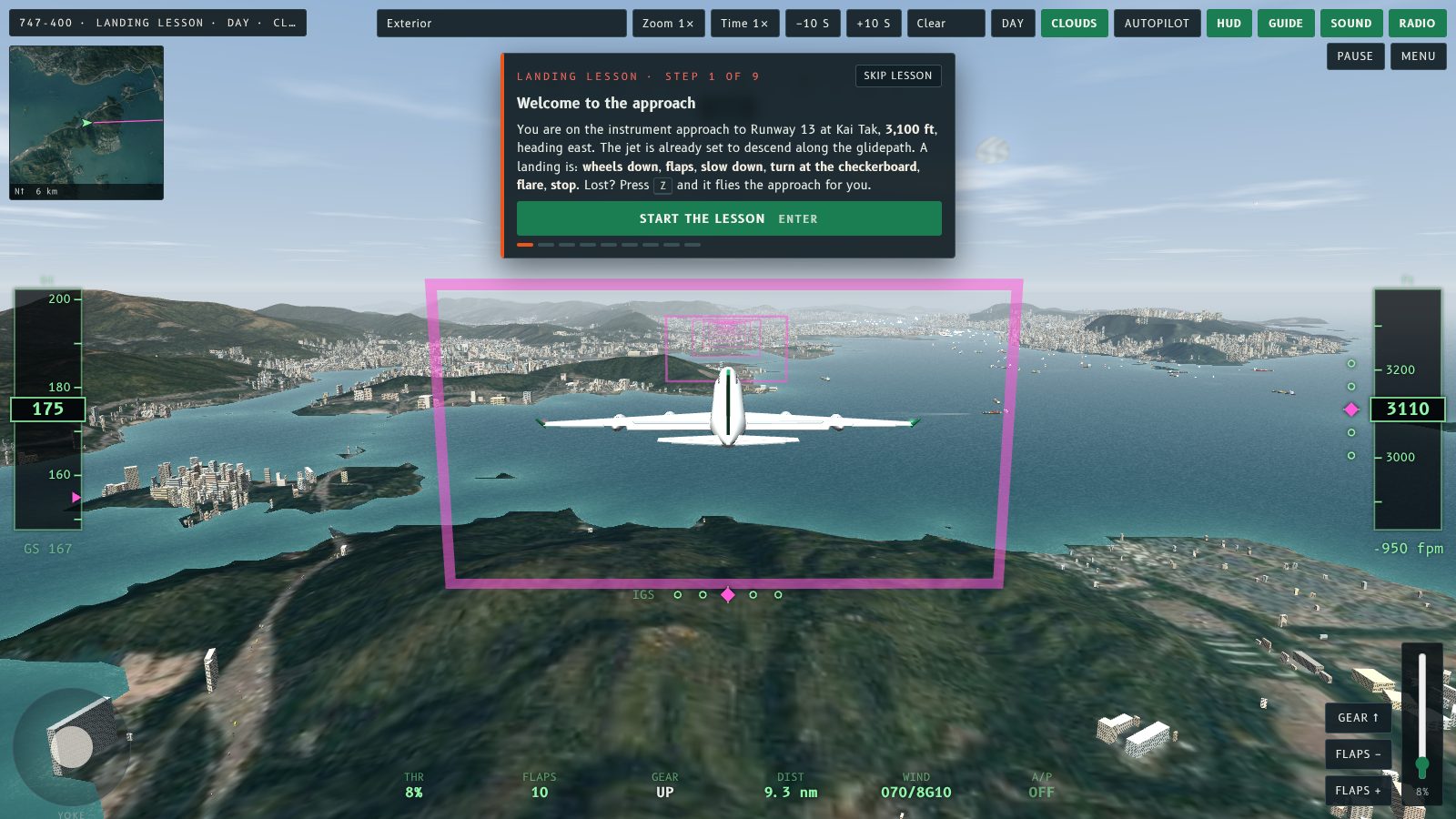
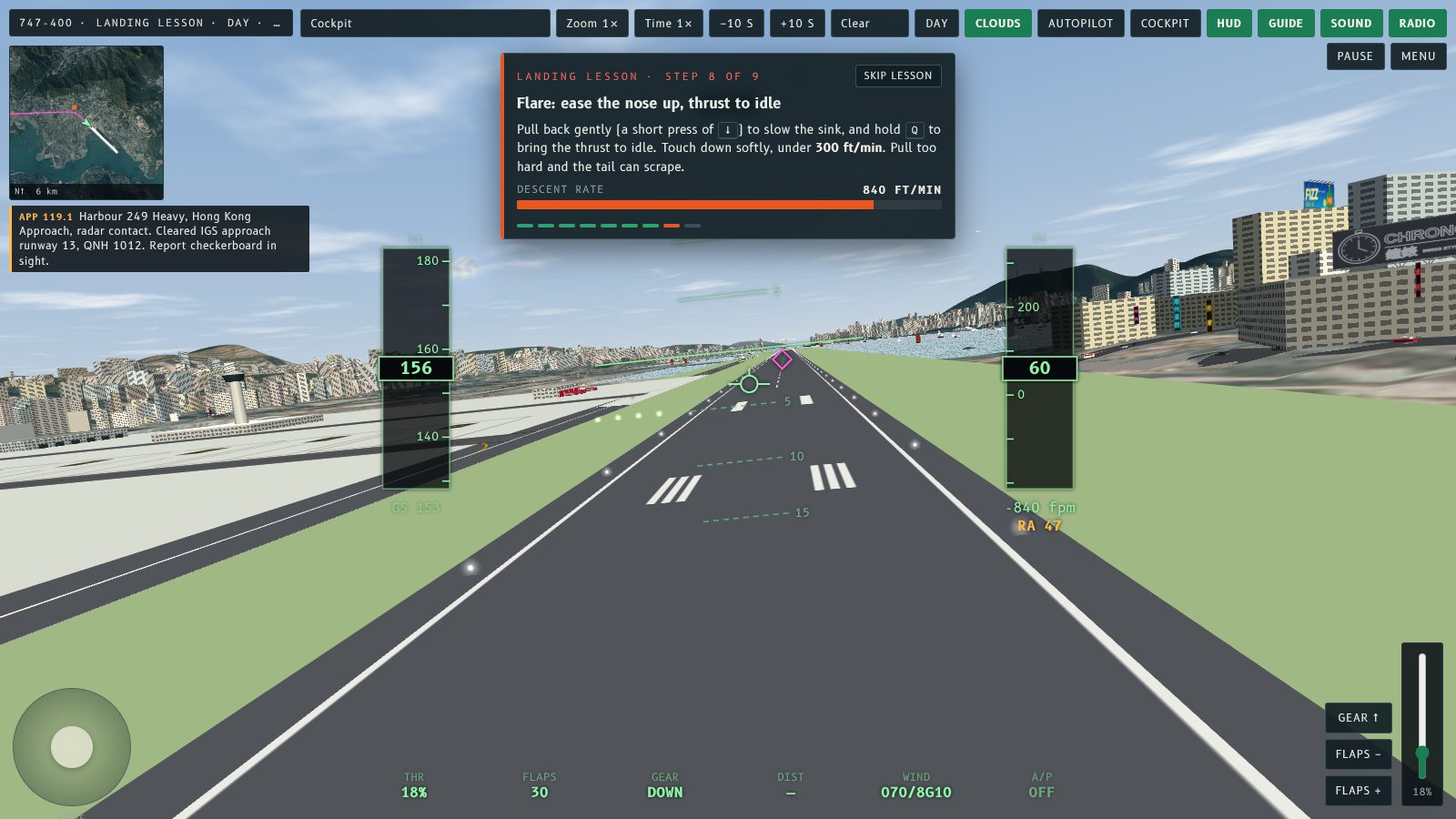
Taken off, and now want to land? Fly Kai Tak has a new Landing lesson. It uses the same coach panel as the Take-off lesson, but on the real IGS 13 approach: nine steps from wheels down to the stop, with a live meter for each one and the control to use pulsing on screen. No experience needed.
Pick it on the start screen
Choose Landing lesson under Mode, pick any aircraft and weather, and press Start the lesson. You start on the approach to Runway 13 with the magenta guide hoops on and the autopilot off. If you get lost, press Z and the autopilot flies the rest of the approach.
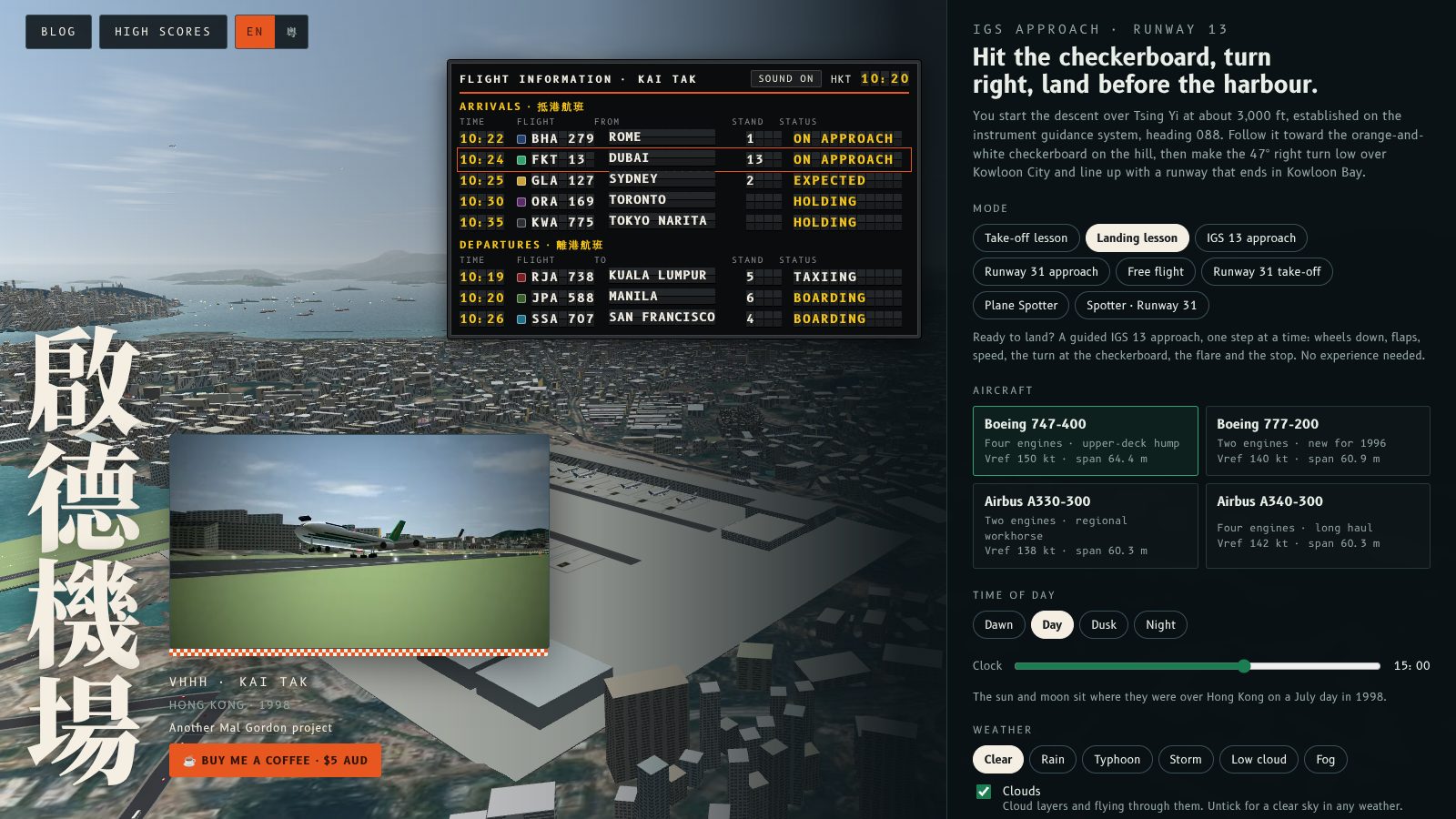
Nine steps
- Welcome. The six moves of a landing in plain words.
- Wheels down. Press G.
- Landing flaps. Press F twice, to the landing setting.
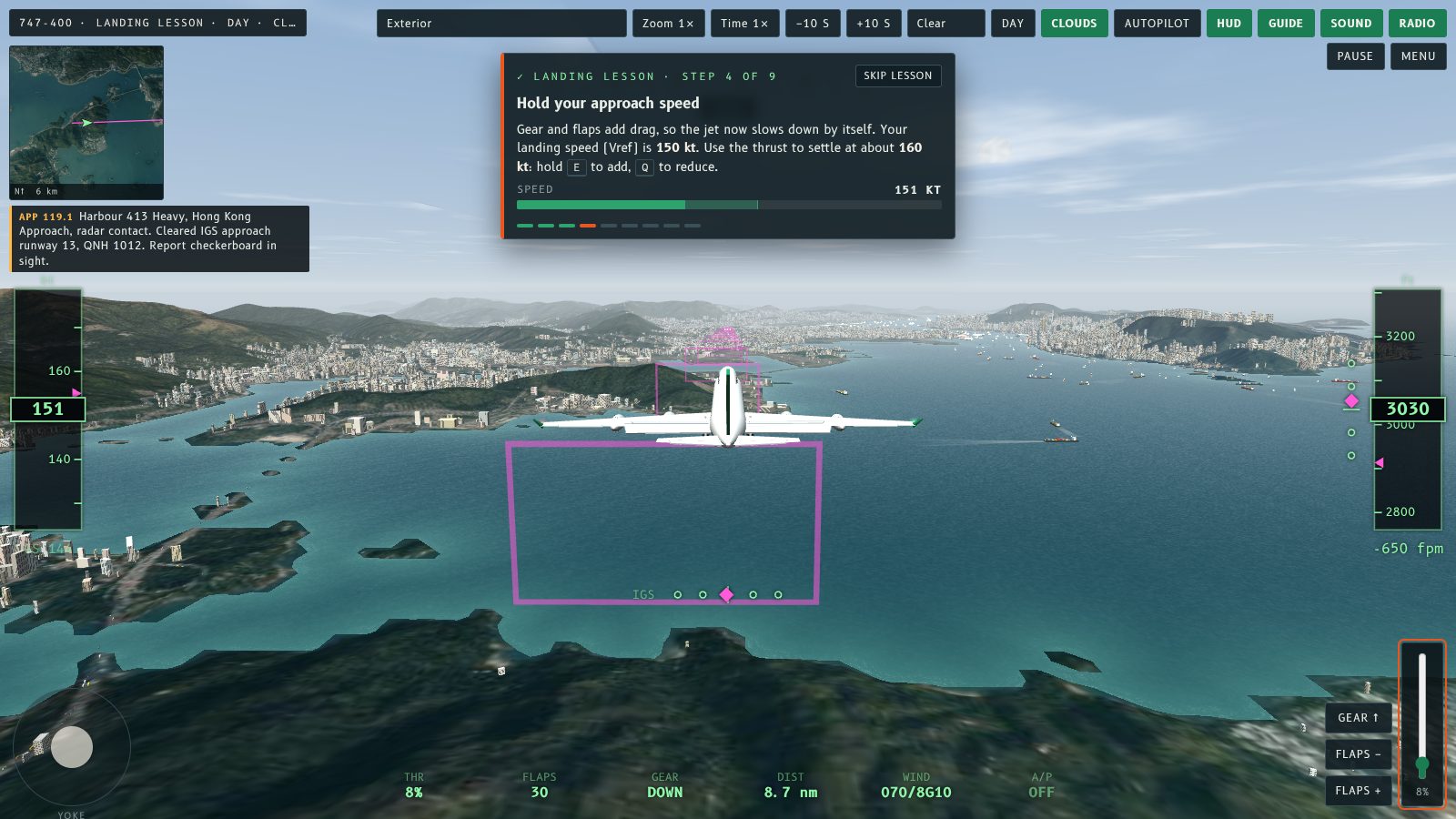
- Hold your approach speed. Gear and flaps add drag, so the jet slows by itself. Use the thrust (E and Q) to settle about 10 kt above your Vref.
- Follow the hoops. Steer with ← → and stay on the glidepath with ↑ ↓. A meter shows how far you are left or right of the line.
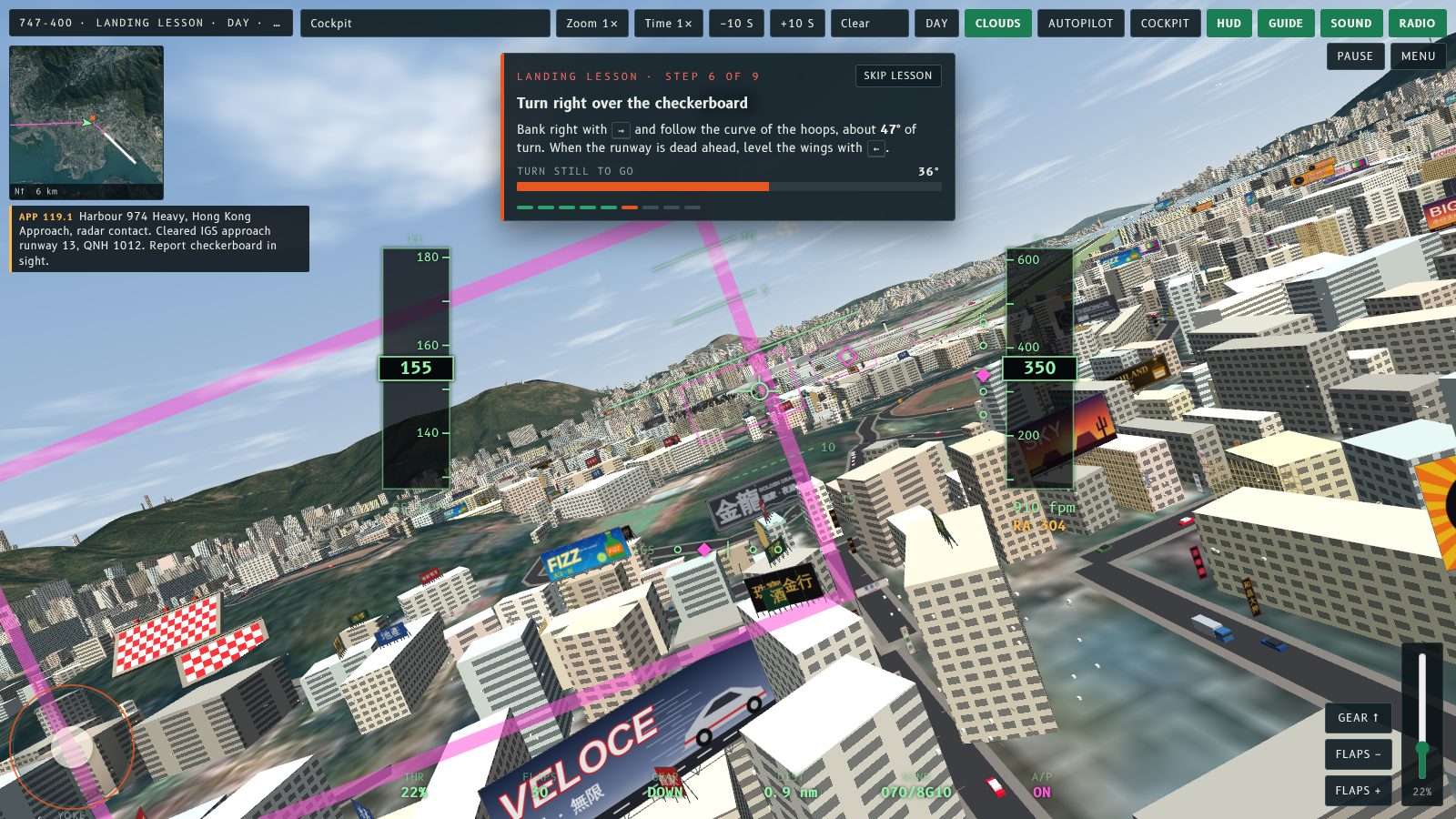
- Turn right. Over the checkerboard, follow the curve of the hoops through about 47° until the runway is dead ahead.
- Final. Hold the glidepath and speed down to 50 ft above the runway.
- Flare. A short pull back and thrust to idle. The meter shows the descent rate against the 300 ft/min target.
- Brake to a stop. Keep the thrust at idle and stay on the centre line.
The coach watches you
If something goes wrong, the panel says so in plain words:
- Too slow or too fast, and which way to move the thrust.
- Below or above the glidepath, and which way to move the nose.
- Off the line to the left or right of the hoops.
- Bank too steep, or a stall warning.
- After touchdown, drifting off the centre line or thrust left above idle.
After the landing
The result card grades the landing as usual and adds that the lesson is complete. If you crash, it adds a tip for what went wrong: gear up, hard landing, runway excursion, overrun, stall or flying into the city. Lesson landings are not entered on the high score table, so you can practise freely. The rewind buttons bring the coach back to the right step, and Skip lesson is on screen the whole time.
Next
The Take-off lesson's last card now links straight to the Landing lesson. After that, the IGS 13 approach is the real thing, with the guide hoops and score.
起飛學識咗,想學降落?Fly Kai Tak 新增降落教學。佢用同起飛教學一樣嘅教練面板,不過喺真正嘅 IGS 13 進場入面進行:由放起落架到停機一共九步,每一步都有實時量表,要用嘅操控會喺畫面上閃動。唔使有任何經驗。
喺開始畫面揀
喺「模式」揀降落教學,揀一款機同天氣,然後㩒「開始教學」。你會喺 13 號跑道嘅進場路線上開始,洋紅色引導圈已經開咗,自動駕駛就閂咗。如果迷失咗方向,㩒 Z,自動駕駛會幫你飛完餘下嘅進場。
九個步驟
- 歡迎。用淺白嘅說話講降落嘅六個動作。
- 放起落架。按 G。
- 降落襟翼。按兩下 F,放到降落設定。
- 保持進場速度。起落架同襟翼會增加阻力,飛機自己會減速。用推力(E 同 Q)將速度穩定喺比 Vref 高約 10 節。
- 跟住引導圈。用 ← → 轉向,用 ↑ ↓ 保持喺下滑道。量表會顯示你偏左或者偏右幾遠。
- 右轉。喺棋盤上空,跟住引導圈嘅弧度轉大約 47°,直至跑道喺正前方。
- 最後進場。保持下滑道同速度,一直到跑道上空 50 呎。
- 拉平。輕輕拉一下桿,推力收到慢車。量表會顯示下降率同 300 呎/分鐘嘅目標。
- 煞停。推力保持慢車,行喺中線上直至停定。
教練會睇住你
有咩問題,面板會用淺白嘅說話提你:
- 太慢或者太快,同埋推力應該點調。
- 低過或者高過下滑道,同埋機頭應該點調。
- 偏左或者偏右離開引導圈。
- 傾斜太大,或者失速警告。
- 著陸之後,偏離中線或者推力仲高過慢車。
降落之後
結果畫面會照常評分,另外會加一句教學完成。如果撞機,會加一個提示講邊度出錯:起落架冇放、重著陸、衝出跑道、衝過跑道尾、失速或者撞入市區。教學嘅降落唔會計入高分榜,所以可以放心練習。倒帶掣會將教練帶返去啱嘅步驟,「Skip lesson」全程都喺畫面上。
下一步
起飛教學最後一張卡而家直接連去降落教學。之後,IGS 13 進場就係真正嘅挑戰,有引導圈同分數。
More from the blog
A map toggle with live aircraft
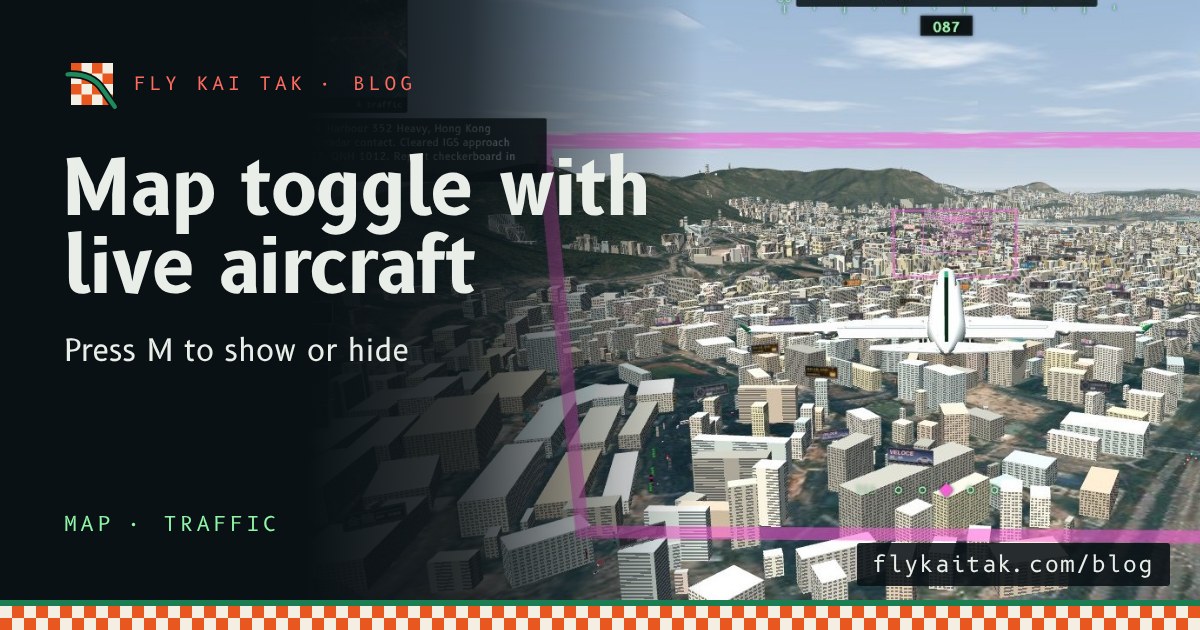
Fly Kai Tak's corner map now plots the other aircraft live, amber in the air with altitude and grey on the ground, and a Map button or the M key hides it.
Read the post →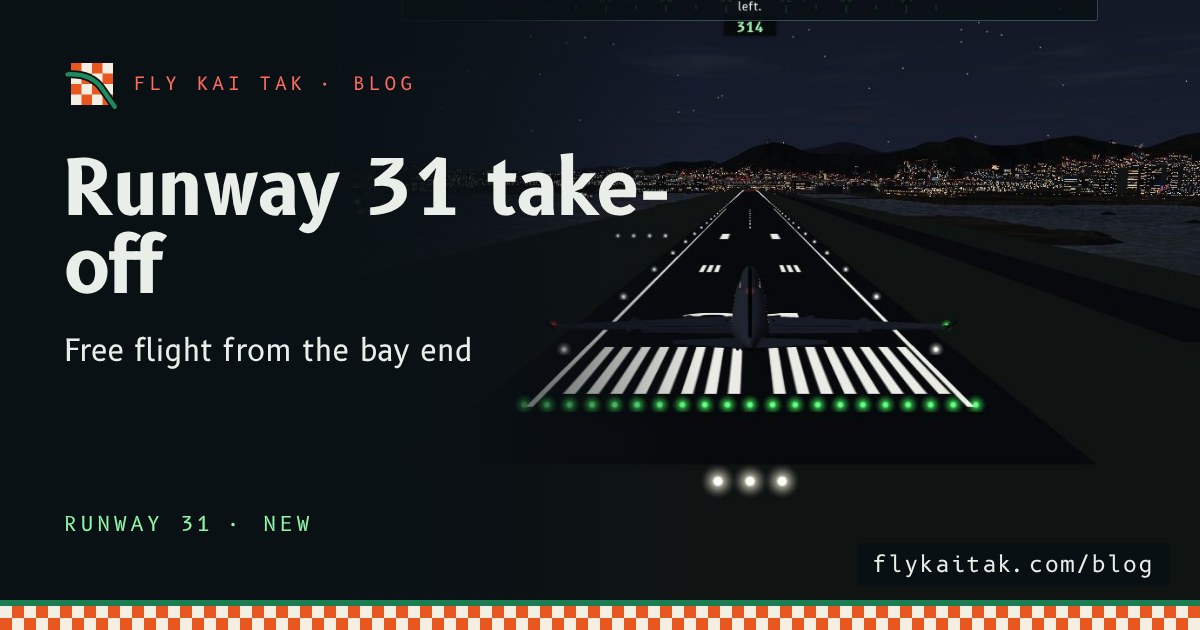
New: take off from Runway 31 in free flight
Fly Kai Tak free flight now starts on Runway 31 as well as Runway 13, with Runway 31 radio calls, mirrored airport traffic and a climb out over Kowloon City.
Read the post →