
Feature · Flying & Procedures
Fly your first Kai Tak approach with the Landing lesson
Nine coached steps from gear down to a full stop, with guide hoops and live meters.
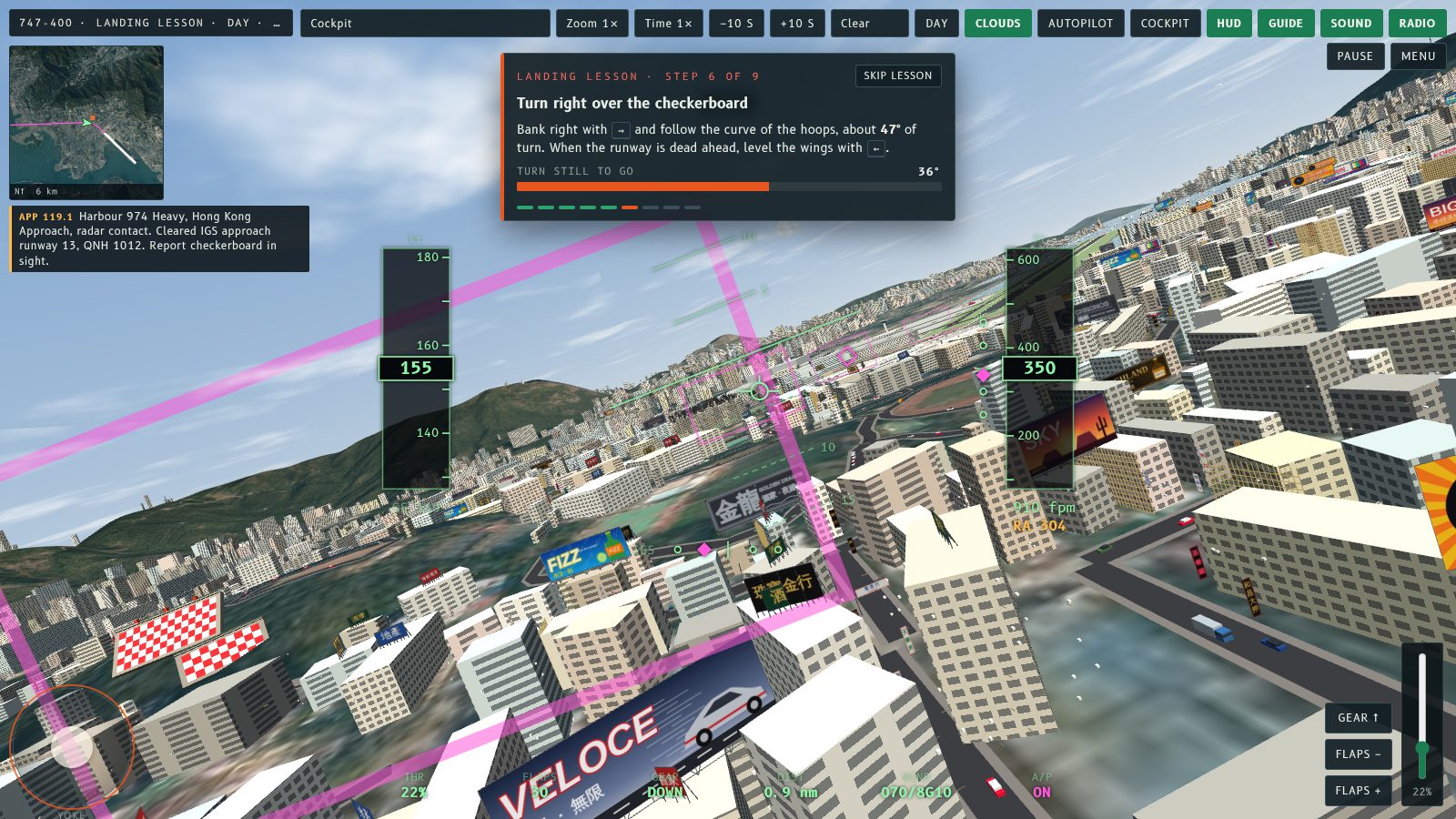
The Landing lesson is the quickest way to land at Kai Tak for the first time. A coach panel gives you one step at a time on the IGS 13 approach, with guide hoops to fly through and live meters for each step. It moves on by itself when you do the step.
Start it
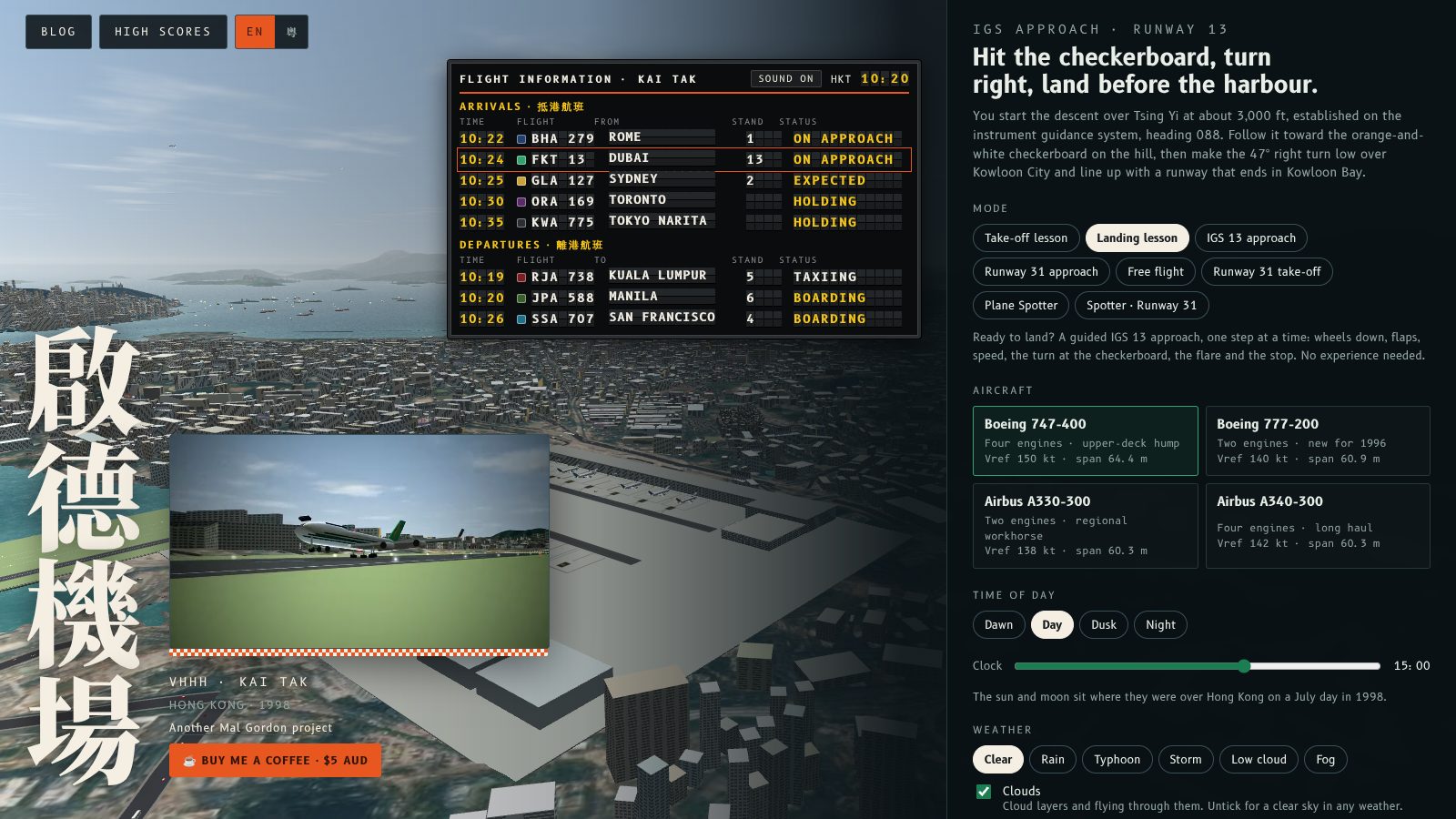
On the start screen, choose Landing lesson under Mode. It sits next to the Take-off lesson.
The nine steps
- Welcome to the approach.
- Lower the landing gear.
- Set the landing flaps.
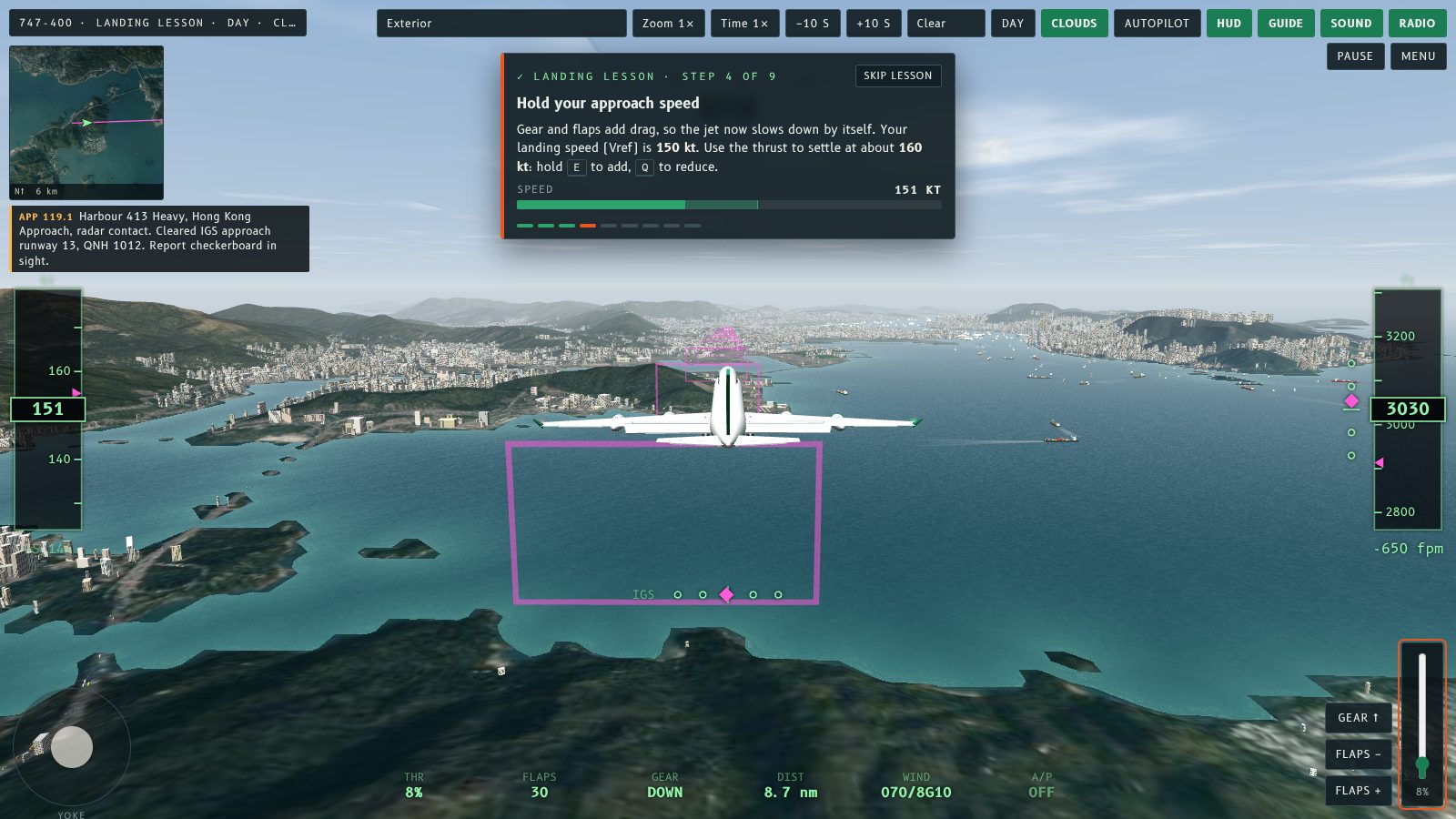
- Hold your approach speed (Vref plus 10 kt).
- Follow the hoops to the checkerboard.
- Turn right over the checkerboard, the 47° turn.
- Stay on the glidepath to the runway.
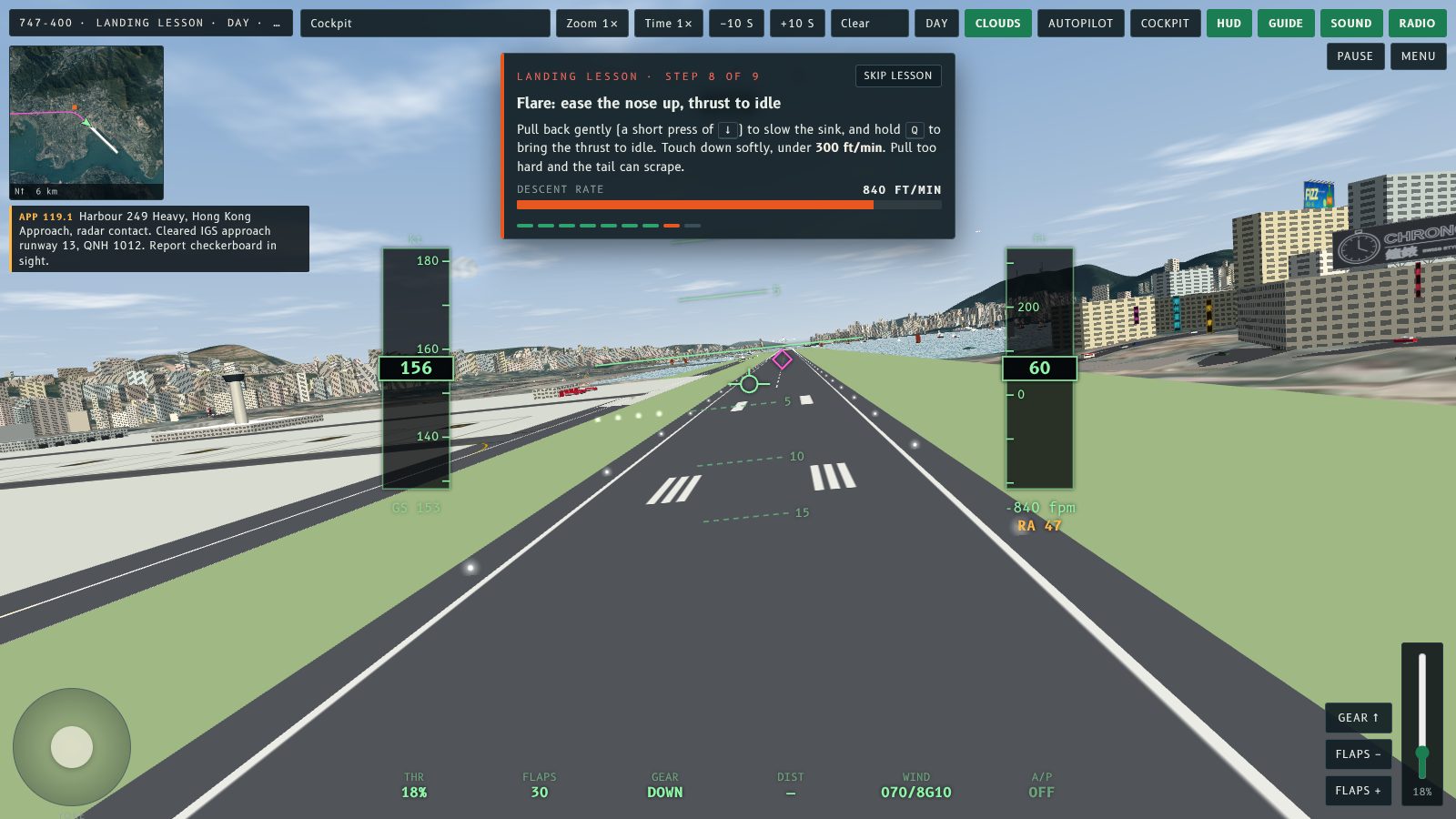
- Flare: ease the nose up, thrust to idle.
- Brake to a stop.
Follow the coach panel and its meters and you will not miss a step.
Tips
- Hold E to add thrust and Q to reduce it, or slide the thrust lever on touch screens.
- Do not let the speed fall below Vref.
- Watch the warnings: too slow or fast, below or above the glidepath, off the line, too much bank, stall.
Lesson landings are not ranked on the high score table, so it is a safe place to learn. When you are ready, switch the guide hoops off and fly the approach by hand.
Keep reading
降落課程係第一次喺啟德降落最快嘅方法。教練面板會喺 IGS 13 進場入面一步一步教你,有導引圈俾你穿過,每一步都有即時儀表。你做好一步,佢就自動跳去下一步。
點樣開始
喺開始畫面,喺「模式」入面揀降落課程。佢就喺起飛課程隔離。
九個步驟
- 歡迎進入進場。
- 放下起落架。
- 設定降落襟翼。
- 保持進場速度(Vref 加 10 節)。
- 跟住導引圈飛向棋盤。
- 喺棋盤右轉,即係 47° 轉彎。
- 保持喺下滑道飛向跑道。
- 拉平:輕輕抬機頭,推力收到慢車。
- 剎車停定。
跟住教練面板同儀表做,就唔會漏咗任何一步。
小貼士
- 按住 E 加推力、Q 減推力;觸控螢幕就推動推力桿。
- 唔好等速度跌到低過 Vref。
- 留意警告:太慢或太快、低於或高於下滑道、偏離航線、坡度太大、失速。
課程入面嘅降落唔計入高分榜,所以係安心學習嘅地方。準備好之後,熄咗導引圈,用手飛進場。
延伸閱讀
More from the blog

Why the Kai Tak approach is so demanding
The IGS 13 approach at Kai Tak: start at 3,100 ft, fly to the checkerboard, make a 47° right turn at 650 ft and land on a runway that ends in the bay.
Read the post →
Helicopter tour: only the guide speaks
On the Hong Kong harbour helicopter tour, radio calls are now silent and shown as text only, so the tour guide is the only voice you hear.
Read the post →