
Update · Controls & Devices
A longer thrust bar for finer control
The touch thrust bar is up to 260 px tall, so small thrust changes are easier to set.
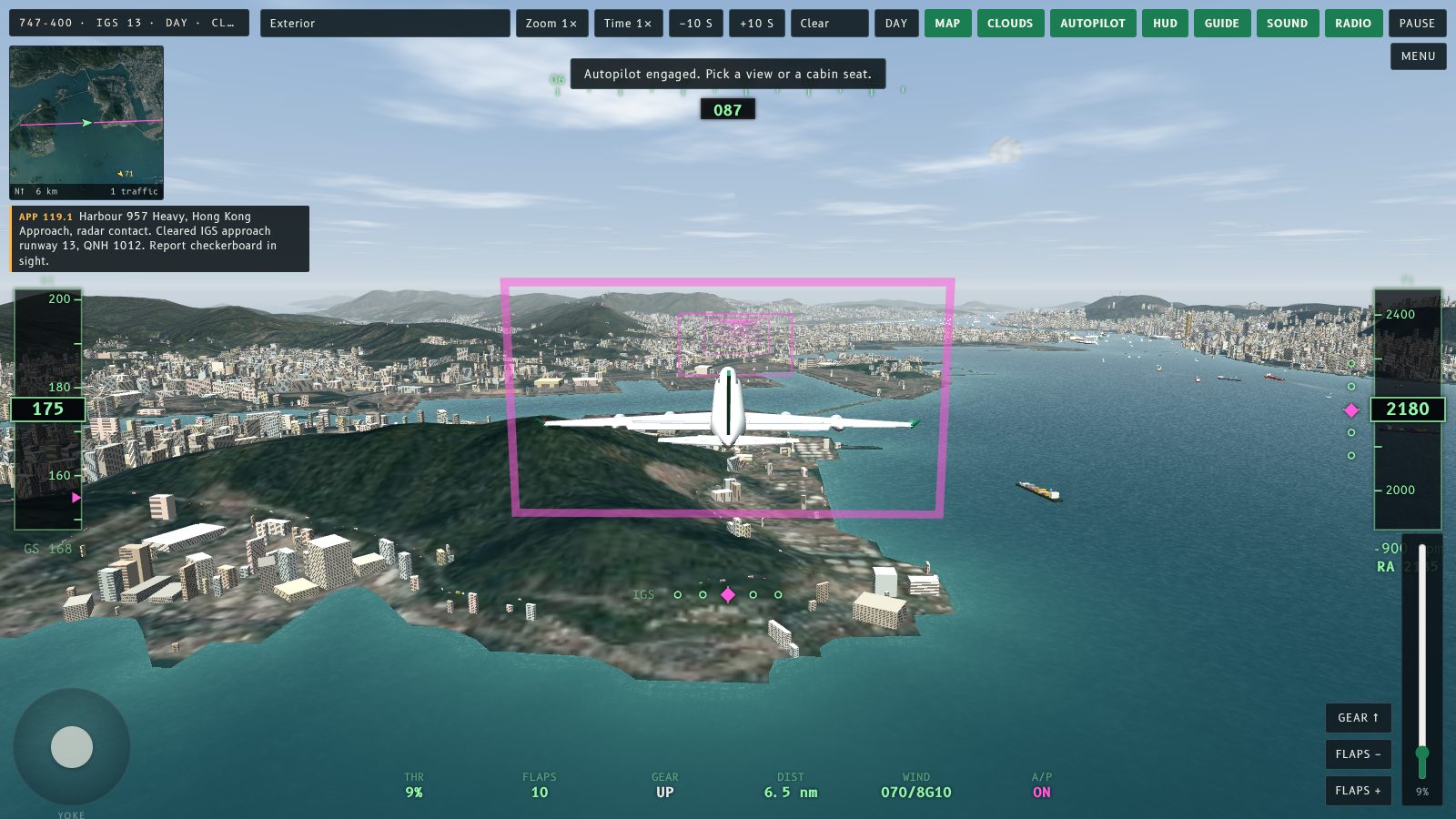
The thrust lever bar on the touch controls is now about twice as long on a desktop-size screen, so each percent of thrust covers more pixels and small adjustments are easier.
What changed
The thrust bar used to be a fixed 140 px tall. It now grows with the window, up to 260 px, and stays shorter on small screens so it never covers the altitude tape. On phones in landscape it is up to 170 px, up from 96 px. The thrust still moves in 1% steps and the autopilot still takes over the levers the same way.
觸控操控嘅推力桿而家喺桌面尺寸螢幕上大約長咗一倍,每 1% 推力佔多啲像素,微調容易好多。
改咗啲乜
推力桿以前固定 140 px 高,而家會跟視窗大細變長,最長 260 px;細螢幕上會短啲,唔會遮住高度條。手機橫向由 96 px 加到最長 170 px。推力仍然以 1% 為單位移動,自動駕駛接管推力桿嘅方式都冇變。
More from the blog
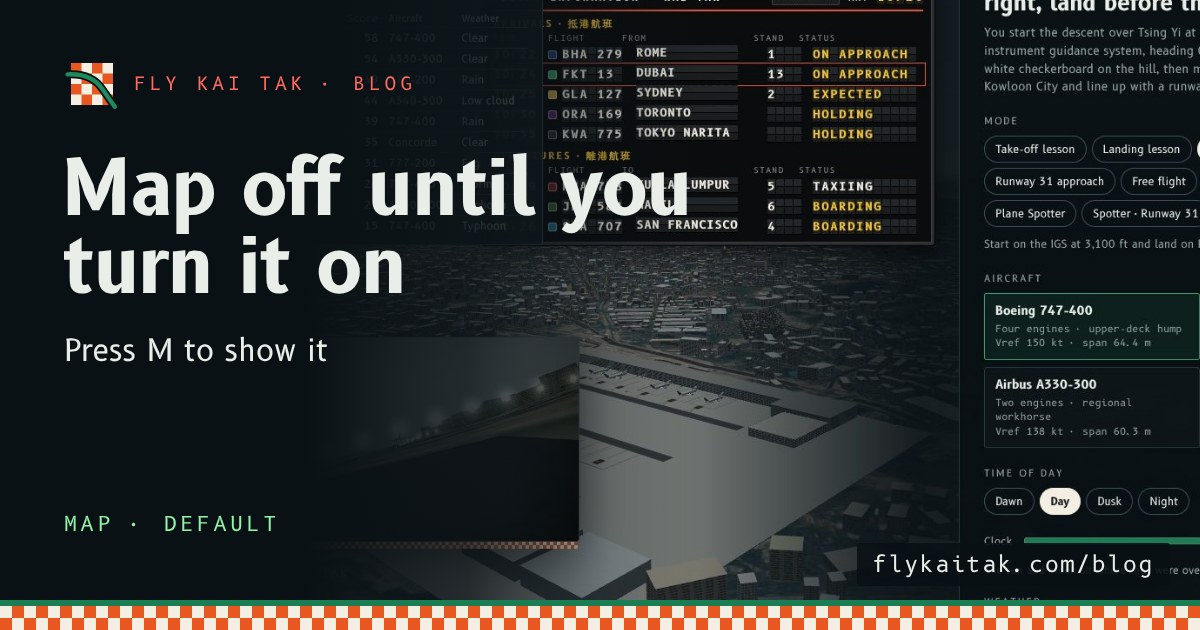
The map is off until you turn it on
Fly Kai Tak's corner map now starts hidden on the home screen and in flights. Press M or tick Map with live aircraft under Options to show it.
Read the post →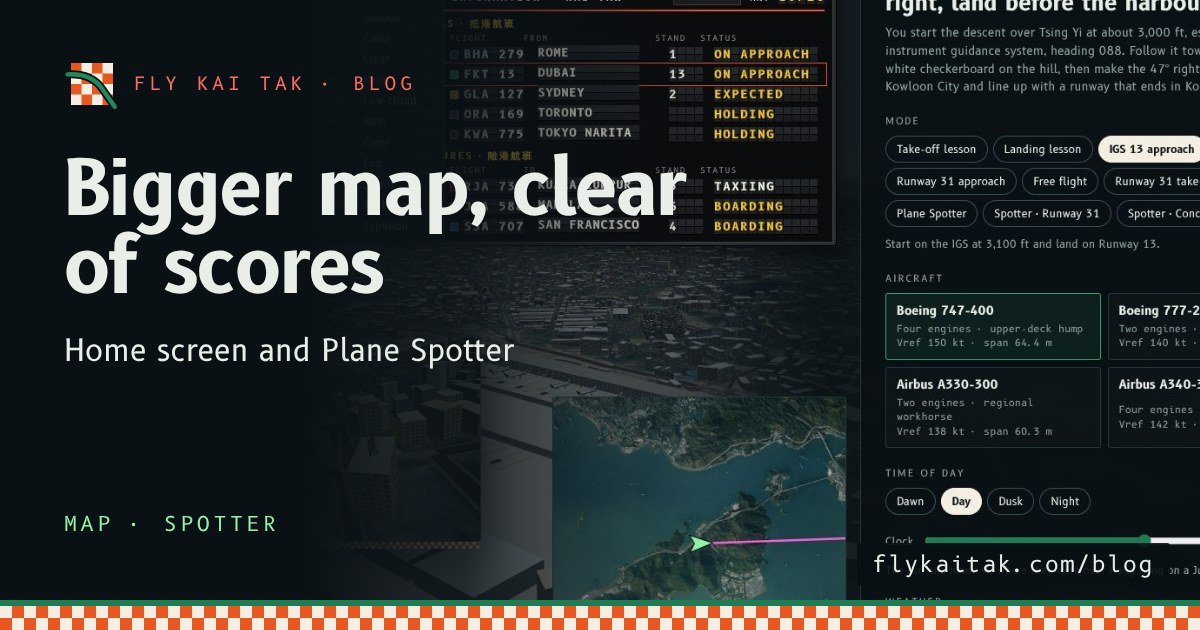
A bigger map on the home screen and in Plane Spotter
Fly Kai Tak's corner map is now double size on the home screen and in Plane Spotter, and the home screen map moves clear of the High scores panel.
Read the post →