
Update · Controls & Devices
The map is off until you turn it on
The corner map no longer switches itself on when the home screen loads. Press M or tick the option to show it.
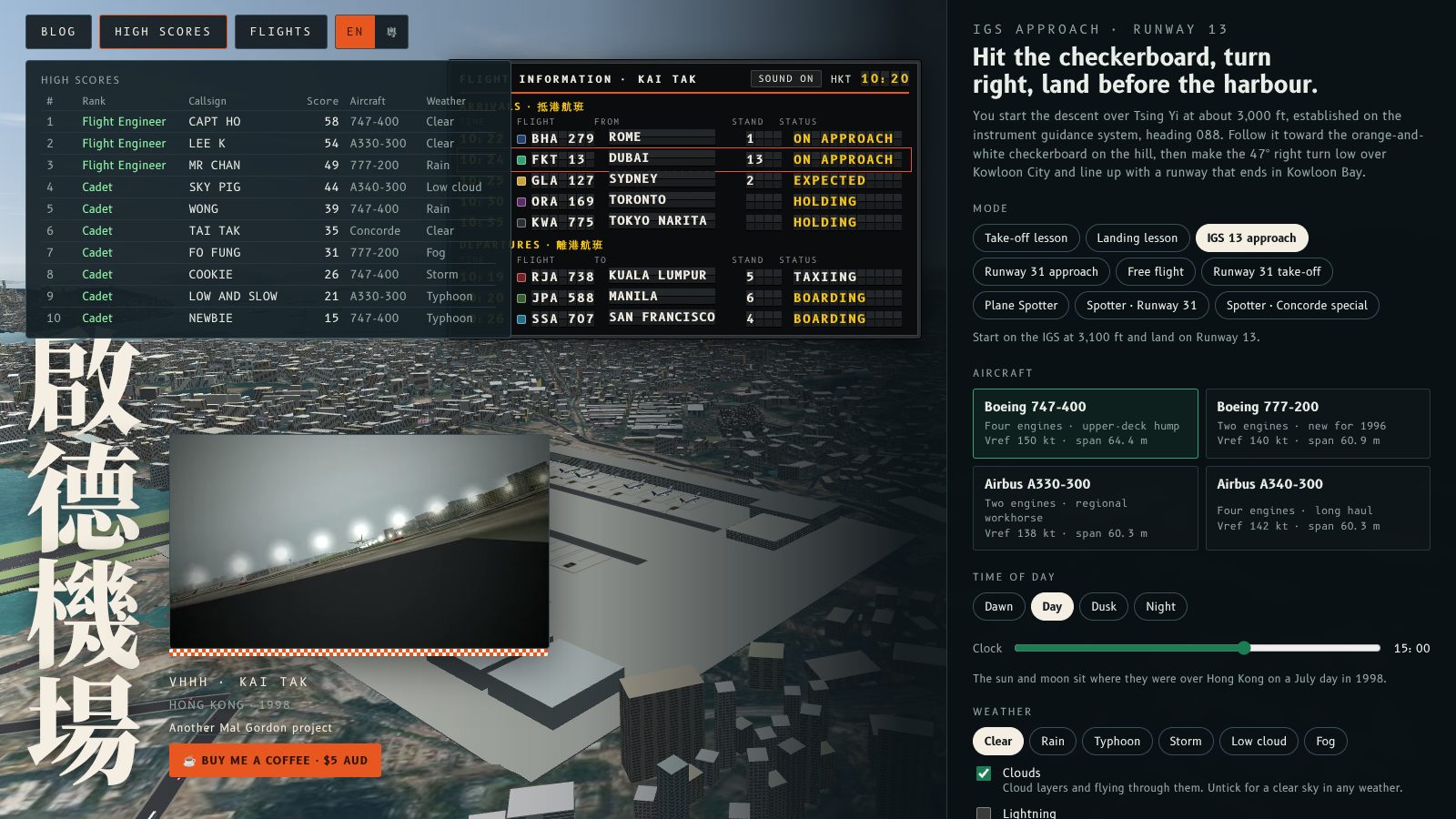
The corner map no longer switches itself on when the home screen loads. It starts hidden, and you turn it on when you want it.
What changed
The map used to be on by default. It is now off until you ask for it, on the home screen and in flights. Press M, or tick Map with live aircraft under Options, to show it. The tick box starts unticked and follows the key, and whatever it says when you press Begin descent is how the flight starts.
Once on, the map keeps its larger size on the home screen and in Plane Spotter, and moves clear of High scores.
主畫面載入時,角落地圖唔會再自動開啟。佢預設收埋,要睇先自己開。
改咗啲乜
地圖以前預設係開嘅,而家喺主畫面同飛行入面都預設關閉。㩒 M 鍵,或者喺「選項」剔選「即時飛機地圖」就會顯示。剔選格預設冇剔,會跟住 M 鍵變;你撳「Begin descent」嗰一刻係點,飛行就點開始。
開咗之後,地圖喺主畫面同 Plane Spotter 仍然係大尺寸,而且會避開 High scores 面板。
More from the blog
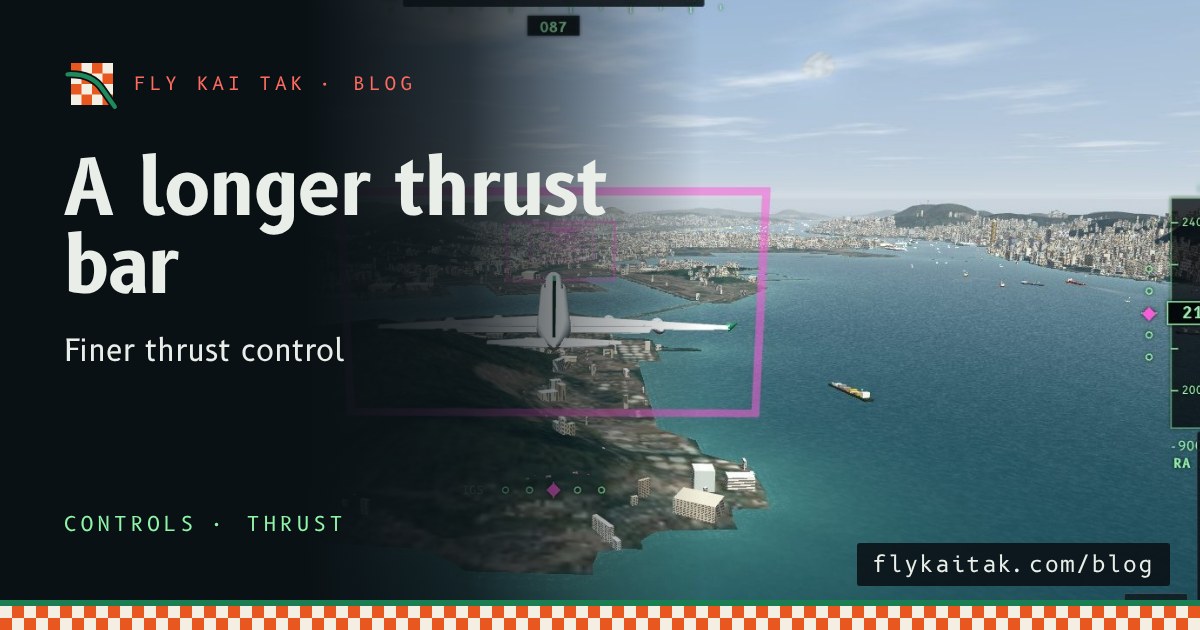
A longer thrust bar for finer control
Fly Kai Tak's thrust lever bar is now up to 260 px tall on desktop and 170 px on landscape phones, giving finer control of thrust.
Read the post →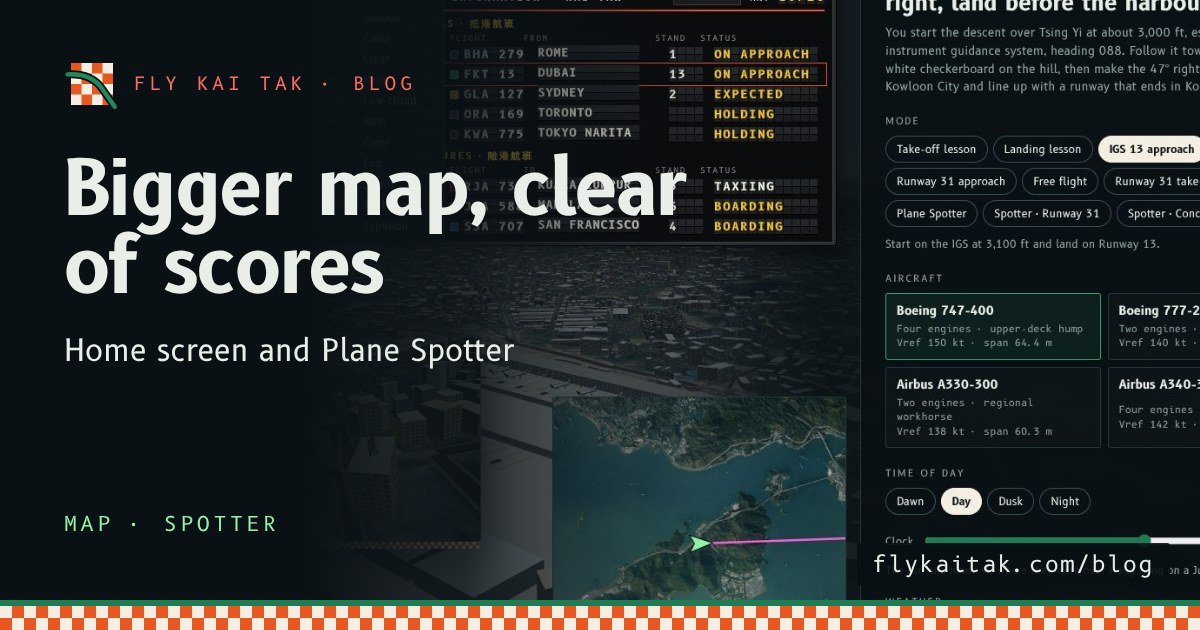
A bigger map on the home screen and in Plane Spotter
Fly Kai Tak's corner map is now double size on the home screen and in Plane Spotter, and the home screen map moves clear of the High scores panel.
Read the post →