
Update · Controls & Devices
The map on the home screen, with M to toggle
The corner map now shows as soon as the home screen loads, over the live demo, and M turns it on and off there too.
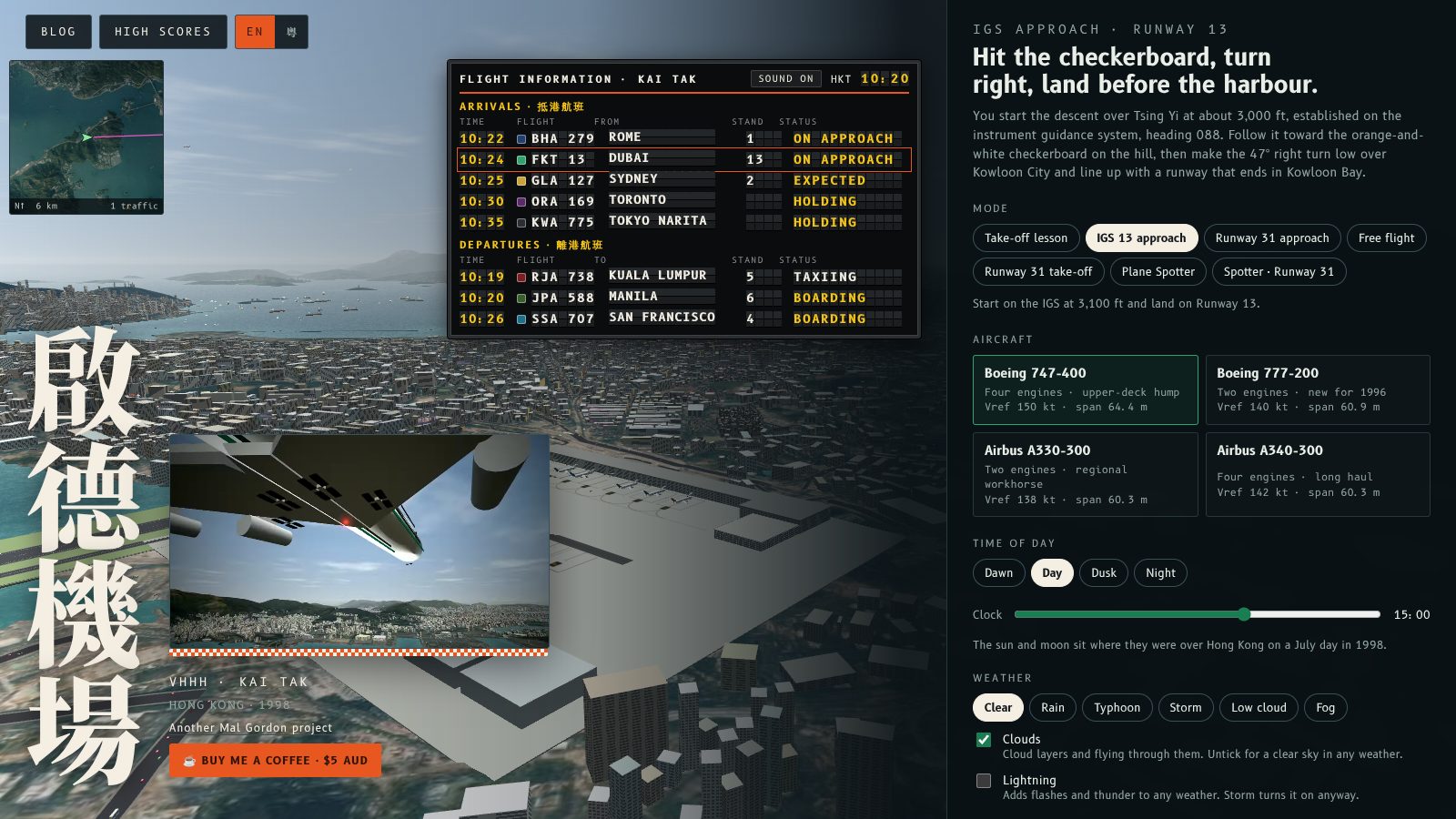
The corner map now appears as soon as the home screen loads, over the live view of the airport, and M turns it on and off there too.
What changed
The home screen already shows the sim running behind the menu: a 747 on the IGS approach, with the other airliners around the airport. The map now draws that same flight and traffic in the top left corner, so you can see where everything is before you start. Press M to hide it and press it again to bring it back.
The Map with live aircraft box in Options follows the key, and ticking it by hand does the same thing. Whatever it says when you press Begin descent is how the flight starts.
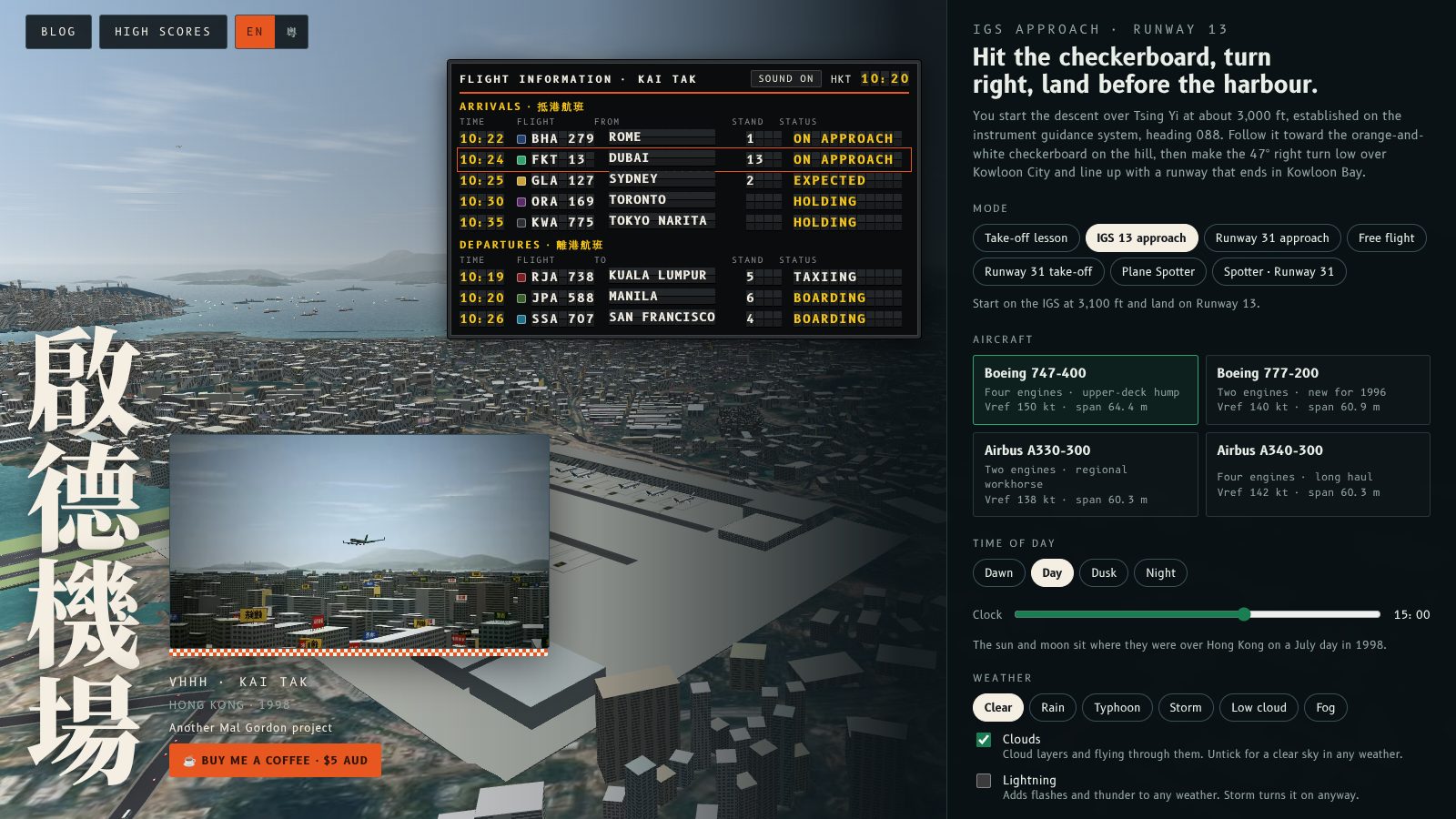
主畫面一載入,角落地圖就會自動出現,疊喺機場嘅即時畫面上面;喺主畫面都可以用 M 鍵開關。
改咗啲乜
主畫面背後本來就有模擬器喺度行:一部 747 喺 IGS 進場,機場周圍仲有其他客機。而家地圖會喺左上角畫出同一個飛行同交通,所以未開始飛已經睇到啲飛機喺邊。㩒 M 收埋,再㩒一次就返嚟。
「選項」入面嘅「即時飛機地圖」剔選格會跟住 M 鍵,手動剔選都一樣。你撳「Begin descent」嗰一刻係點,飛行就點開始。
More from the blog
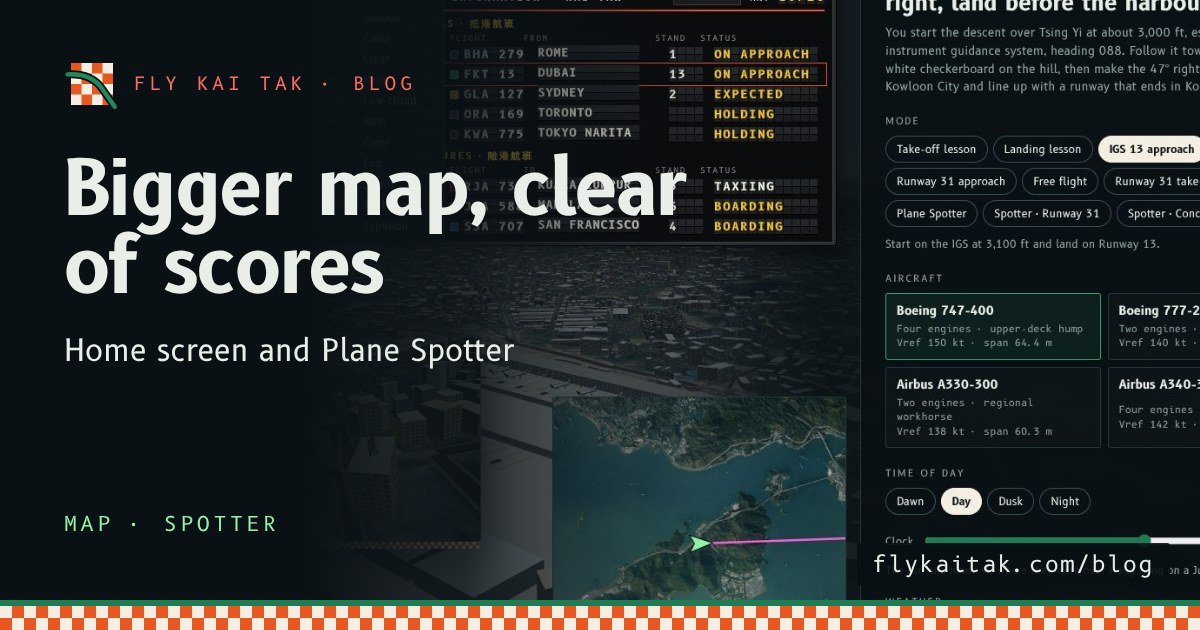
A bigger map on the home screen and in Plane Spotter
Fly Kai Tak's corner map is now double size on the home screen and in Plane Spotter, and the home screen map moves clear of the High scores panel.
Read the post →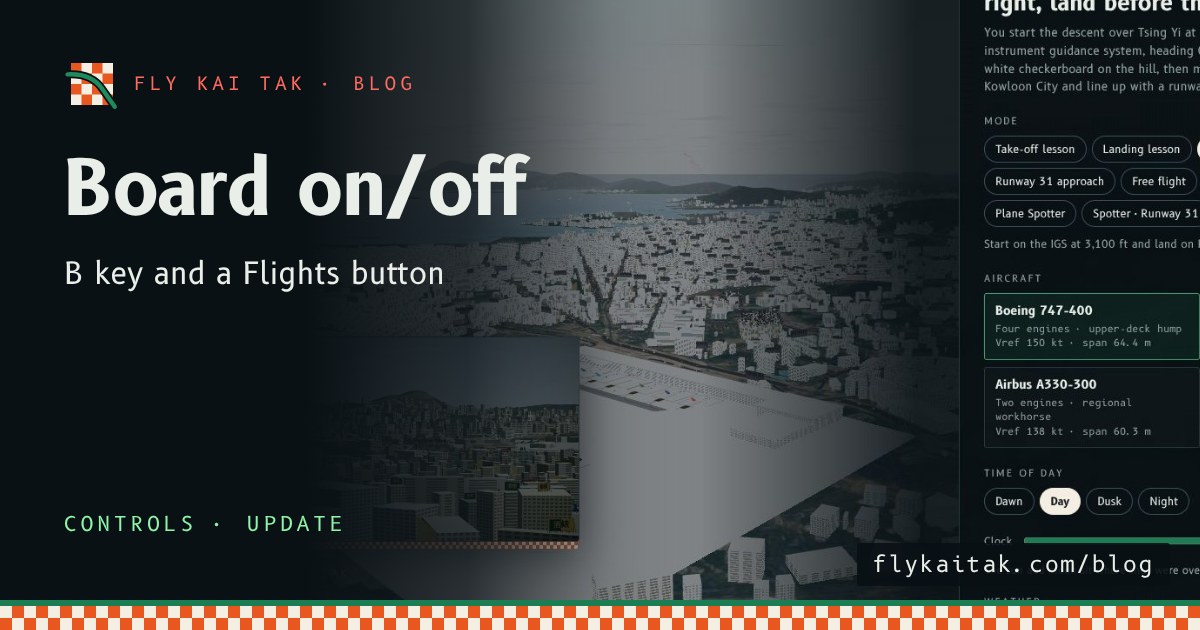
Flight Board Key and Button
Switch the Fly Kai Tak flight information board on and off with the B key on the home screen as well as in Plane Spotter, or with the new Flights button.
Read the post →