
Update · Controls & Devices
A Map option on the home screen
Choose whether the corner map is on before you start a flight, with a new tick box in the home screen Options.
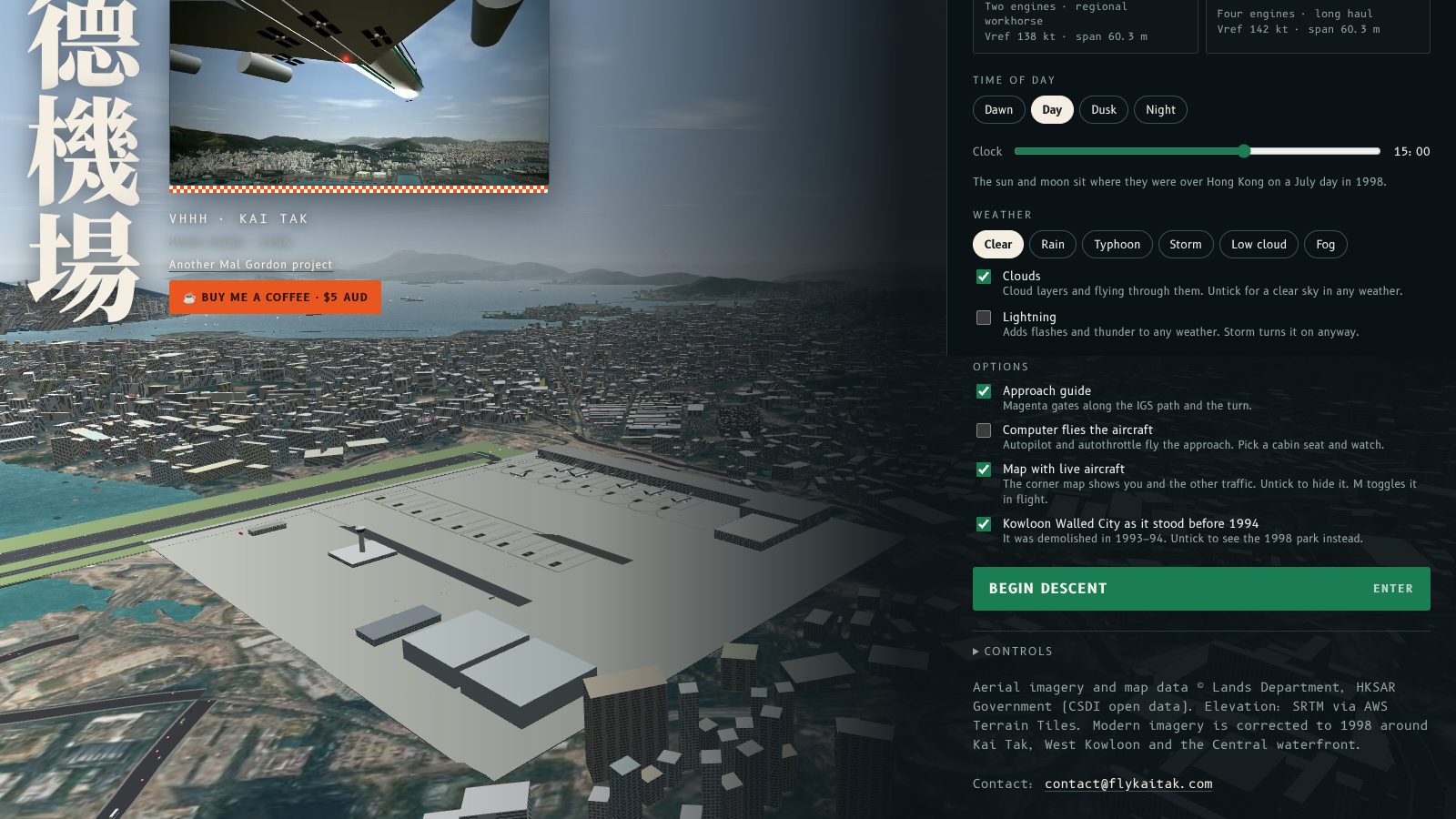
The home screen now has a Map option, so you can choose whether the corner map is on before you start a flight.
What changed
Under Options, between the approach guide and the Walled City choice, there is a new tick box called Map with live aircraft. It is ticked by default. Untick it and the next flight starts with the map hidden. Tick it to see you and the other traffic on the corner map.
In flight, the Map button or M still turns it on and off. The home screen box follows whatever you last chose, so when you go back to the menu it shows the current setting.
The map is not shown in Plane Spotter or the cabin view, whatever this box says.
主畫面而家有個地圖選項,開始飛行之前就可以揀角落地圖要唔要開。
改咗啲乜
喺「選項」入面,進場導航同九龍寨城選項之間,多咗一個剔選格,叫「即時飛機地圖」,預設係剔咗。取消剔選,下一次飛行就唔會顯示地圖;剔返就會喺角落地圖睇到你同其他飛機。
飛行途中,Map 掣或者 M 鍵照舊可以開關。主畫面個剔選格會跟你最後一次嘅選擇,所以返去選單時會顯示而家嘅設定。
無論呢個格點揀,Plane Spotter 同客艙視角都唔會顯示地圖。
More from the blog
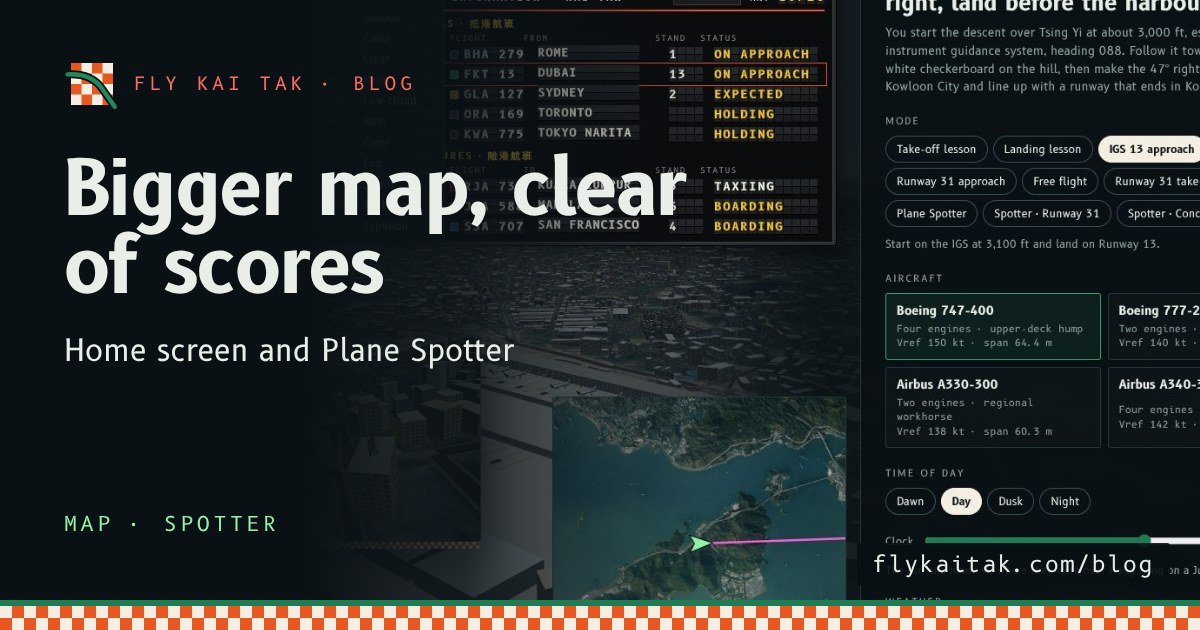
A bigger map on the home screen and in Plane Spotter
Fly Kai Tak's corner map is now double size on the home screen and in Plane Spotter, and the home screen map moves clear of the High scores panel.
Read the post →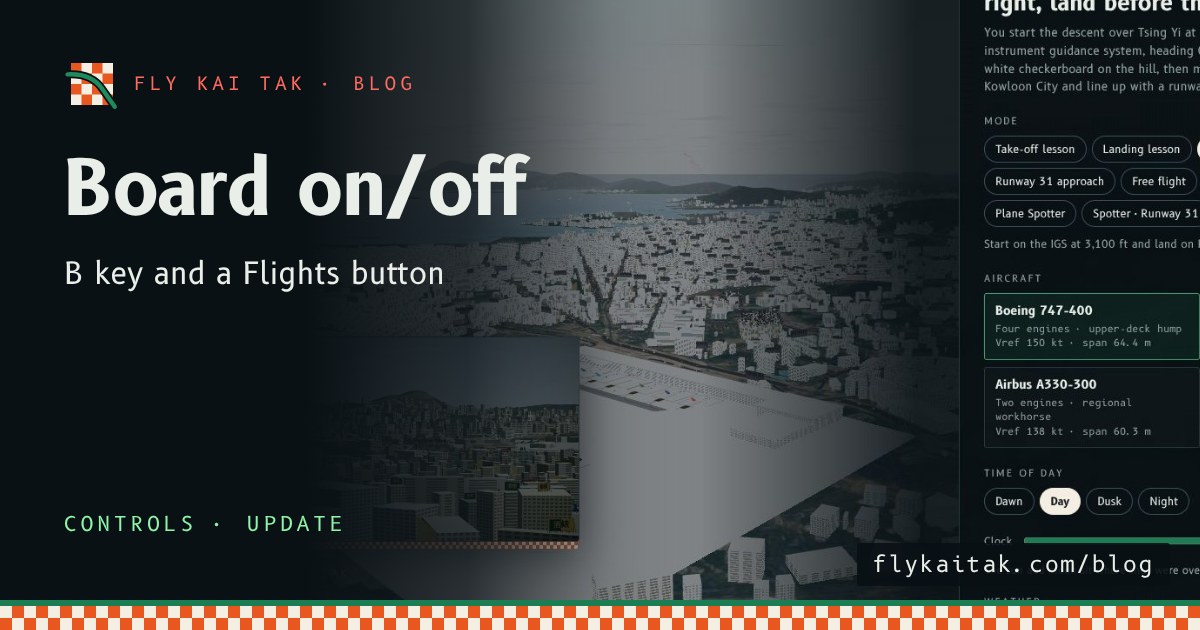
Flight Board Key and Button
Switch the Fly Kai Tak flight information board on and off with the B key on the home screen as well as in Plane Spotter, or with the new Flights button.
Read the post →