
Fix
Fix: the rotate prompt now clears when you turn your phone
The portrait prompt follows the real window size, and iPhone players get a tip about Portrait Orientation Lock.
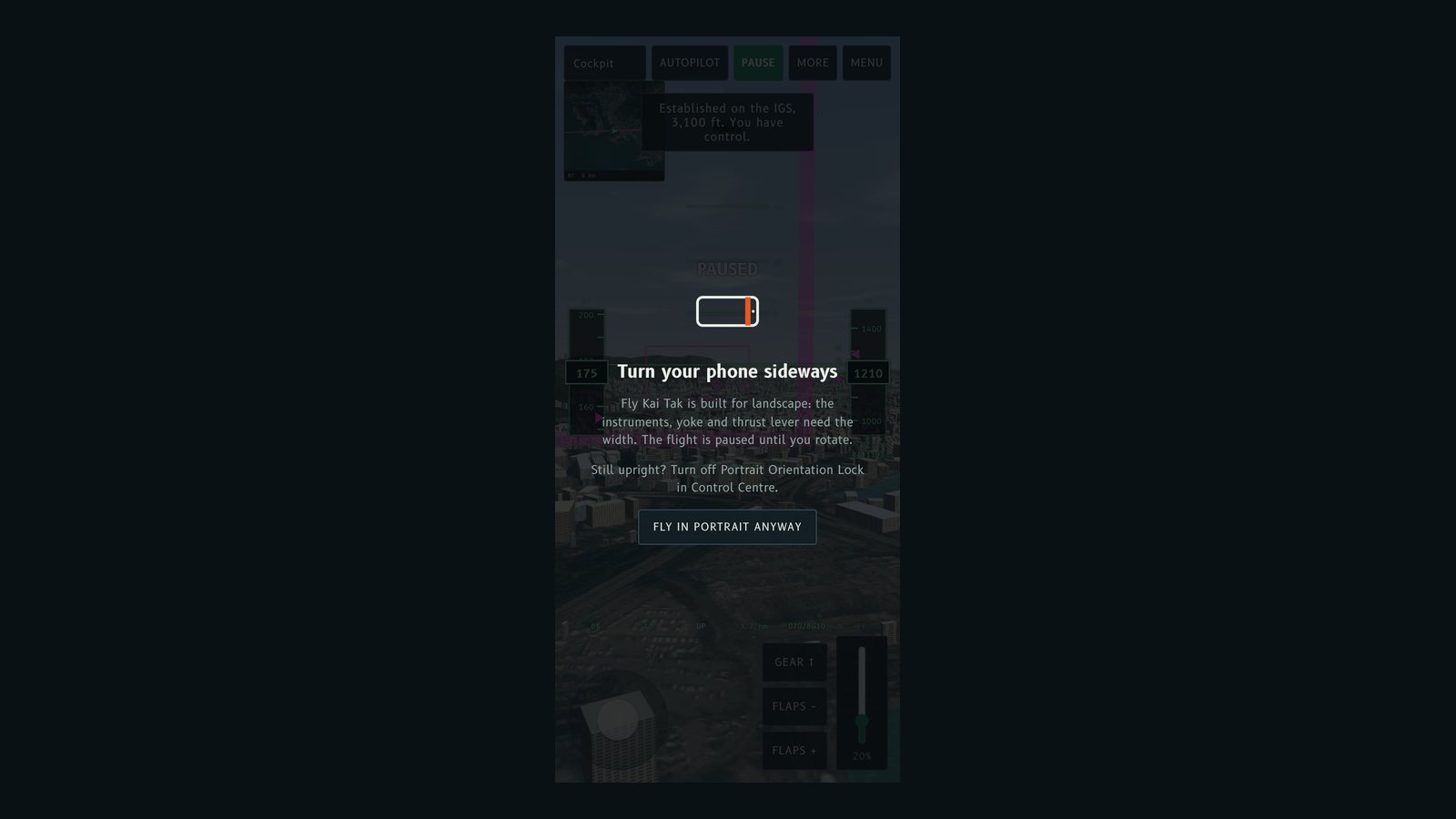
Some players turned their phone sideways and the "Turn your phone sideways" prompt stayed on screen. This update makes the prompt follow the real window size and explains what to do when the phone will not rotate.
What changed
- The prompt now checks the window's width and height directly, every time the window resizes, instead of relying only on a media query.
- On iPhone and iPad it adds a hint: Still upright? Turn off Portrait Orientation Lock in Control Centre. With the lock on, the browser stays in portrait whichever way you hold the phone, so the prompt cannot clear.
- Fly in portrait anyway still dismisses the prompt and resumes the flight.
Try this
If the prompt will not go away, open Control Centre, switch off the orientation lock, and turn the phone sideways. The flight resumes by itself.
有玩家將電話轉咗橫,but「Turn your phone sideways」提示仲喺度。今次更新令提示跟住視窗嘅真實大小,而且電話轉唔到嗰陣會話你點做。
改咗啲乜
- 提示而家直接睇視窗嘅闊同高,每次視窗改變大小都會再檢查,唔再淨係靠 media query。
- 喺 iPhone 同 iPad 會多一句提示:Still upright? Turn off Portrait Orientation Lock in Control Centre.(仲係直向?喺控制中心關咗直向鎖定。)開咗鎖定,無論點揸電話,瀏覽器都會停喺直向,提示就清唔走。
- Fly in portrait anyway 仍然可以關閉提示,繼續飛行。
試吓
如果提示一直唔走,打開控制中心,關咗方向鎖定,再將電話轉橫,飛行就會自動繼續。
More from the blog
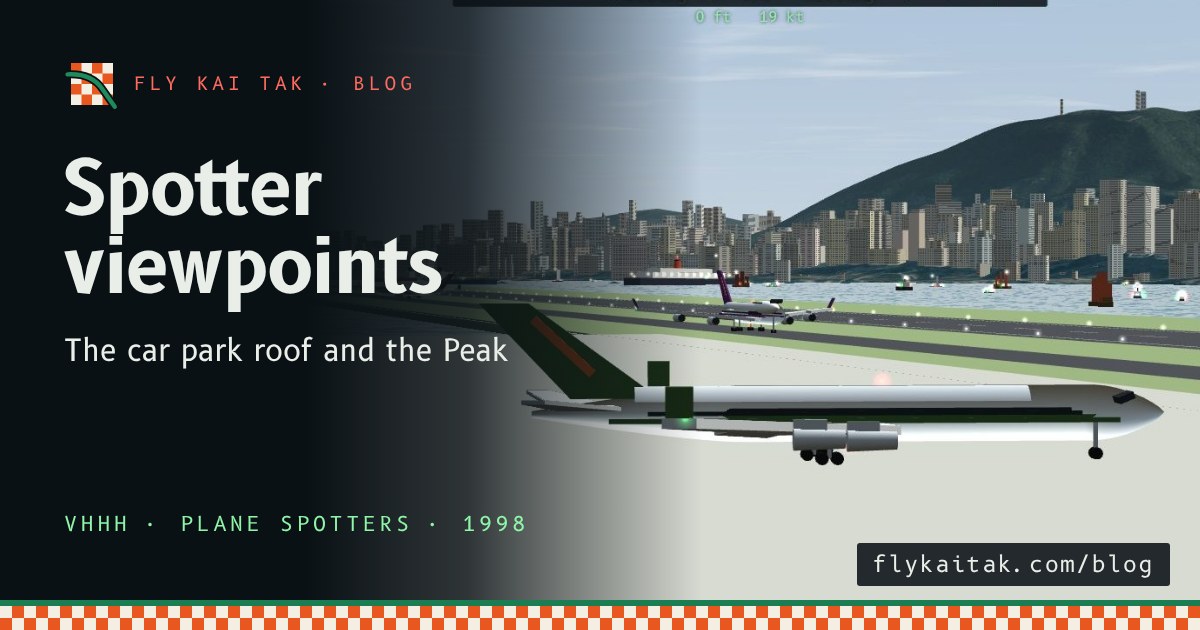
Plane spotter viewpoints: the car park roof and the Peak
The history of two Kai Tak plane spotting viewpoints, the airport car park roof and the Peak, and how to watch from both in Fly Kai Tak's Plane Spotter mode.
Read the post →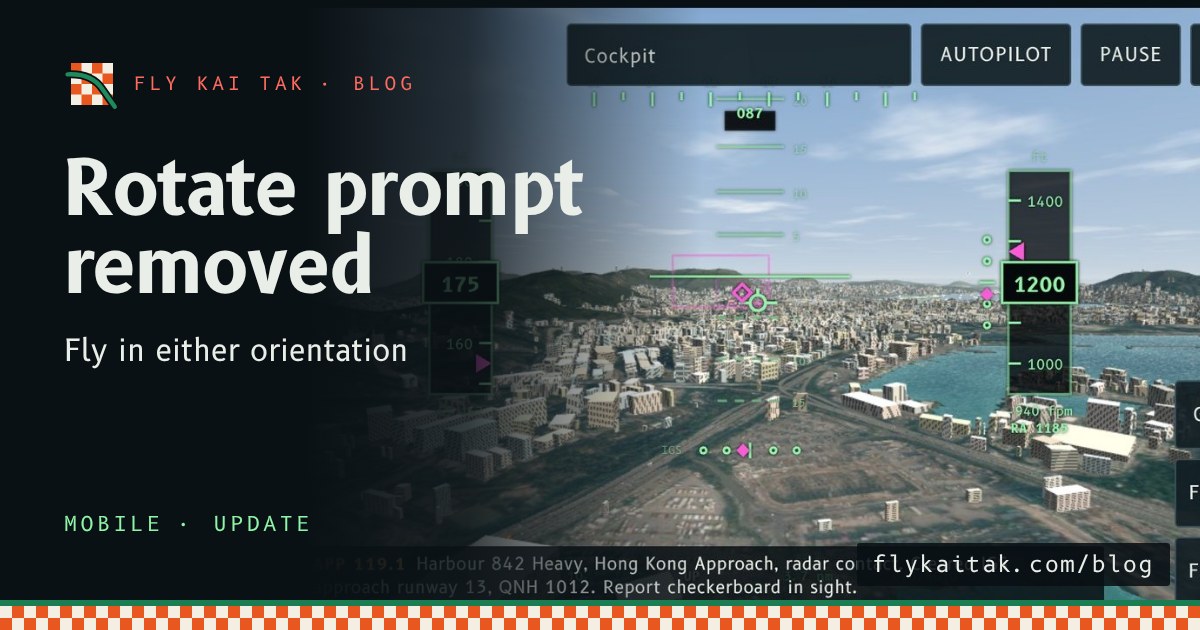
Update: the rotate prompt is gone
Fly Kai Tak mobile update: the Turn your phone sideways prompt is removed, so the sim plays in either orientation. Begin descent still asks for landscape full screen.
Read the post →