
Update
Update: the rotate prompt is gone
The sim now plays in portrait or landscape with nothing in the way. Landscape is still recommended.
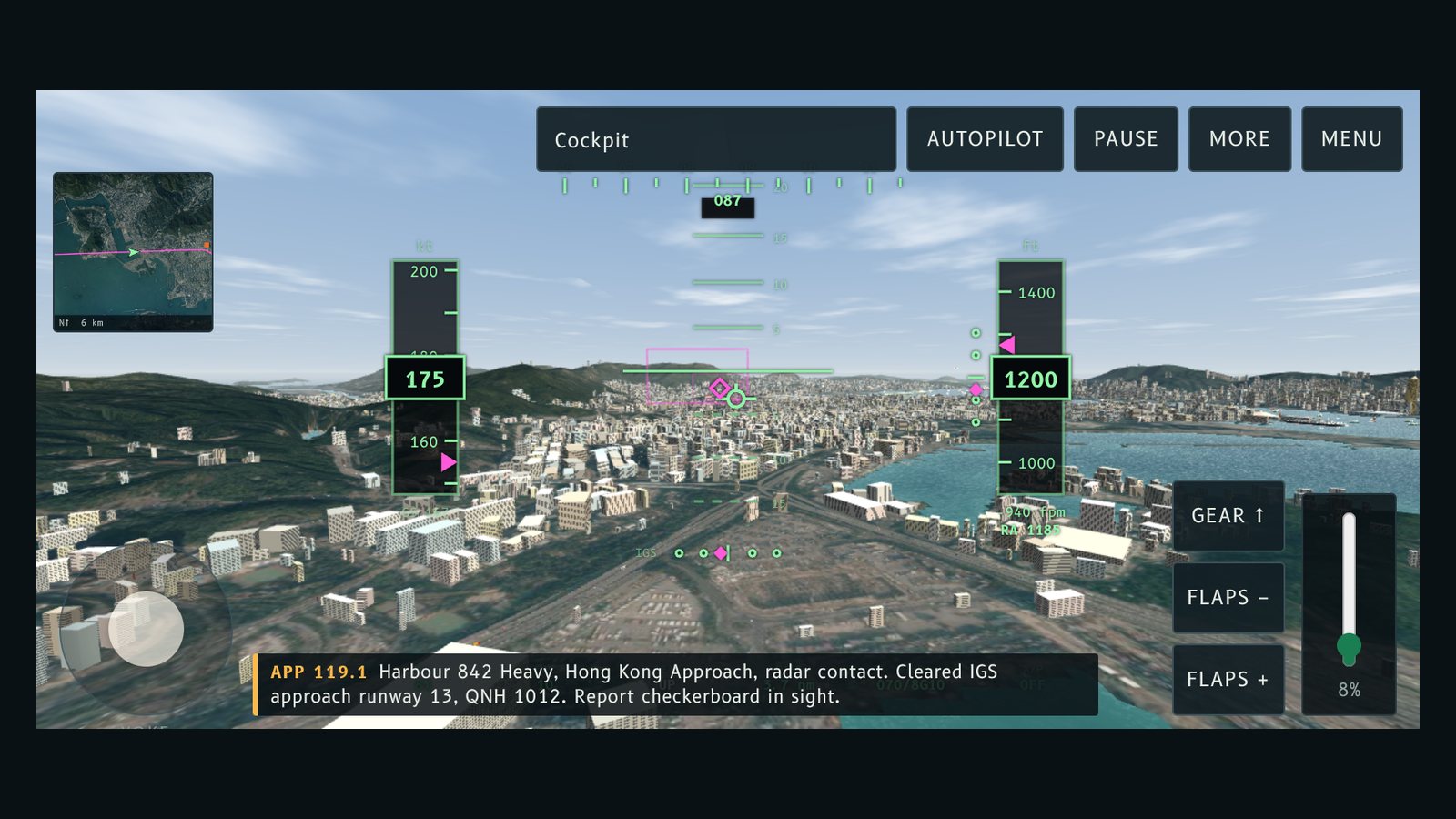
The "Turn your phone sideways" prompt is gone. It paused the flight in portrait, and for some players it stayed on screen after they turned the phone. Now the sim always plays, in either orientation.
What changed
- No rotate prompt and no automatic pause in portrait.
- Landscape is still the better way to fly. On phones, Begin descent still goes full screen and asks for landscape where the browser allows it.
- The compact toolbar, the More drawer and the landscape layout are unchanged.
Try this
Fly in portrait if you like, or turn the phone sideways for more room. The earlier posts about the prompt describe how it worked before this change.
「Turn your phone sideways」提示已經移除。以前直向會暫停飛行,有啲玩家轉咗電話提示都仲喺度。而家無論直向定橫向,都可以直接玩。
改咗啲乜
- 無咗旋轉提示,直向亦唔會自動暫停。
- 橫向仍然係比較好嘅飛行方式。喺手機上,Begin descent 仍然會進入全螢幕,並喺瀏覽器容許嗰陣要求橫向。
- 精簡工具列、More 抽屜同橫向版面同之前一樣。
試吓
直向都飛得,想有多啲空間就將電話轉橫。之前有關提示嘅文章,描述嘅係今次改動之前嘅做法。
More from the blog
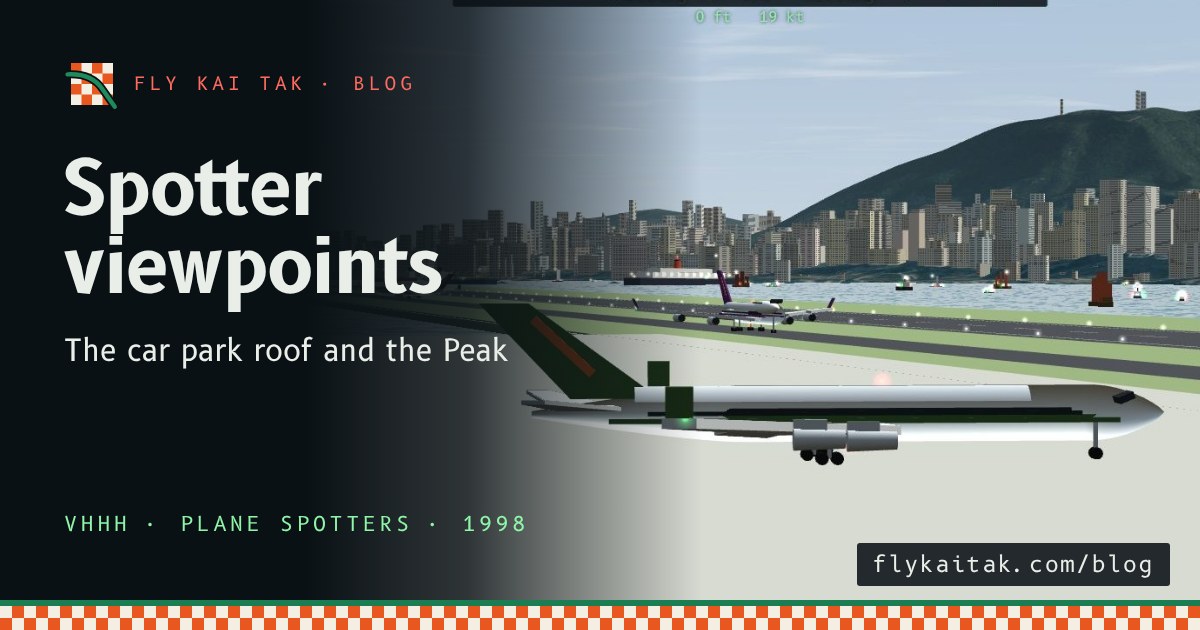
Plane spotter viewpoints: the car park roof and the Peak
The history of two Kai Tak plane spotting viewpoints, the airport car park roof and the Peak, and how to watch from both in Fly Kai Tak's Plane Spotter mode.
Read the post →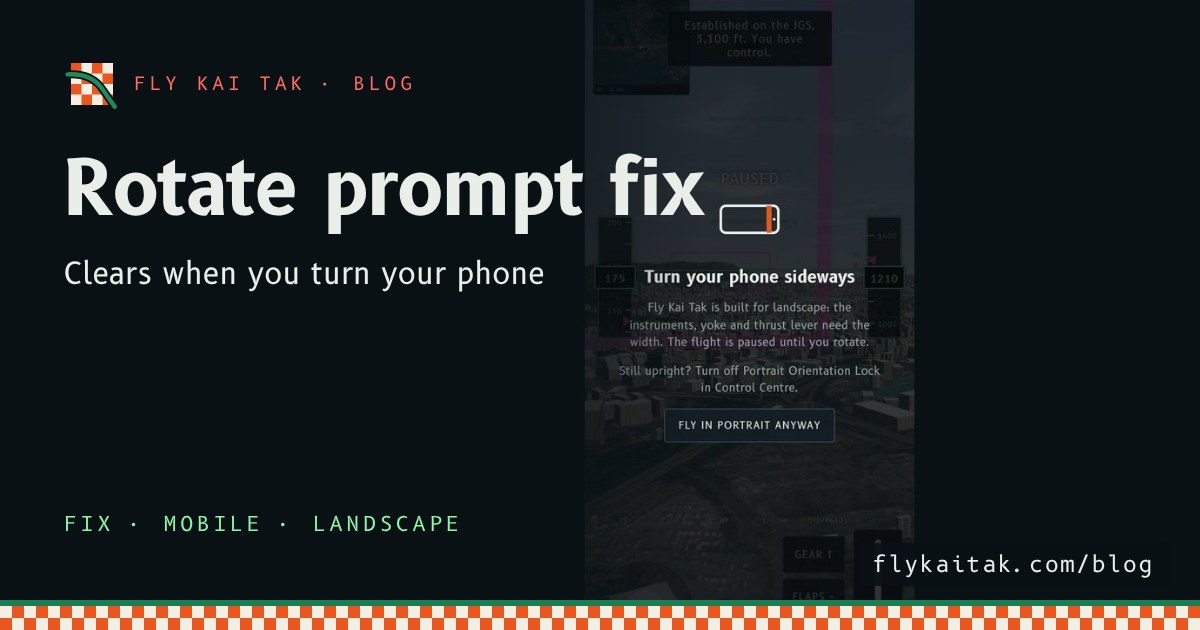
Fix: the rotate prompt now clears when you turn your phone
Fly Kai Tak mobile fix: the rotate prompt now clears when the window turns landscape, with a hint for iPhone players whose Portrait Orientation Lock is on.
Read the post →