
Update · Controls & Devices
Separate menus for flight, spotter and terminal views
The camera menu is split into Flight views, Plane spotter and Terminal interior.
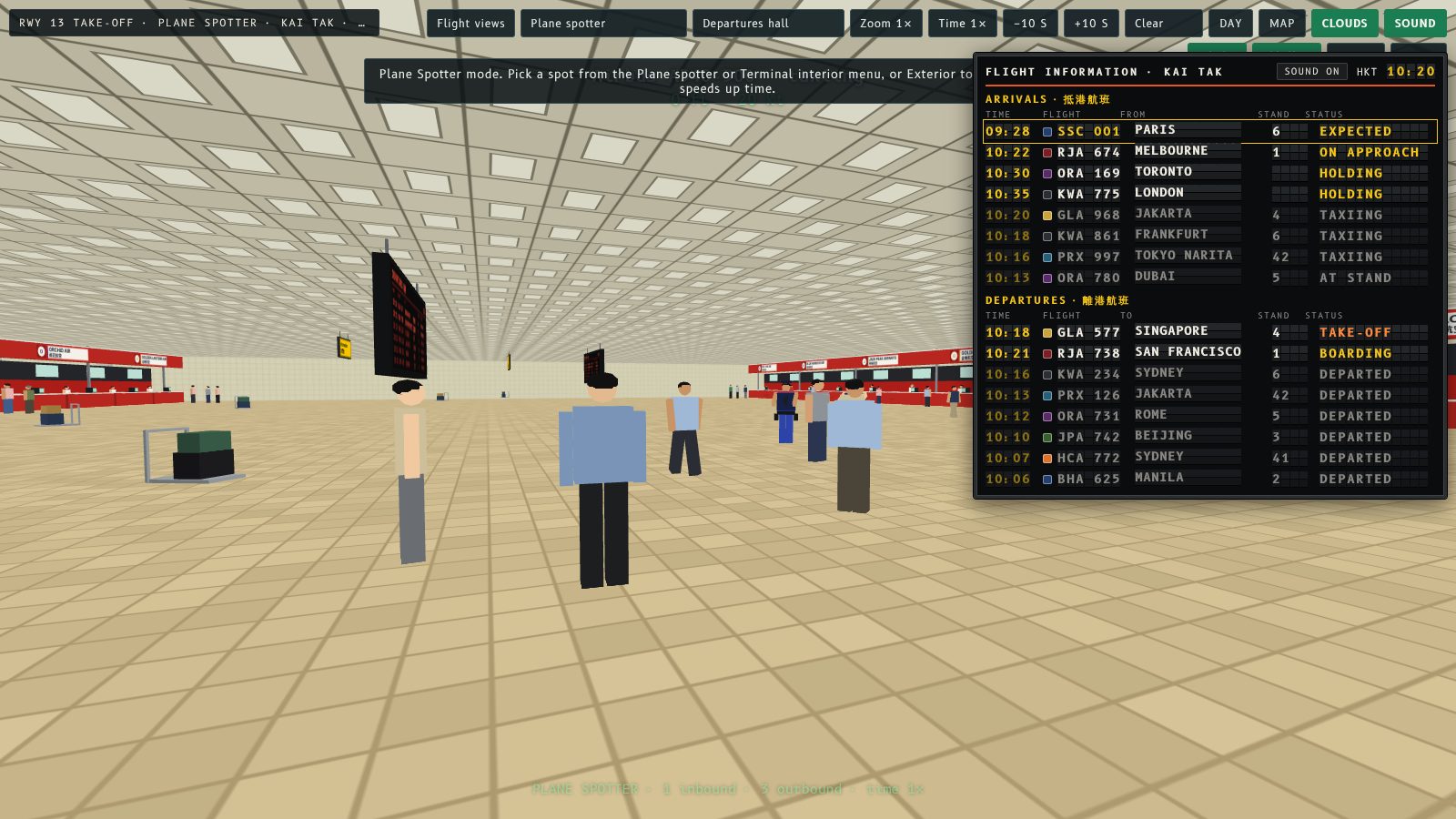
The single camera menu is now three: Flight views, Plane spotter and Terminal interior. Each list is shorter and easier to scan.
What is in each menu
- Flight views: Cockpit, Exterior, Tower and Cabin seat
- Plane spotter: Kowloon City street, Prince Edward Road, car park roof, boat in the harbour, top of Checkerboard Hill, Lei Yue Mun (Runway 31) and The Peak
- Terminal interior: departures hall, departure immigration, shop arcade, gate lounge, ground floor and stairs, arrivals hall and front entrance
Picking a view in one menu resets the other two to their titles, so you can always see which one is active. On narrow screens the Plane spotter and Terminal interior menus sit under More.
原本得一個鏡頭選單,而家分咗做三個:飛行視角、觀機位置同客運大樓內部。每個清單短咗,易睇咗。
每個選單有啲咩
- 飛行視角:Cockpit、Exterior、Tower 同 Cabin seat
- 觀機位置:九龍城街道、太子道、停車場天台、海港船上、彩虹邨後面嘅棋盤山頂、鯉魚門(31 號跑道)同太平山頂
- 客運大樓內部:離境大堂、離境入境檢查、商店街、登機閘口候機室、地下大堂同樓梯、抵港大堂同正門
喺一個選單揀咗視角,其他兩個會返回標題,咁就一眼睇到而家用緊邊個。細畫面嘅話,觀機位置同客運大樓內部選單喺「更多」入面。
More from the blog
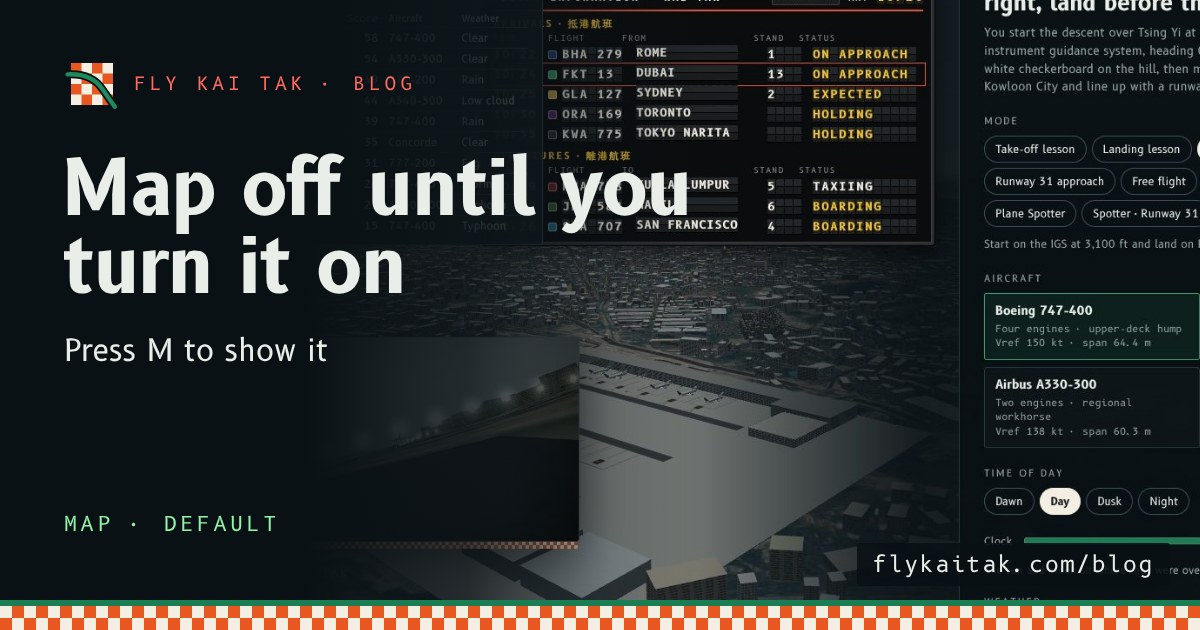
The map is off until you turn it on
Fly Kai Tak's corner map now starts hidden on the home screen and in flights. Press M or tick Map with live aircraft under Options to show it.
Read the post →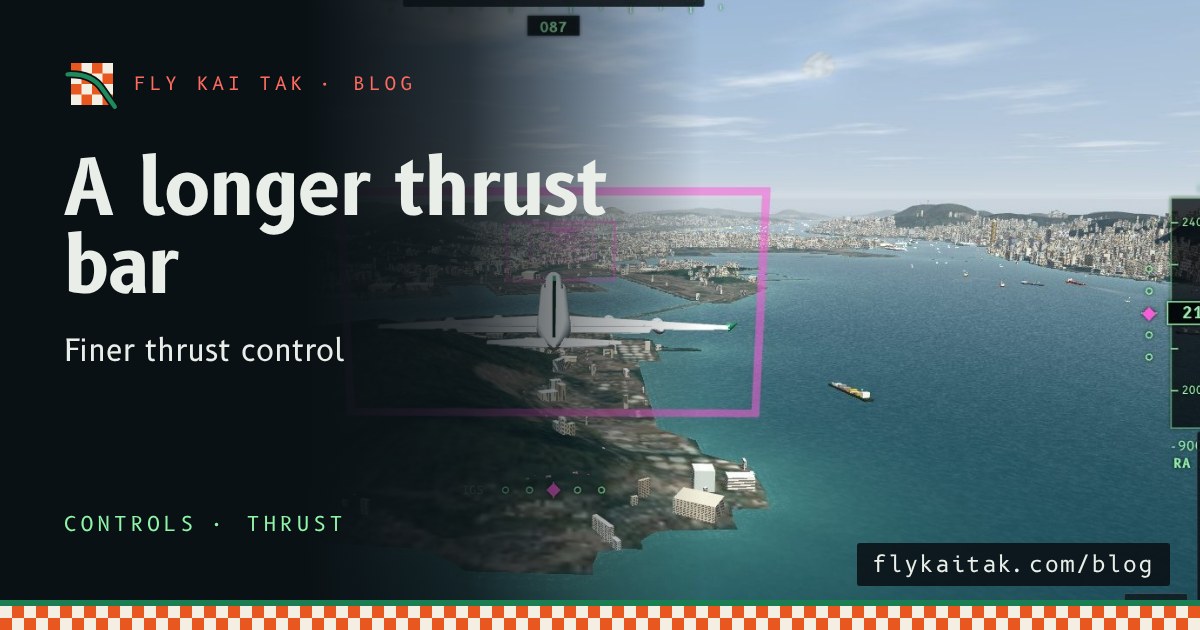
A longer thrust bar for finer control
Fly Kai Tak's thrust lever bar is now up to 260 px tall on desktop and 170 px on landscape phones, giving finer control of thrust.
Read the post →