
Fix · Site & Language
The start button is always in view
Begin descent, Take the tour and Watch the airport now stay pinned to the bottom of the home menu, bigger and brighter.

The big green start button on the home screen is now always in view, so nobody has to scroll to the bottom of the menu to find it.
One button, always on screen
The button that starts your flight sat at the very end of the settings list, and some players never scrolled far enough to see it. It now stays pinned to the bottom of the menu on every screen size. It is larger, brighter, outlined in white and gently pulses (the pulse is off if your device asks for reduced motion).
The label follows the mode you pick: Begin descent for the approaches, Take the tour for the helicopter scenic tour and Watch the airport for Plane Spotter. Press Enter to start from the keyboard.
Try this
Open the home screen, pick a mode and press the green button. You do not need to scroll first.
主畫面嗰個綠色嘅大開始掣而家一直都睇得到,唔使再捲到選單最底先搵到。
一個掣,永遠喺畫面入面
開始飛行嘅掣以前喺設定清單最尾,有啲玩家冇捲到咁底,就一直見唔到。而家佢會固定喺選單底部,無論咩尺寸嘅螢幕都一樣。掣變大咗、更光、有白色外框,仲會輕輕閃動(如果你部機要求減少動態效果,就唔會閃)。
掣上面嘅字會跟你揀嘅模式轉:進場模式係開始下降,直升機觀光係開始旅程,Plane Spotter 係觀看機場。亦可以㩒 Enter 用鍵盤開始。
試吓
打開主畫面,揀個模式,然後㩒綠色個掣就得,唔使先捲動。
More from the blog

The Kai Tak shop is open
Fly Kai Tak has a merch shop: checkerboard and IGS 13 tees, a Runway 13 cap, a 1998 patch, a pin, a poster, a mug and stickers.
Read the post →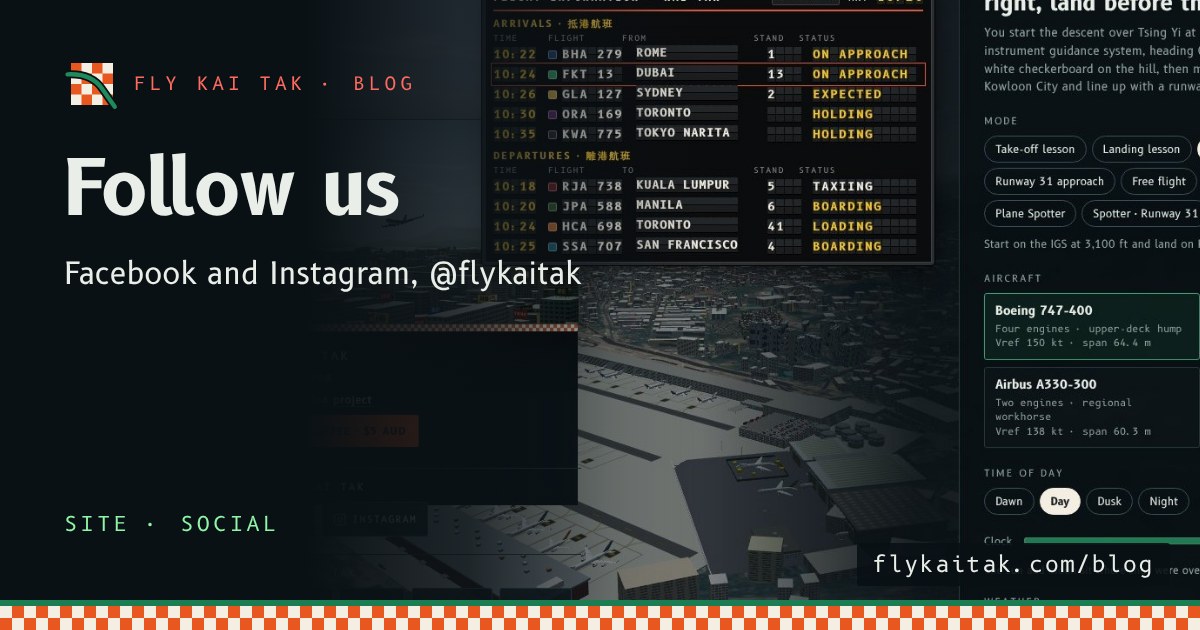
Follow Fly Kai Tak on Facebook and Instagram
Follow Fly Kai Tak on Facebook and Instagram at @flykaitak. Both are now linked from the home screen and every blog page.
Read the post →