
Feature
New: a take-off lesson for first-time pilots
A guided take-off on Runway 13: full thrust, steer, rotate, gear up, autopilot. No experience needed.
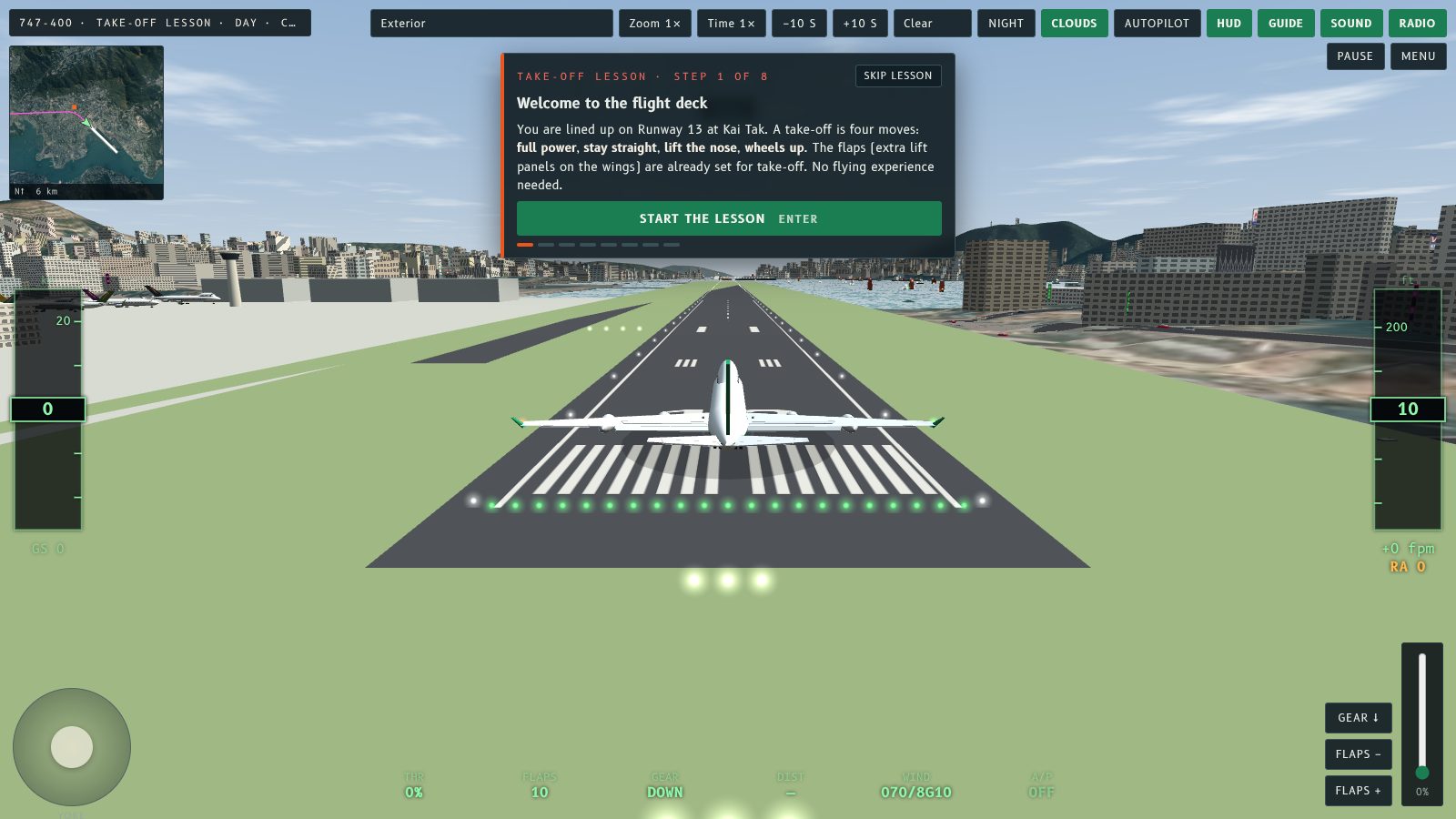
Never flown a plane, even in a game? Fly Kai Tak now has a Take-off lesson. A coach panel walks you down Runway 13 one step at a time, shows what each control does, and moves on by itself when you get it right. A player asked for exactly this, so there is now a way to learn the take-off before you try the famous approach.
Pick it on the start screen
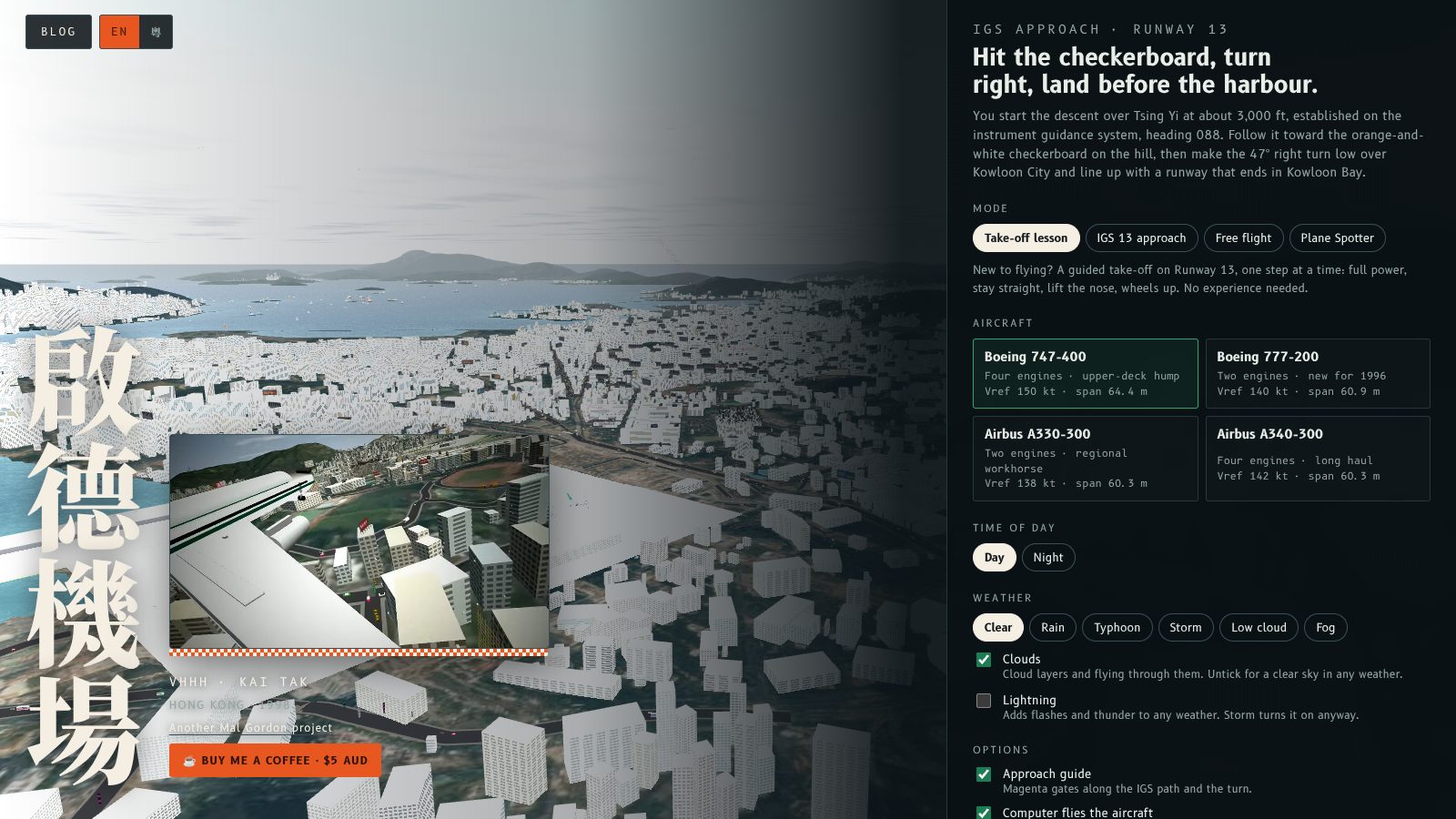
Choose Take-off lesson under Mode, pick any aircraft, and press Start the lesson. You begin lined up on Runway 13 in the exterior view, so you can watch the nose lift.
Eight steps
- Welcome. The four moves of a take-off in plain words. The flaps are already set for you.
- Full thrust. Hold E, or slide the thrust lever, until it reads 100%.
- Stay on the centre line. Tap ← → to steer while the speed builds to 150 kt.
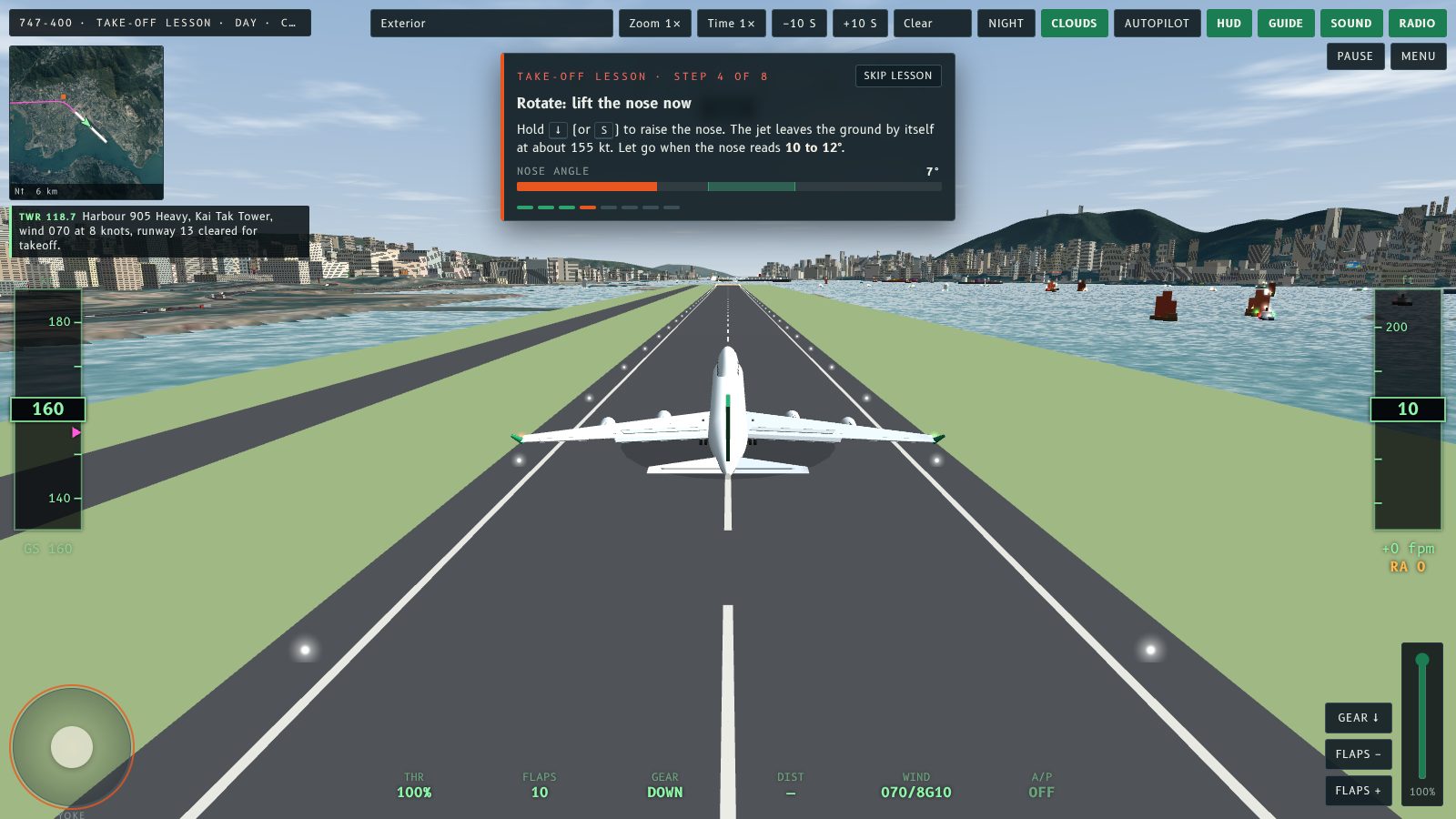
- Rotate. Hold ↓ to lift the nose to 10 to 12°, then let go.
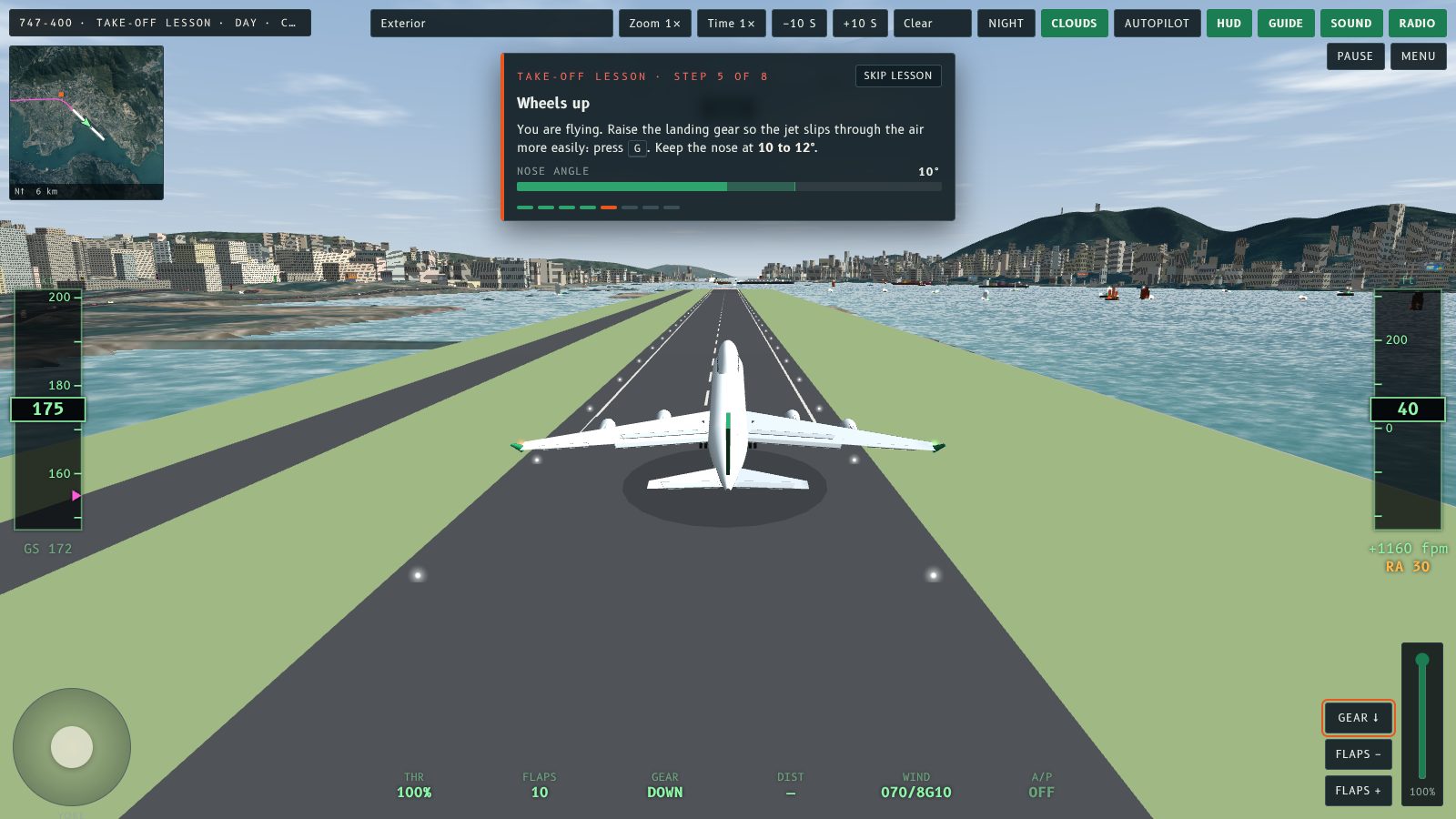
- Wheels up. Press G.
- Flaps up. Press V twice once the speed passes 190 kt.
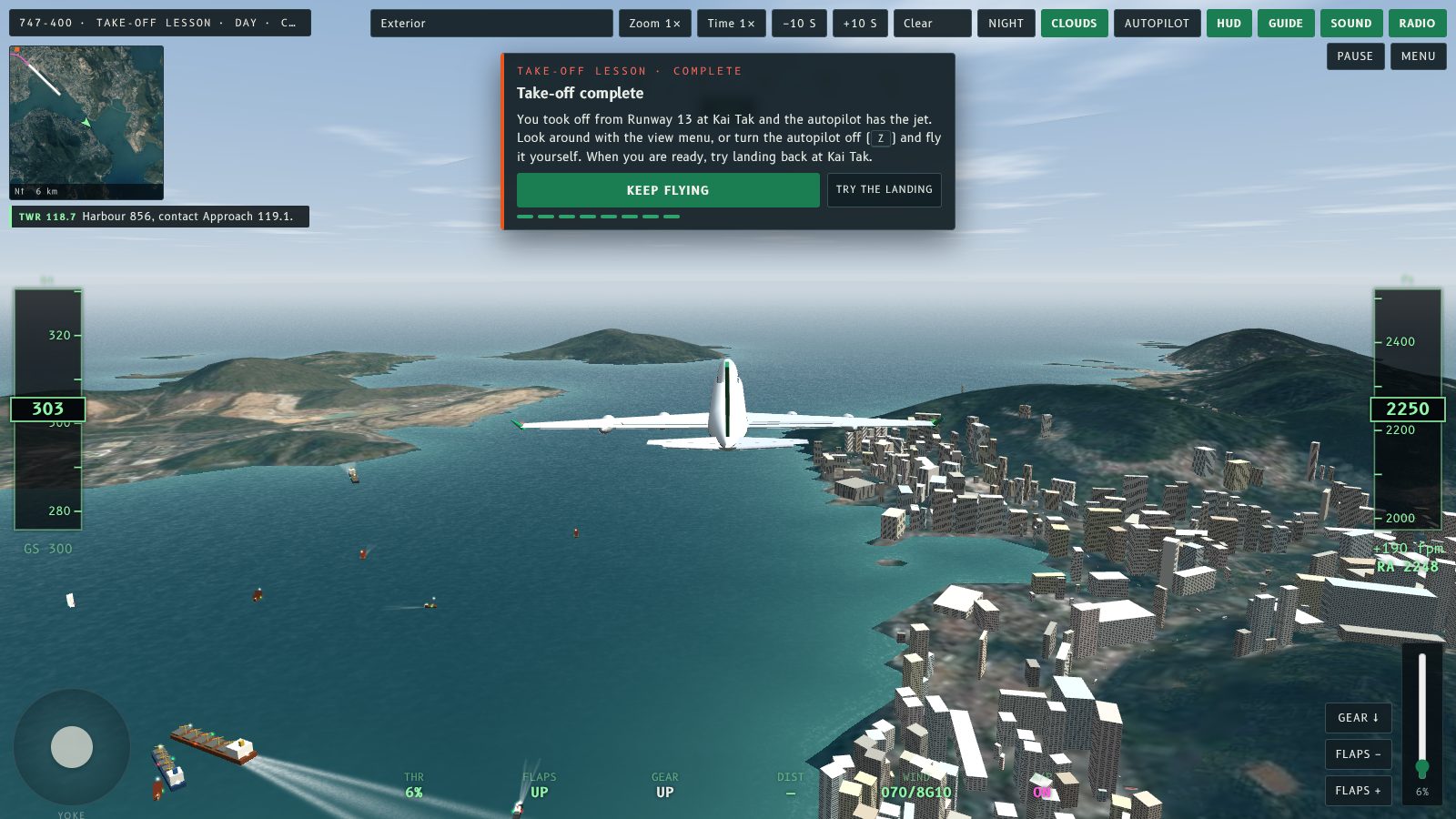
- Climb to 2,000 ft. Keep the nose steady over Kowloon Bay.
- Autopilot. Press Z and let the computer hold your height, speed and heading.
The coach watches you
Each step has a live meter (thrust, speed, nose angle or altitude) with the target marked, and the control to use pulses on screen. If something goes wrong, the panel tells you in plain words:
- Drifting left or right of the centre line, and which way to steer.
- Nose too high or too low after lift-off.
- A stall warning, or wings that need levelling.
- A late rotation: it tells you to pull back if you pass 172 kt on the runway.
On a phone, the same steps use the on-screen yoke, thrust lever and buttons.
After the lesson
The last card lets you keep flying with the autopilot on, or start the IGS 13 approach. Skip lesson is on screen the whole time and drops you into free flight. If you crash, the result card adds a tip for what went wrong, and the rewind buttons bring the coach back to the right step.
Next
The lesson covers the take-off only. Landing is still the IGS 13 approach, and the autopilot can fly that for you too. A landing lesson is the natural follow-up.
從來未揸過飛機,連遊戲都未玩過?Fly Kai Tak 而家有起飛教學。畫面會有一個教練面板,帶你喺 13 號跑道一步一步行,講解每個操控有咩用,你做啱咗就會自動跳去下一步。有玩家提出過呢個要求,所以而家可以先學起飛,再去挑戰出名嘅進場。
喺開始畫面揀
喺「模式」揀起飛教學,揀一款機,然後㩒「開始教學」。你會喺機外視角,對正 13 號跑道開始,可以睇住機頭點樣抬起。
八個步驟
- 歡迎。用淺白嘅說話講起飛四個動作。襟翼已經幫你設定好。
- 推滿油門。按住 E,或者將推力桿推上去,直至顯示 100%。
- 保持喺中線。速度加到 150 節期間,輕按 ← → 轉向。
- 拉機頭。按住 ↓,將機頭抬到 10 至 12°,然後放手。
- 收起落架。按 G。
- 收襟翼。速度過咗 190 節之後,按兩下 V。
- 爬升到 2,000 呎。喺九龍灣上空保持機頭穩定。
- 自動駕駛。按 Z,等電腦保持高度、速度同航向。
教練會睇住你
每一步都有實時量表(推力、速度、機頭角度或者高度),目標位置有標示,要用嘅操控會喺畫面上閃動。有咩問題,面板會用淺白嘅說話提你:
- 偏離跑道中線,同埋應該向邊度轉。
- 離地後機頭太高或者太低。
- 失速警告,或者需要拉平機翼。
- 太遲拉機頭:喺跑道上過咗 172 節,就會叫你即刻拉桿。
用手機玩嘅話,同樣嘅步驟會用螢幕上嘅操縱桿、推力桿同按鈕。
教學完成之後
最後一張卡可以揀繼續用自動駕駛飛行,或者開始 IGS 13 進場。「Skip lesson」全程都喺畫面上,㩒咗就即刻轉入自由飛行。如果撞機,結果畫面會加一個提示講邊度出錯,而倒帶掣會將教練帶返去啱嘅步驟。
下一步
教學只包括起飛。降落仍然係 IGS 13 進場,自動駕駛都可以幫你飛。降落教學就係好自然嘅下一步。
More from the blog
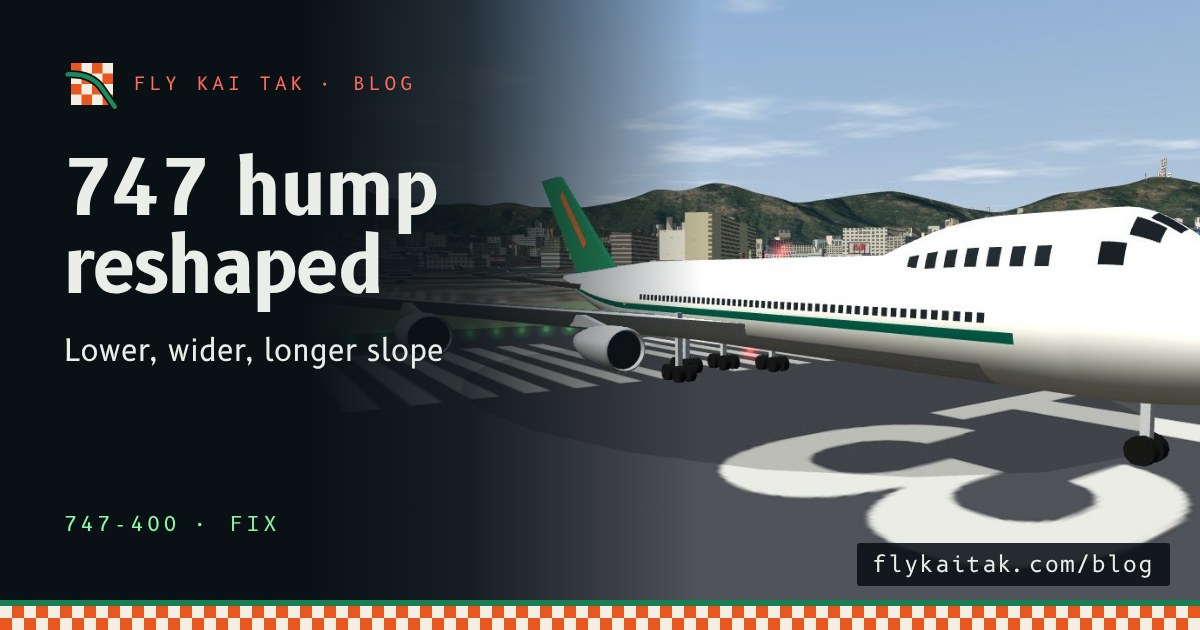
Fix: the 747 upper-deck hump now has the right shape
The 747-400 upper-deck hump in Fly Kai Tak was too tall and narrow. It is now lower and wider with a long shallow slope into the roof, like the real 747.
Read the post →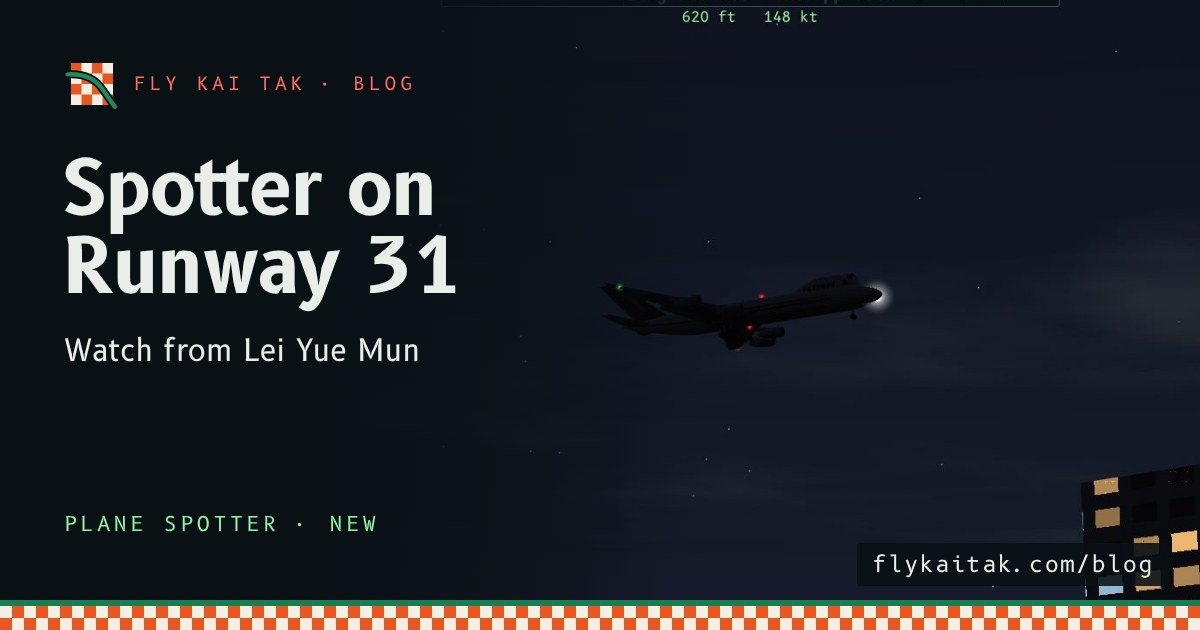
New: Plane Spotter on Runway 31
Fly Kai Tak Plane Spotter now has a Runway 31 mode: arrivals over Lei Yue Mun, departures toward Kowloon City, and a Lei Yue Mun spectator view.
Read the post →