

VHHH · IGS 13 · 1998
The Fly Kai Tak blog
New features, bug fixes and notes from the Kai Tak approach.
Posts by category
Controls & Devices16

Scores & Sharing12

How landings are scored: the road to 100 out of 100
How Fly Kai Tak scores a landing out of 100: sink rate, touchdown point, glidepath, centreline and more, plus the ranks from Cadet to Captain.
Read the post →
Harder scoring and a fresh high score table
Fly Kai Tak scoring is much stricter: touchdown, approach and rollout are all scored, a 100 needs every part perfect, and the high score table restarts.
Read the post →
The first perfect 100, and a clearer name box
Fly Kai Tak has its first perfect 100 on the high score table, left as PILOT. The result screen now asks for your name with a clear box and Save button.
Read the post →
Replay videos with sound, radio calls and share links
Fly Kai Tak replay videos now have a sound track and radio captions, and Get share link gives each replay a page that previews on X, Facebook and WhatsApp.
Read the post →
Highlights after every flight, and a video to share
Every Fly Kai Tak flight now ends with an automatic highlights replay. Save it as an MP4 in 16:9 or 9:16 to download or share on social media.
Read the post →
Watch your flight again: flight replay
Fly Kai Tak now records every flight. Watch it back with a Director camera that cuts to the checkerboard, the Kowloon City turn and touchdown.
Read the post →
Share buttons on the home screen
The home screen now has share buttons for X, Facebook, Reddit, WhatsApp, Threads, email, copy link and the system share sheet, in English or Cantonese.
Read the post →
Update: starter scores on the high score table
Fly Kai Tak update: the high score table now starts with ten fictional, easy-to-beat scores, from 58 down to 15.
Read the post →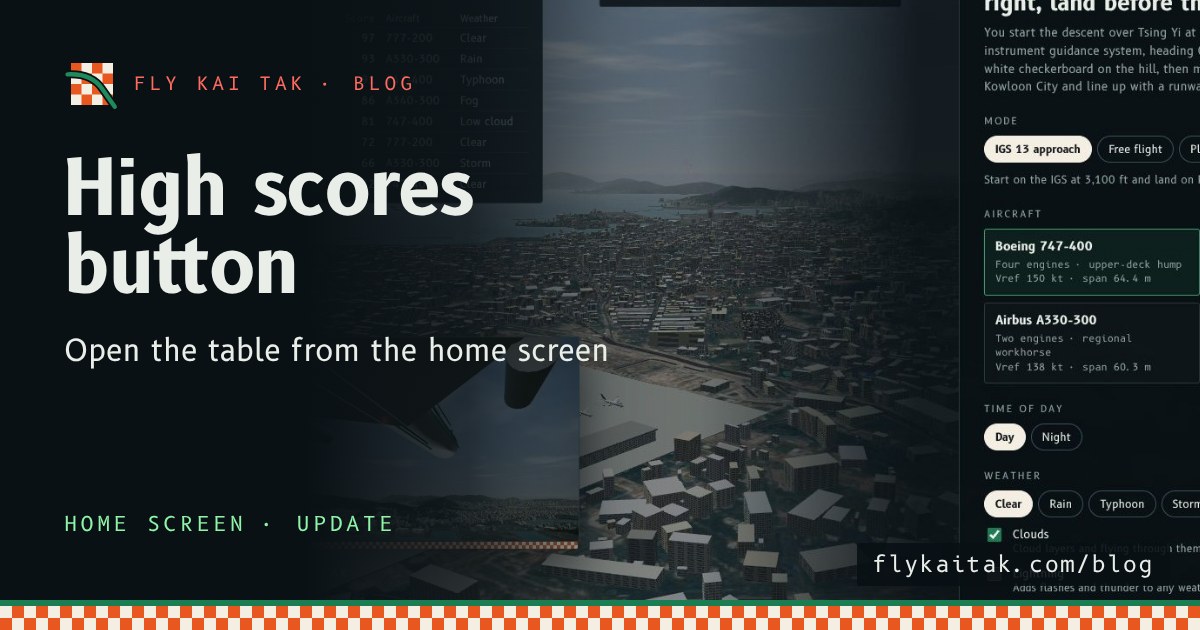
Update: a High scores button on the home screen
Fly Kai Tak update: a High scores button on the home screen opens and closes the table of ranked landings, from Captain down to Cadet.
Read the post →
New: share your score and report card
Fly Kai Tak's result screen now has share buttons for X, Facebook, Reddit, WhatsApp, Threads and email, plus a downloadable report card image.
Read the post →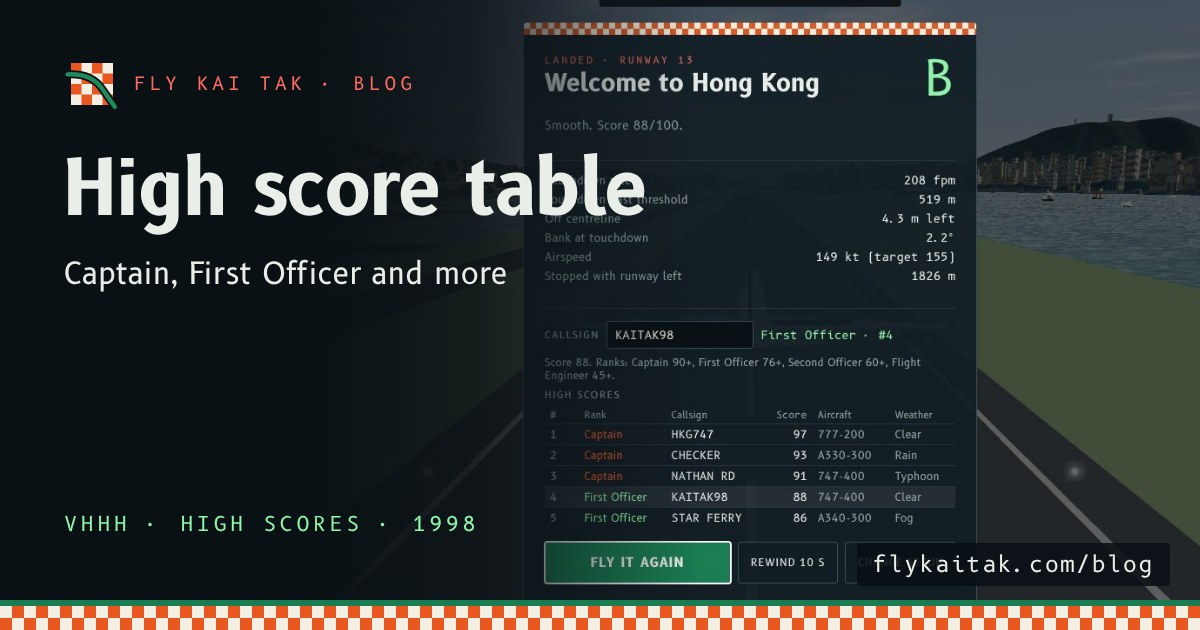
New: a high score table with Captain and First Officer ranks
Fly Kai Tak now has a high score table. Land the IGS 13 approach by hand to rank as Captain, First Officer, Second Officer, Flight Engineer or Cadet.
Read the post →
Share Fly Kai Tak posts on Threads
Fly Kai Tak blog posts can now be shared on Threads with one click, with the title and link pre-filled.
Read the post →Site & Language14

A progress bar while the sim loads
Fly Kai Tak now shows a loading progress bar and percentage while the map downloads and the city is built.
Read the post →
A Kai Tak simulator that runs in your browser
Fly Kai Tak runs in a web browser with nothing to install. How the simulator is put together: one page, Three.js and Hong Kong open data.
Read the post →
Live Stats on the Home Screen
The Fly Kai Tak home screen now shows live totals of flights, landings and crashes, animated as the page loads and linked to the stats page.
Read the post →
The Share button now lines up
A small home screen fix in Fly Kai Tak: the Share button now lines up with the Facebook and Instagram buttons instead of sitting lower.
Read the post →
A tidier home screen
Fly Kai Tak's home screen is decluttered: flight board off by default, one latest update, no demo reel, and follow and share links moved to the menu footer.
Read the post →
Update: the latest blog posts on the home screen
Fly Kai Tak update: the home screen now lists the titles of the five newest blog posts, with dates and categories, linking to each post.
Read the post →
Live stats: how many pilots make it into Kai Tak
Fly Kai Tak's public stats page counts every flight: landing attempts, landings, crashes, modes, aircraft, weather and crash causes. Anonymous.
Read the post →