

VHHH · IGS 13 · 1998
The Fly Kai Tak blog
New features, bug fixes and notes from the Kai Tak approach.
Posts by category
Scenery & Weather43

The Peak Tram, the Peak Lookout and a view from the Peak
Fly Kai Tak adds the Peak Tram, the Peak Lookout and a Spectator: The Peak view, alongside Ocean Park's cable car between the Waterfront and the Summit.
Read the post →
Landmarks tour, plus Ocean Park and Happy Valley
A tour of the Hong Kong landmarks in Fly Kai Tak, with screenshots, plus the new Ocean Park amusement park and Happy Valley Racecourse.
Read the post →
Real Hong Kong: building 1998 from open data
How Fly Kai Tak builds Hong Kong from Lands Department open data and SRTM terrain, and the 1998 corrections: no Kai Tak redevelopment, no West Kowloon buildings, and the Walled City as an option.
Read the post →
Typhoons, fog and city lights: weather and night at Kai Tak
Weather and night flying in Fly Kai Tak: clear, rain, typhoon, storm, low cloud and fog presets, wind gusts and turbulence, lightning, and a lit-up Kowloon at night.
Read the post →Controls & Devices12

Separate menus for flight, spotter and terminal views
Kai Tak's camera menu is now three: Flight views, Plane spotter spots and a new Terminal interior menu for the hall, immigration, arcade, gate lounge, stairs and entrance.
Read the post →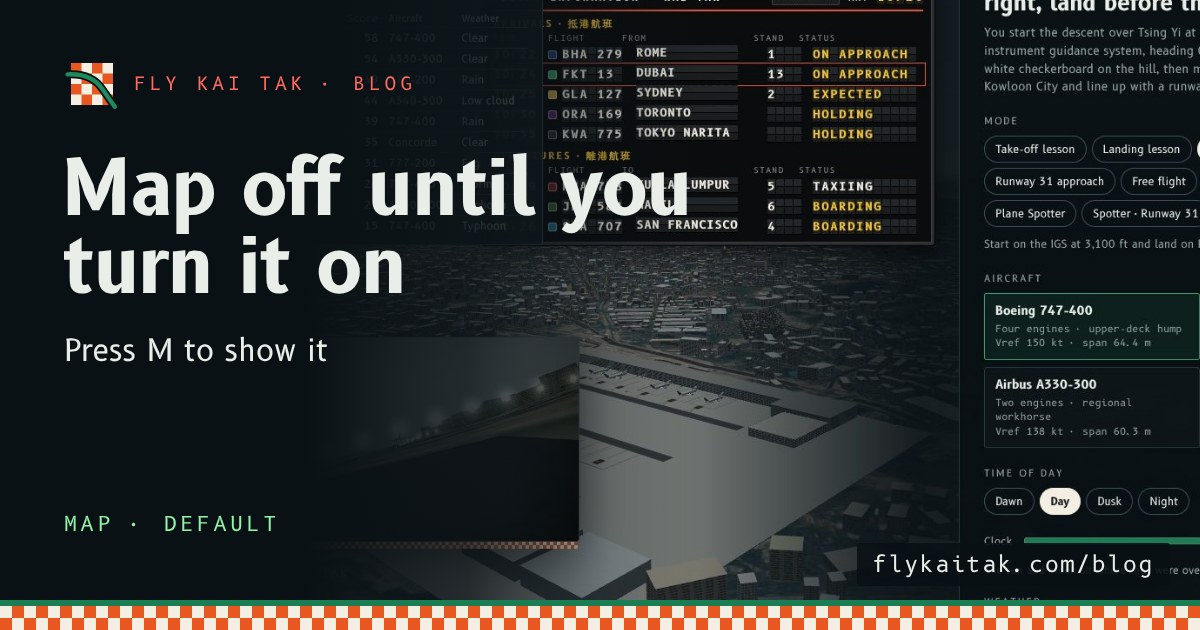
The map is off until you turn it on
Fly Kai Tak's corner map now starts hidden on the home screen and in flights. Press M or tick Map with live aircraft under Options to show it.
Read the post →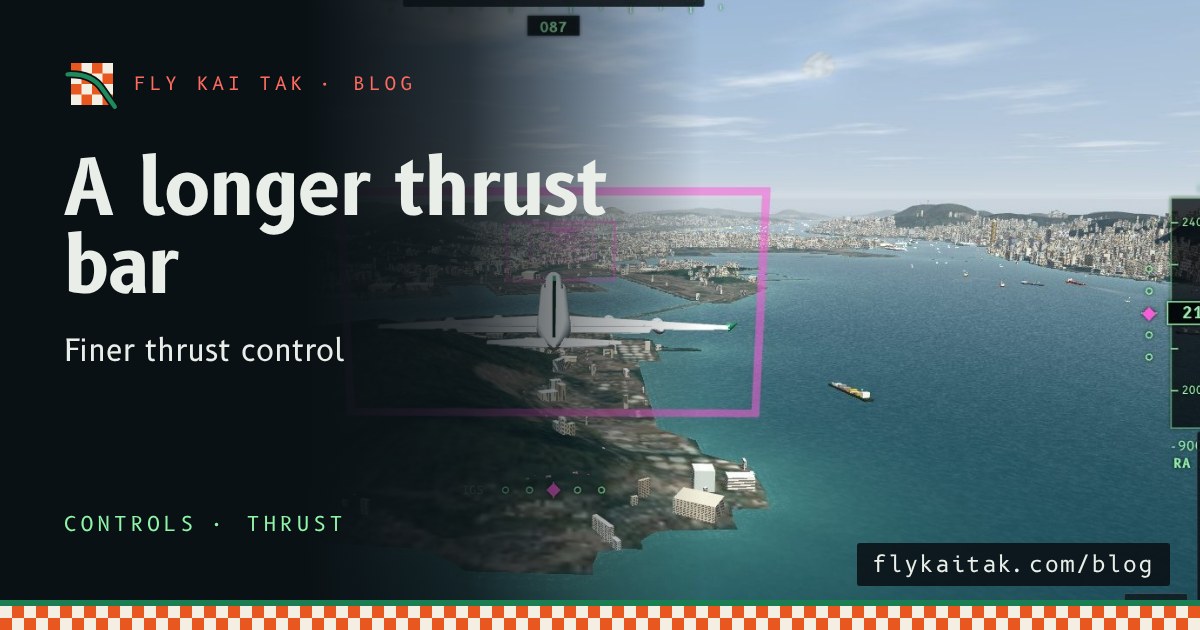
A longer thrust bar for finer control
Fly Kai Tak's thrust lever bar is now up to 260 px tall on desktop and 170 px on landscape phones, giving finer control of thrust.
Read the post →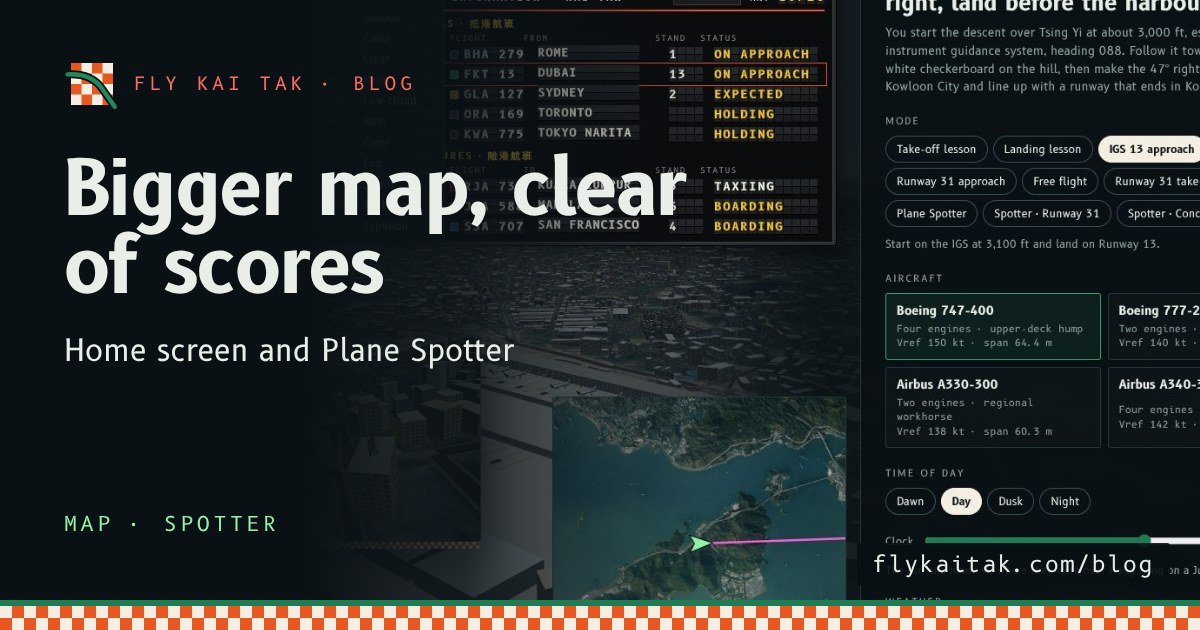
A bigger map on the home screen and in Plane Spotter
Fly Kai Tak's corner map is now double size on the home screen and in Plane Spotter, and the home screen map moves clear of the High scores panel.
Read the post →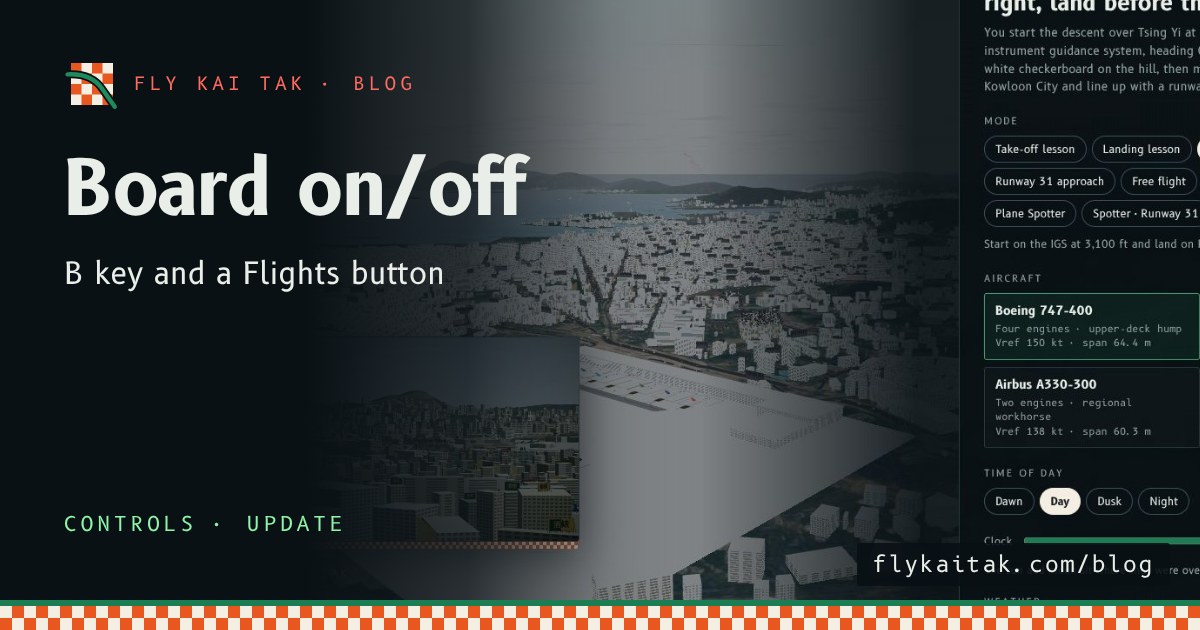
Flight Board Key and Button
Switch the Fly Kai Tak flight information board on and off with the B key on the home screen as well as in Plane Spotter, or with the new Flights button.
Read the post →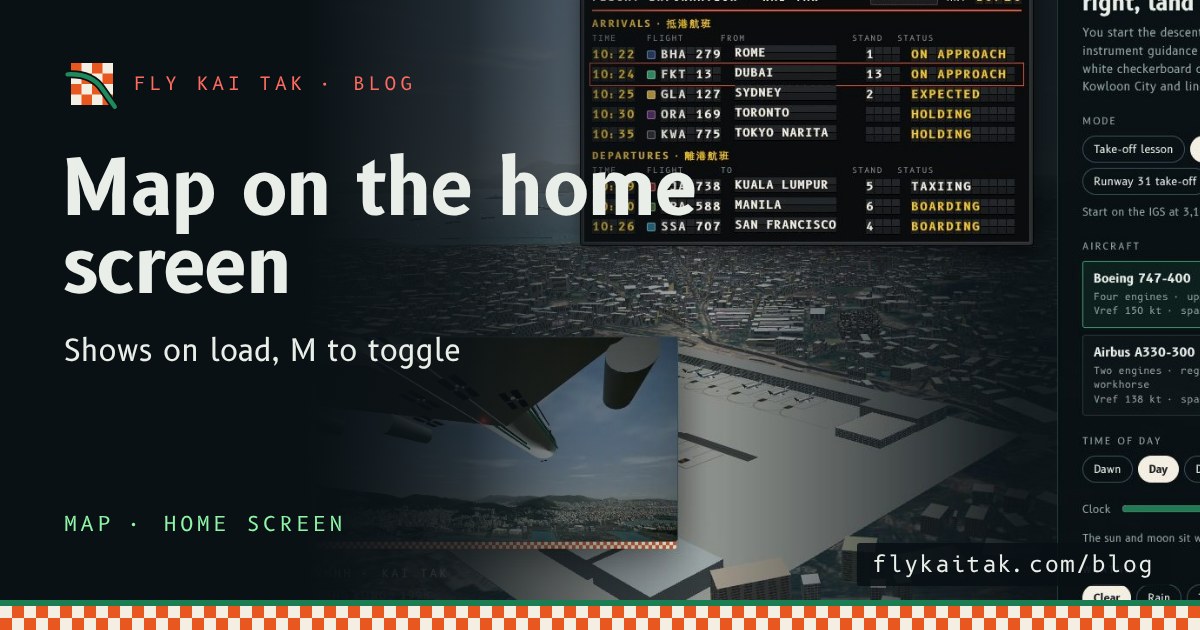
The map on the home screen, with M to toggle
Fly Kai Tak's corner map now shows automatically on the home screen over the live demo flight, and the M key toggles it on and off, on the home screen and in flight.
Read the post →
A Map option on the home screen
Fly Kai Tak's home screen now has a Map with live aircraft option, so you can start a flight with the corner map on or off. M still toggles it in flight.
Read the post →
Zoom With the Mouse Wheel
Fly Kai Tak now zooms with the mouse wheel: scroll up to zoom in, scroll down to zoom out, 1× to 16×, one step per notch.
Read the post →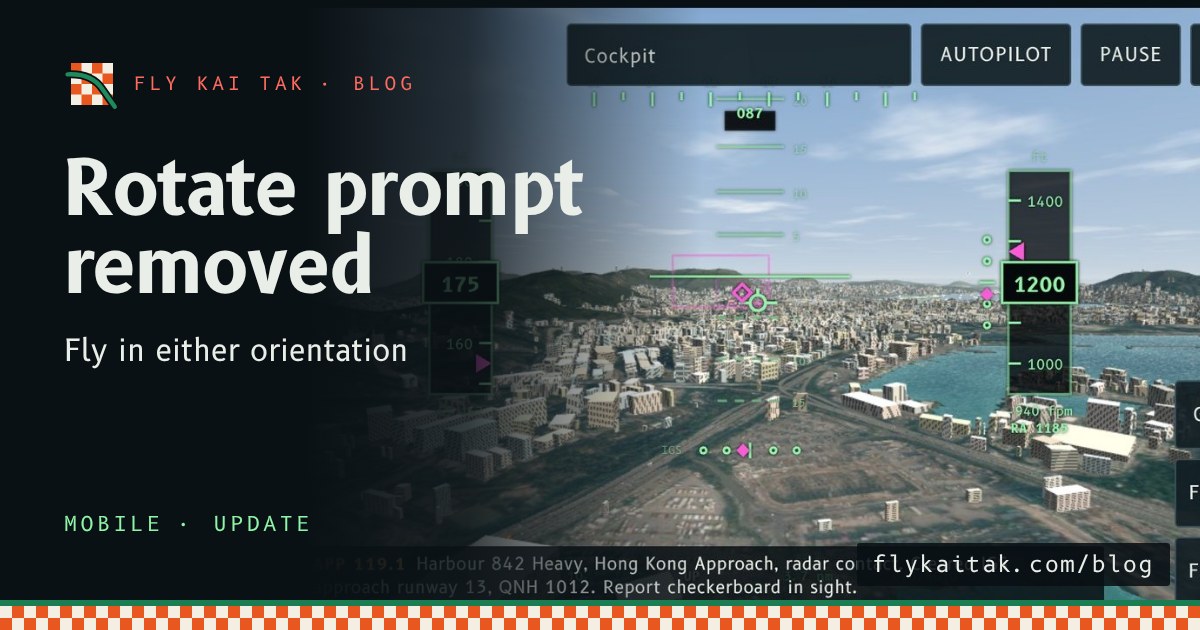
Update: the rotate prompt is gone
Fly Kai Tak mobile update: the Turn your phone sideways prompt is removed, so the sim plays in either orientation. Begin descent still asks for landscape full screen.
Read the post →
Fix: the rotate prompt now clears when you turn your phone
Fly Kai Tak mobile fix: the rotate prompt now clears when the window turns landscape, with a hint for iPhone players whose Portrait Orientation Lock is on.
Read the post →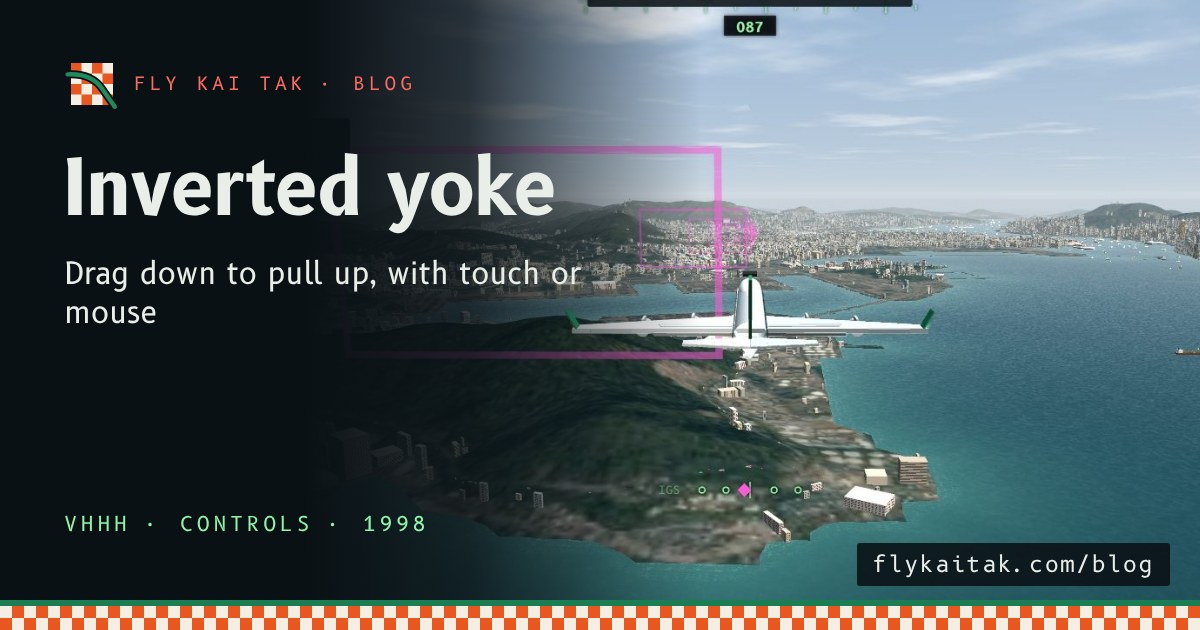
An inverted yoke for touch and mouse: drag down to pull up
Fly Kai Tak's on-screen yoke is now inverted for touch and mouse: drag down to pull the nose up, drag up to push it down, matching the keyboard.
Read the post →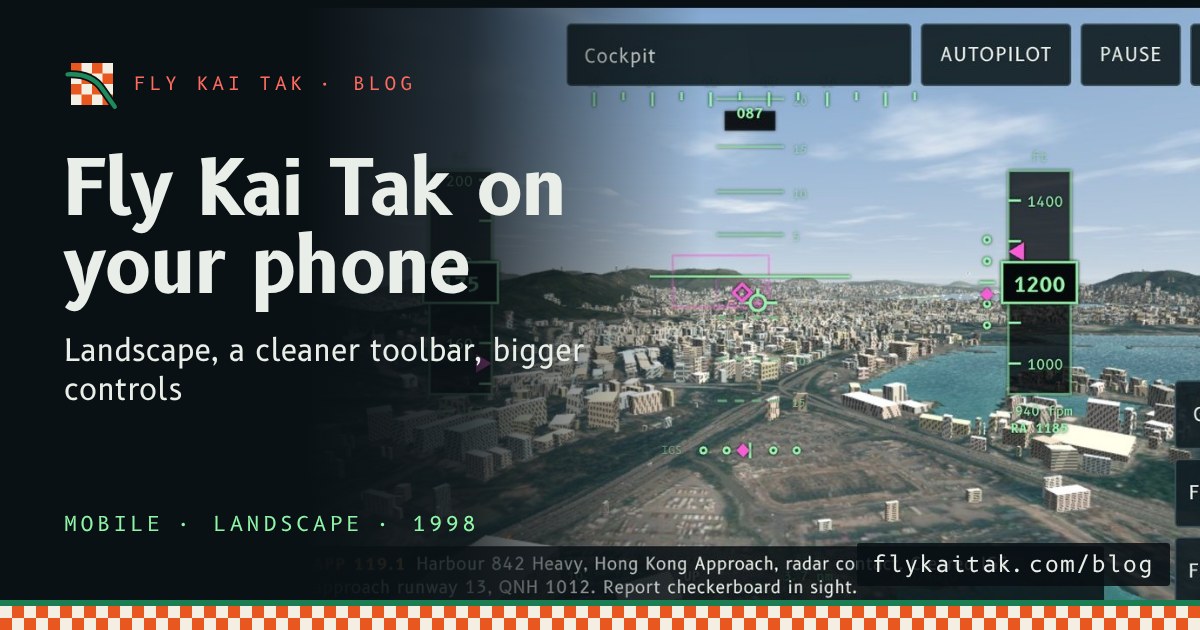
Flying Kai Tak on your phone: landscape, a cleaner toolbar and bigger controls
Fly Kai Tak on mobile: a compact toolbar with a More drawer, landscape touch controls, a rotate prompt for portrait, full screen on Begin descent and safe-area support.
Read the post →Scores & Sharing6

Share buttons on the home screen
The home screen now has share buttons for X, Facebook, Reddit, WhatsApp, Threads, email, copy link and the system share sheet, in English or Cantonese.
Read the post →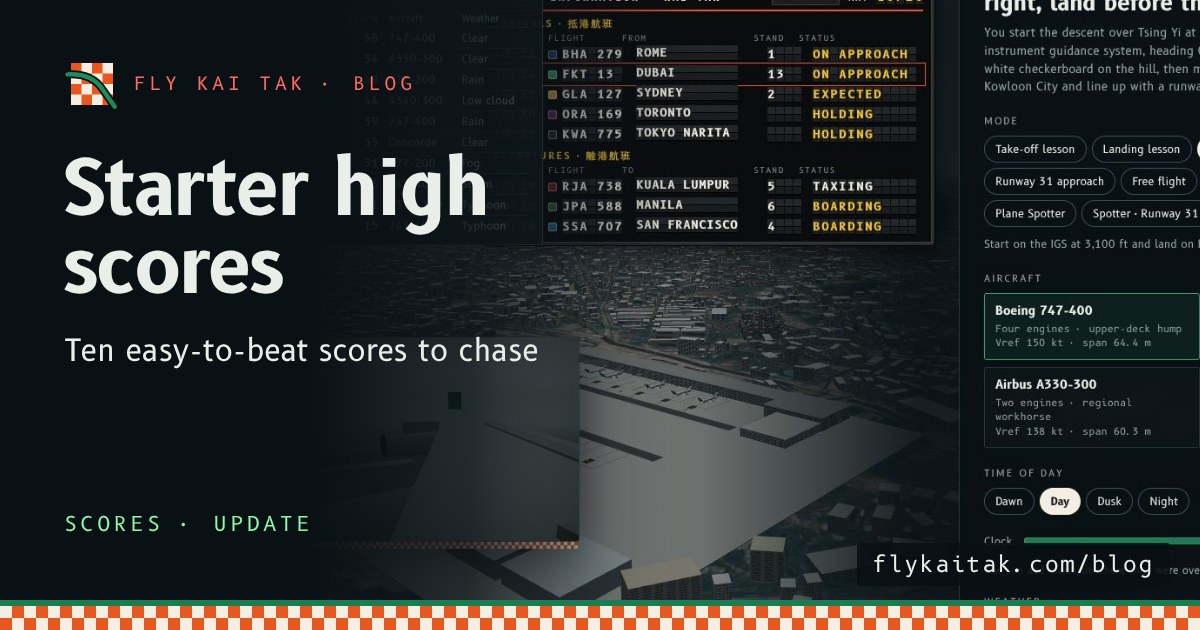
Update: starter scores on the high score table
Fly Kai Tak update: the high score table now starts with ten fictional, easy-to-beat scores, from 58 down to 15.
Read the post →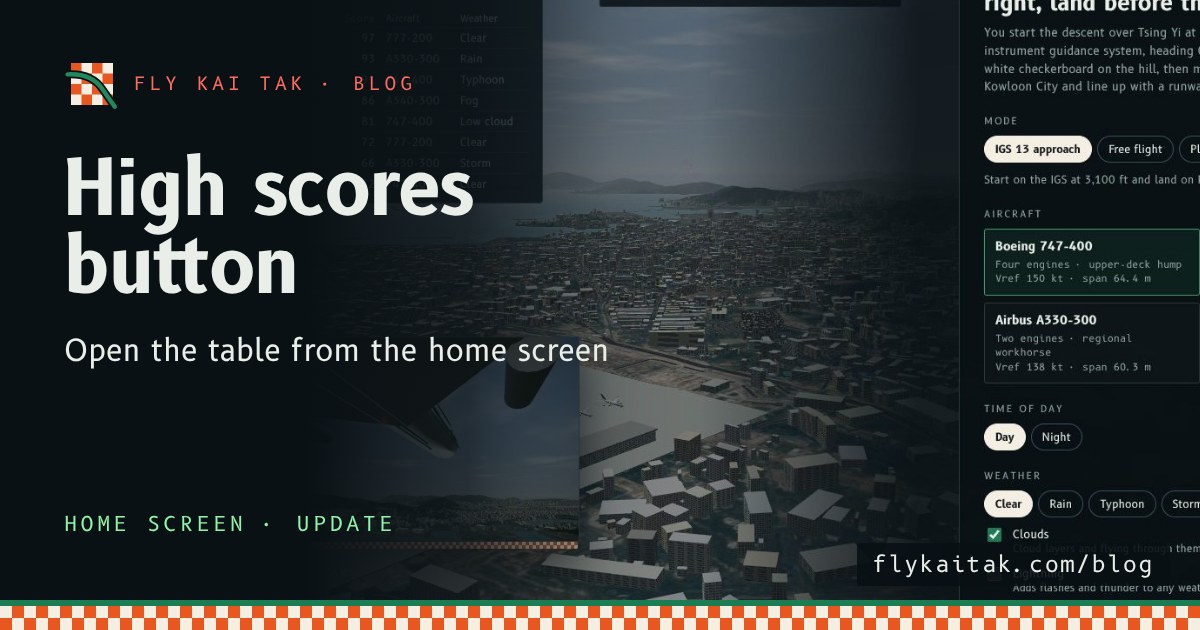
Update: a High scores button on the home screen
Fly Kai Tak update: a High scores button on the home screen opens and closes the table of ranked landings, from Captain down to Cadet.
Read the post →
New: share your score and report card
Fly Kai Tak's result screen now has share buttons for X, Facebook, Reddit, WhatsApp, Threads and email, plus a downloadable report card image.
Read the post →